Track A
Buy a product
- Ready-made Odoo applications
- Purchase on the Odoo App Store
- Setup support included
- Documentation and demo videos
Odoo apps · AI · Analytics · Integrations
Production-grade modules that connect Odoo to AI agents, analytics platforms, spreadsheets, storage, and commerce channels. Run an Odoo MCP Server for Claude and ChatGPT, sync to BigQuery and Power BI, or work with our engineers on a complete implementation.
Available on the Odoo App Store · Odoo 14–19 · Setup support included
Asked in Claude
What did we invoice last month?
€248,910across 132 invoices
Answered from live Odoo records, under your permissions
Each platform below is reached by a KSROlabs module running against your own Odoo, using that platform’s own API and your existing Odoo permissions.
AI clients
Through the MCP Server
Analytics & BI
Through the analytics connectors
Google Workspace
Through the Workspace connectors
Products and services
We help install, configure, test, and adapt each solution to your Odoo environment. For more complex requirements, our engineers design custom modules, integrations, and managed workflows.
Track A
Track B
Proof
Short, unedited walkthroughs — connecting an AI client, building a portal page from one prompt, and generating an installable module.
How delivery works
We review your Odoo version, hosting, data models, permissions, and the business requirement behind the request.
We install the product and set up access, field mapping, schedules, and integration credentials correctly the first time.
We test the workflow against real operational scenarios on your data, not a sample database.
We resolve setup issues, maintain compatibility as Odoo versions move, and extend the solution where needed.
Resources
Browse our production-ready applications, or speak directly with an Odoo engineer about your integration, automation, analytics, or custom-development requirement.
Questions
KSROlabs is an Odoo product company. We build production-grade Odoo applications across four areas: AI access and automation, analytics and business intelligence, integrations and data sync, and commerce. Every module is published on the Odoo App Store and includes setup support. For requirements no ready-made module covers, our engineers design custom modules, integrations, and managed workflows on the same foundations.
Both paths are available and they are deliberately separate. If you know what you need, buy the module on the Odoo App Store and install it yourself — setup support is included either way, covering installation, credential configuration, and initial testing. If your requirement spans several systems or needs custom logic, our engineers scope and deliver the implementation, including custom module development, integration architecture, and ongoing support.
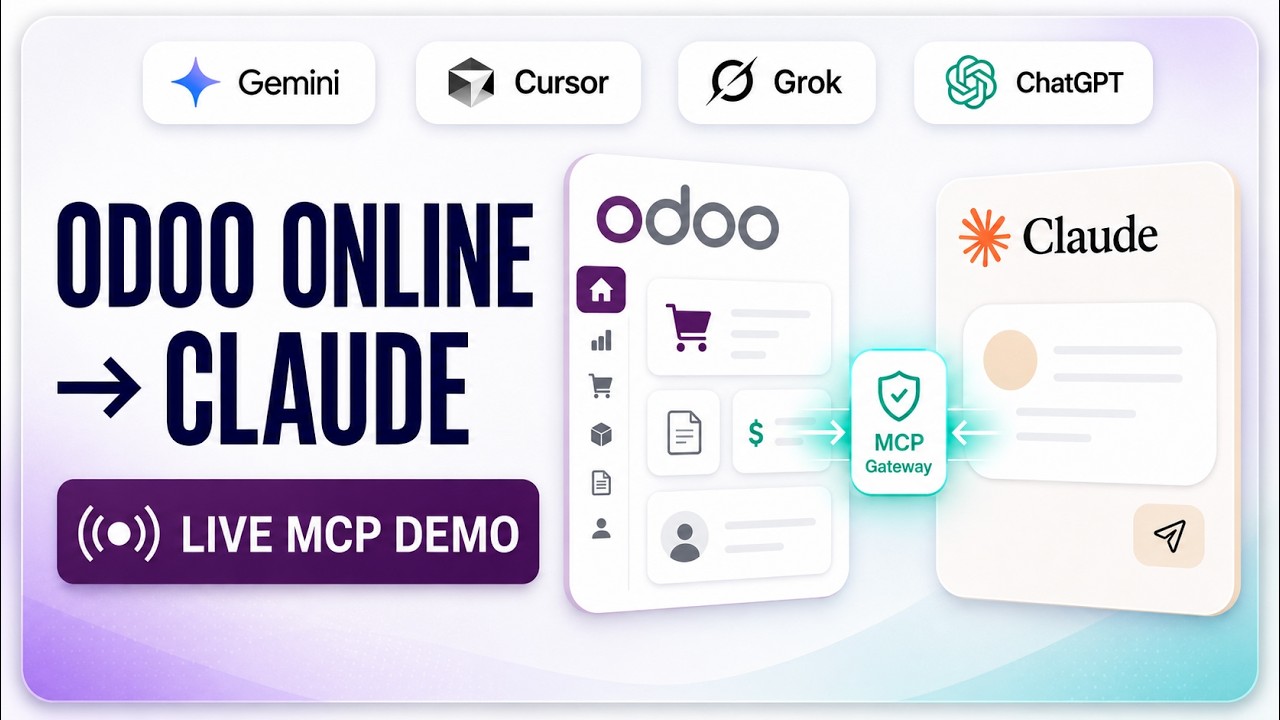
Module coverage runs from Odoo 14 through Odoo 19 depending on the product, and each product page states its own supported range. Modules install on Odoo Community, Odoo Enterprise, Odoo.sh, and on-premise deployments. Odoo Online (*.odoo.com) does not permit custom module installation, so for those instances we offer a hosted gateway that reaches your database over Odoo’s standard XML-RPC API instead — nothing is installed in your Odoo.
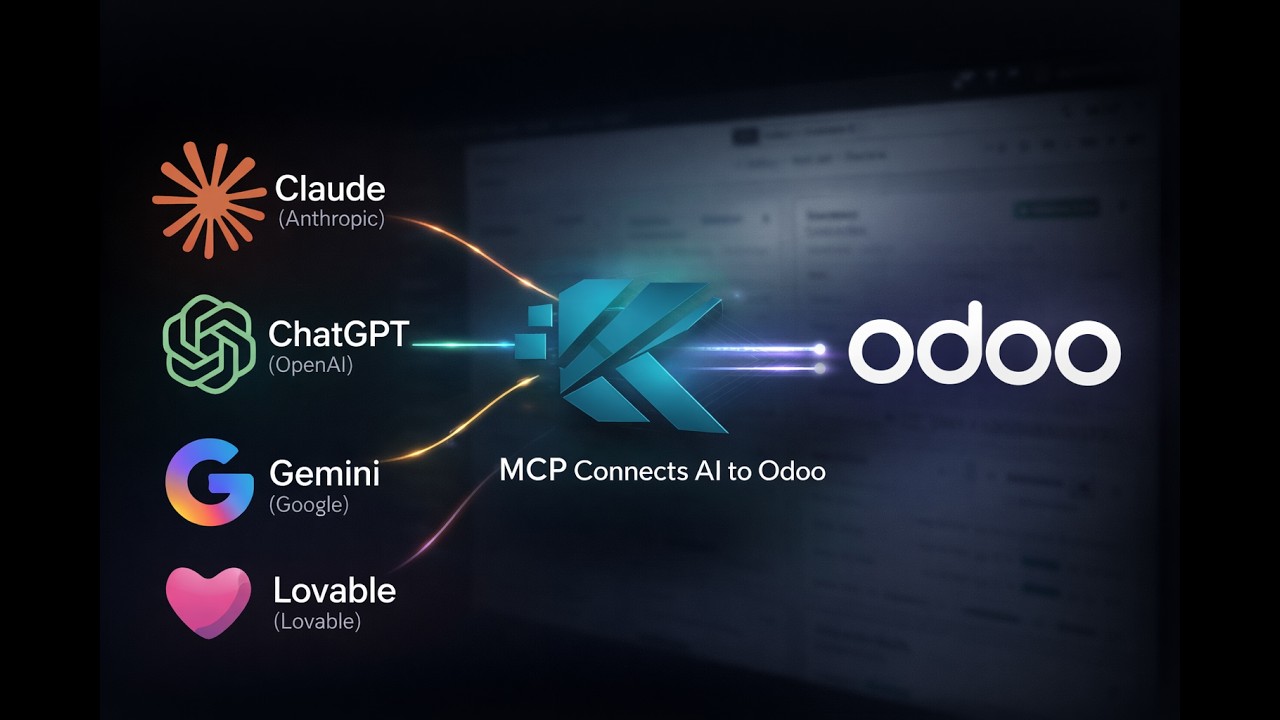
The MCP Server implements the Model Context Protocol — an open standard created by Anthropic — inside Odoo, turning your ERP into a governed AI endpoint. AI clients including Claude, ChatGPT, Cursor, n8n, and LangChain can read records, run reports, and trigger workflows through OAuth or scoped API keys. Every action inherits Odoo’s permission system and is written to an audit trail, so AI access is bounded by the same rules as human access.
Through purpose-built connectors rather than manual exports. The BigQuery Connector moves Odoo data into a warehouse using incremental change-data-capture sync, with schema evolution as your Odoo fields change. The Power BI Connector publishes datasets to Power BI workspaces using Azure Service Principal authentication and a refresh schedule you control. The Google Sheets Connector keeps operational spreadsheets current on a schedule. In every case Odoo record and field access rules are applied before data leaves the ERP.
Setup support covers getting the module working in your environment: installation, credential and service-account configuration, access scoping, sync or export profile setup, and validation of the first working run. It does not cover custom development, data modelling for your business, or changes to modules we did not build — those are quoted as implementation work. If you are unsure which side of the line your requirement falls on, describe it on the contact page and we will tell you before any work starts.