
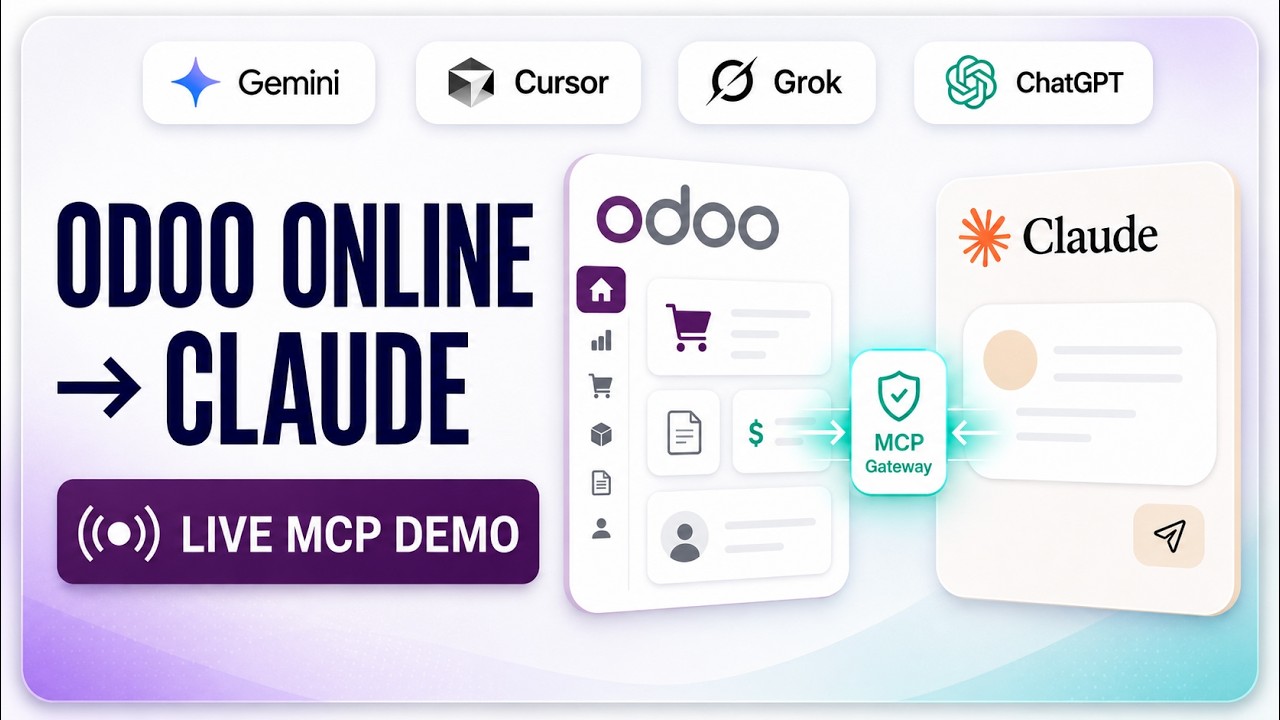
 Odoo OnlineHow to connect Odoo Online to Claude AIOdoo Online blocks custom modules, so a module-based MCP server cannot run there. This shows the gateway route instead — Claude querying live *.odoo.com data in under a minute.
Connect Odoo Online to Claude AI, end to end
This is the longer companion to the 60-second gateway clip: the same connection, but with every step on screen. It matters because the two questions that stall an Odoo Online setup are "where does the API key come from?" and "how do I know the connection actually works before I involve Claude?" — and both are answered here, in order, on a real instance.
What happens in this video
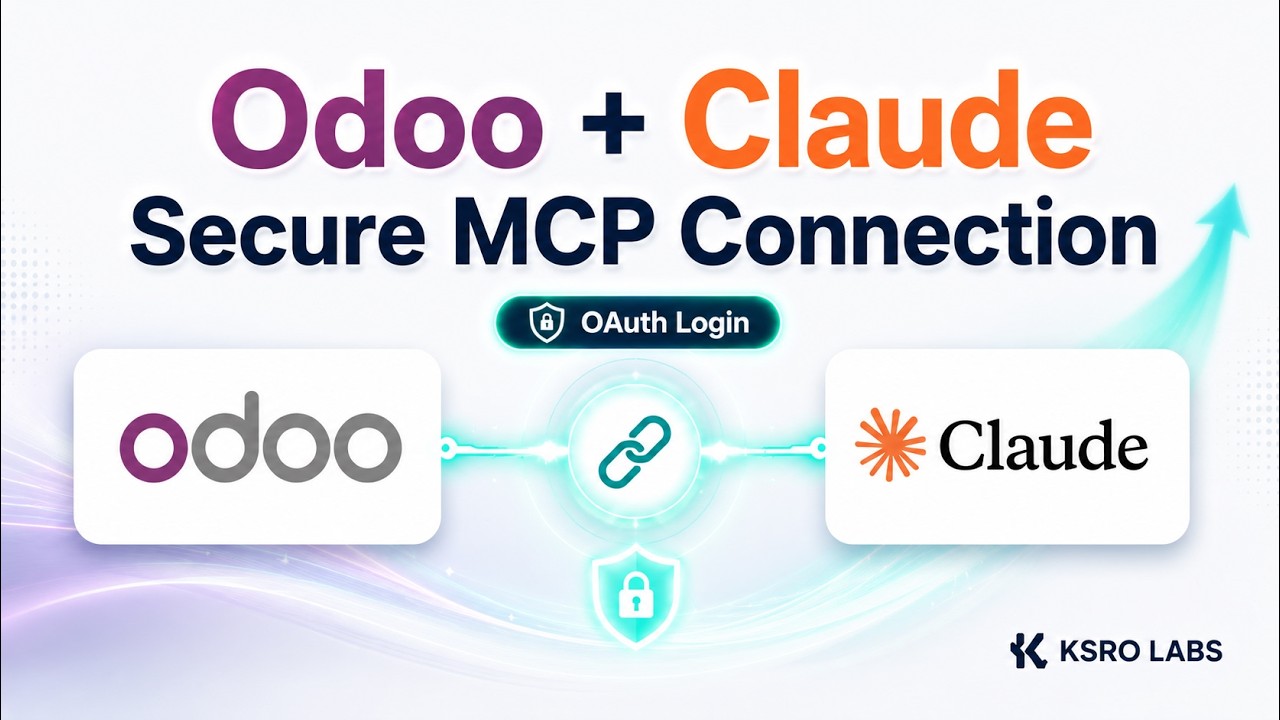
A complete walkthrough of connecting an Odoo Online (*.odoo.com) database to Claude AI through the KSROlabs remote MCP bridge. Because Odoo Online cannot host a custom MCP server inside its managed environment, the bridge runs externally and connects through Odoo’s supported external API. The recording covers generating an RPC API key in Odoo, creating a KSRO workspace, entering the Odoo URL, database name, integration-user login and API key, validating the connection, adding the remote MCP connector in Claude, and building a live sales-performance dashboard from data retrieved at the time of the request.
- 0:00
The Odoo Online MCP limitation
Odoo Online cannot host a custom MCP server inside its managed environment, which is why module-based Odoo MCP integrations cannot be installed on a *.odoo.com database. The remote bridge connects from outside through Odoo’s supported external API instead.
- 0:15
Generate the Odoo API key
An RPC API key is generated inside Odoo Online for the integration user that Claude will read as. The key belongs to that user, so its access is bounded by that user’s Odoo permissions and it can be revoked from Odoo at any time.
- 0:45
Connect and validate Odoo
The Odoo URL, database name, integration-user login and API key are entered in the KSRO workspace, and the connection is validated against the live database. Validation runs before Claude is involved, so a wrong database name or a missing permission is reported as a specific blocker rather than surfacing later as a failed answer.
- 1:15
Add the connector in Claude
The hosted MCP endpoint is added in Claude as a remote connector. Authorization happens through KSRO’s own OAuth sign-in, so the Odoo API key is never handed to the AI client.
- 1:45
Build a live Odoo dashboard
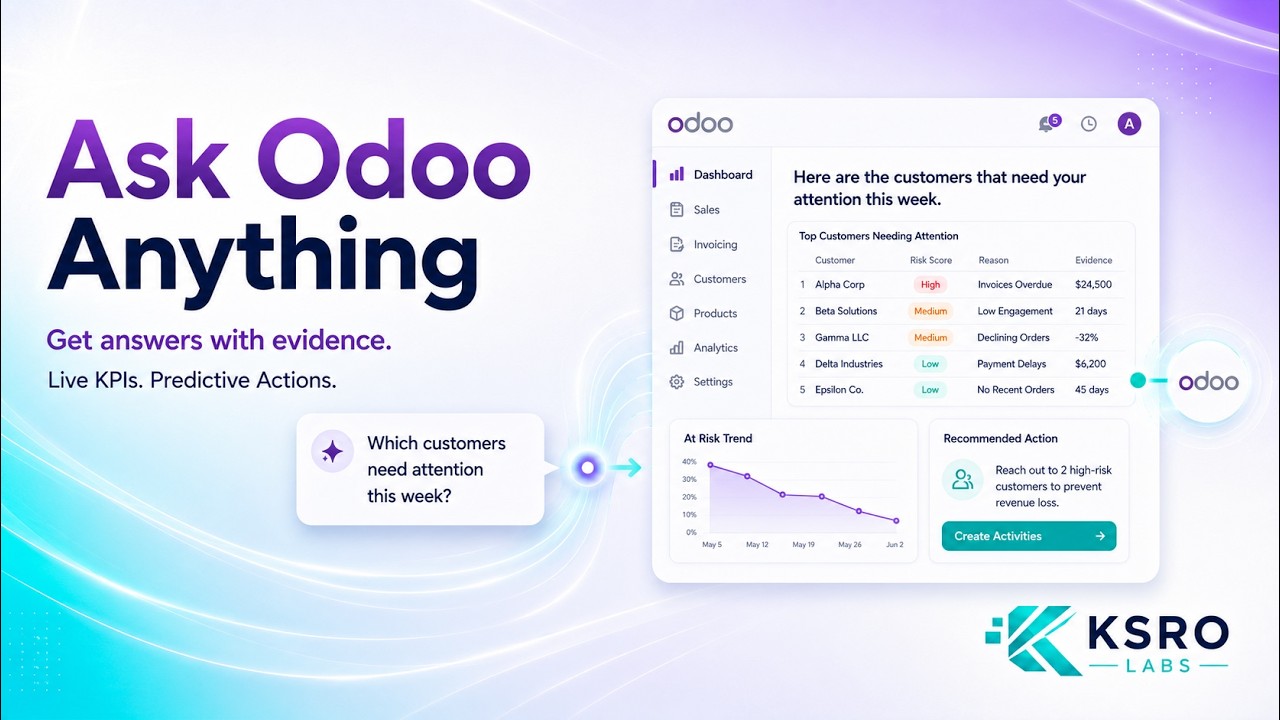
Claude is asked for a sales-performance dashboard and builds it from records retrieved from the connected Odoo Online database at the time of the request. This is not a prepared report or an uploaded spreadsheet.
- 2:15
Supported Odoo operations
Reads are available by default. Create, update and delete are governed by the integration user’s Odoo permissions and, on the KSRO platform, by an explicit admin-approved write policy that names the allowed models and operations — so write access is never implicit.
What you can do after watching
- Generate an Odoo Online RPC API key for a dedicated integration user
- Validate the connection before adding it to Claude, so failures surface in KSRO and not mid-conversation
- Build a sales-performance dashboard from data read live at request time, not from an uploaded extract
Questions about this demo
Where do I get the API key to connect Odoo Online to Claude?
From Odoo itself. You generate an RPC API key on the Odoo user that the integration will read as — ideally a dedicated integration user rather than a person’s account — and paste it into your KSRO workspace along with the Odoo URL, database name and that user’s login. The key is revocable from Odoo at any time.
How do I know the Odoo connection works before using Claude?
KSRO validates the connection against your live Odoo Online database when you save it. It authenticates, discovers the models the integration user can read, performs a sample read and checks aggregation. If something is wrong — a mistyped database name, a missing permission — it is reported as a specific blocker, and Claude authorization stays blocked until validation passes.
Is the dashboard built from live Odoo data?
Yes. The figures come from records retrieved from the connected Odoo Online database at the time of the request. Nothing is uploaded, and no extract or spreadsheet is prepared in advance.
Can Claude create or update Odoo records through the bridge?
Reads work by default. Writes are governed twice over: by the Odoo permissions of the integration user, and by an explicit admin-approved write policy in KSRO that names which models and which operations are allowed. Without that policy the connector stays read-only.
How long does the whole setup take?
The recording runs a little over two minutes end to end, covering key generation, validation, connecting Claude and the first live dashboard. Nothing is installed inside Odoo at any point.
More Odoo MCP videos
Up next: How to connect Odoo Online to Claude AI. Or browse the full video library.
Odoo OnlineHow to connect Odoo Online to Claude AIOdoo Online blocks custom modules, so a module-based MCP server cannot run there. This shows the gateway route instead — Claude querying live *.odoo.com data in under a minute.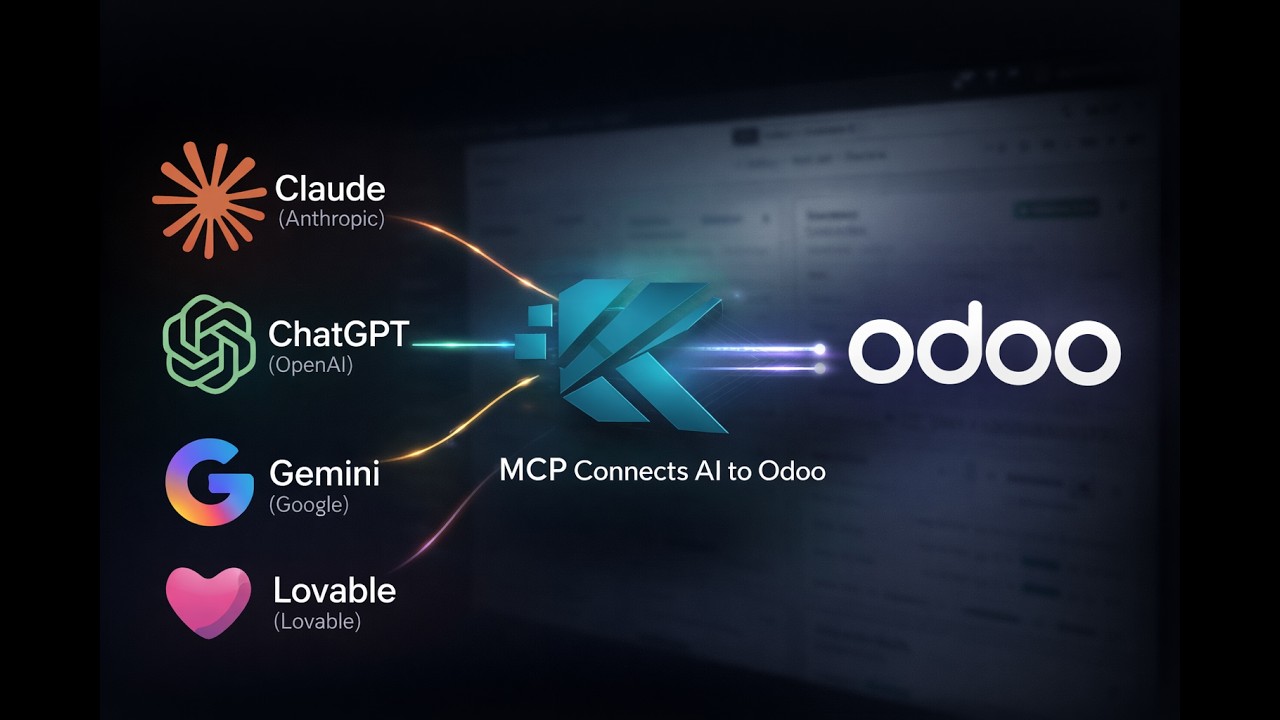
Want this running on your Odoo?
Install the module from the Odoo App Store, or let us set it up with you — free setup support is included.