
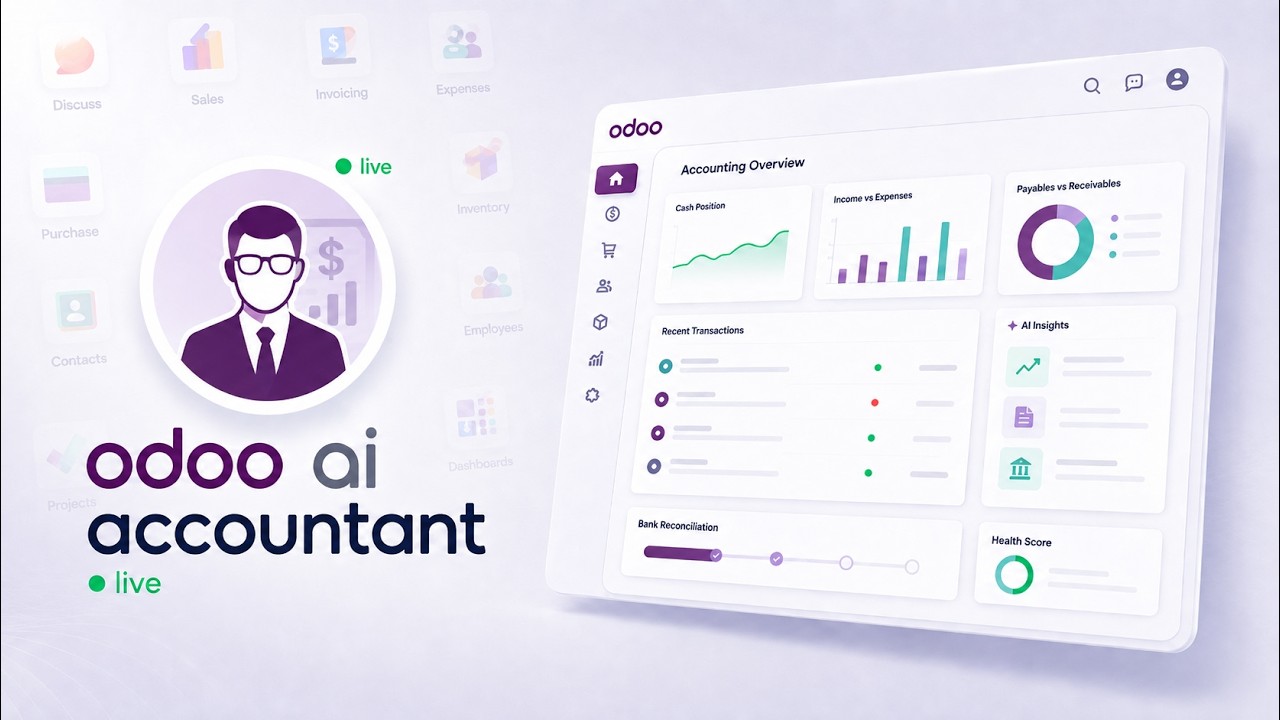
 AI AccountingReconciliation, fraud detection and the approval trail, on screenAn unreconciled Odoo bank statement, worked end to end: the AI proposes matches and explains each one, flags duplicate bills and changed vendor bank details, and a person approves before anything is posted.
How to connect Claude to Odoo data
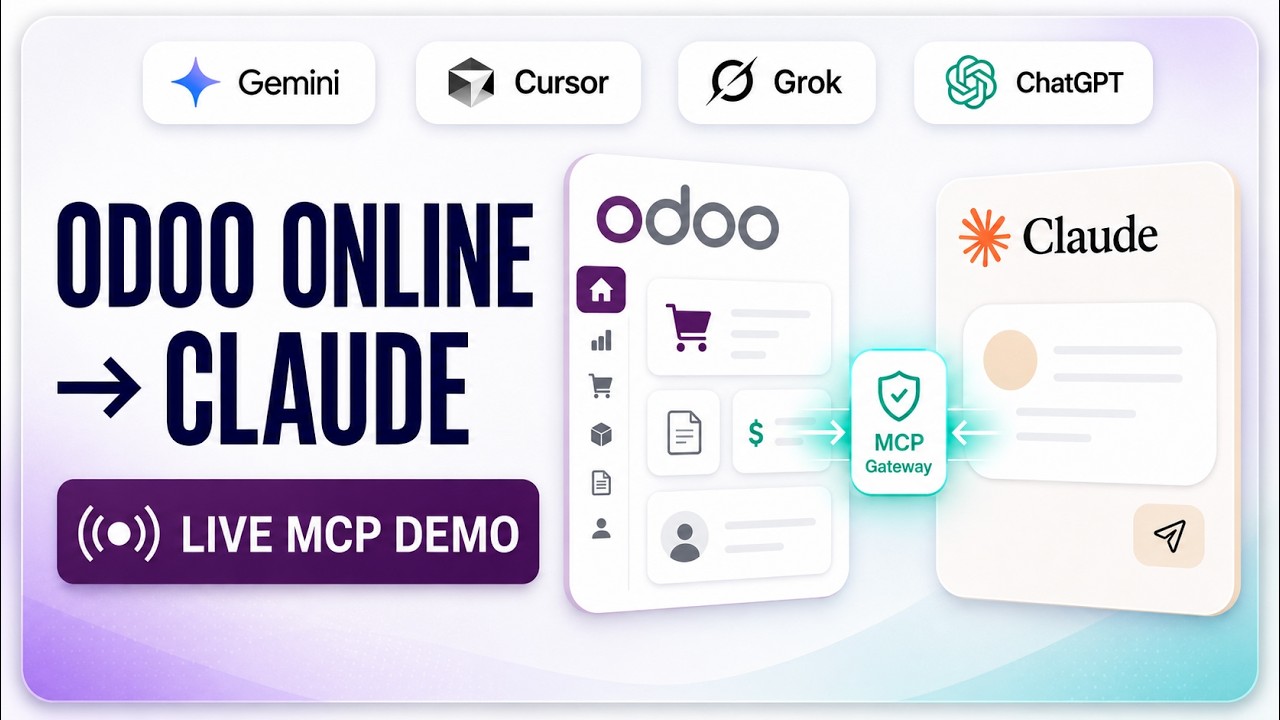
This is the end-to-end demo: a real Odoo database, the MCP Server module installed from the Odoo App Store, and Claude answering questions about live ERP records. It covers what the Model Context Protocol actually does for Odoo, how the connection is authorized, and what you can ask once it is running.
What happens in this video
A full walkthrough of Odoo MCP Server PRO on a live instance. Covers installation, API keys and scoped access, the OAuth connection from Claude, a live natural-language query against real sales records, and the built-in extras — audit logs, BI analytics, and portal pages. Supports Odoo 14 through 19.
- 0:00
What is Odoo MCP Server PRO?
The module runs entirely inside Odoo — there is no separate Python environment, no local install, and no third-party server holding your data. Installing it exposes your instance as a secure MCP endpoint that any MCP-compatible client can discover tools from. Odoo 14 through 19 are supported.
- 0:34
Connecting Claude to Odoo data
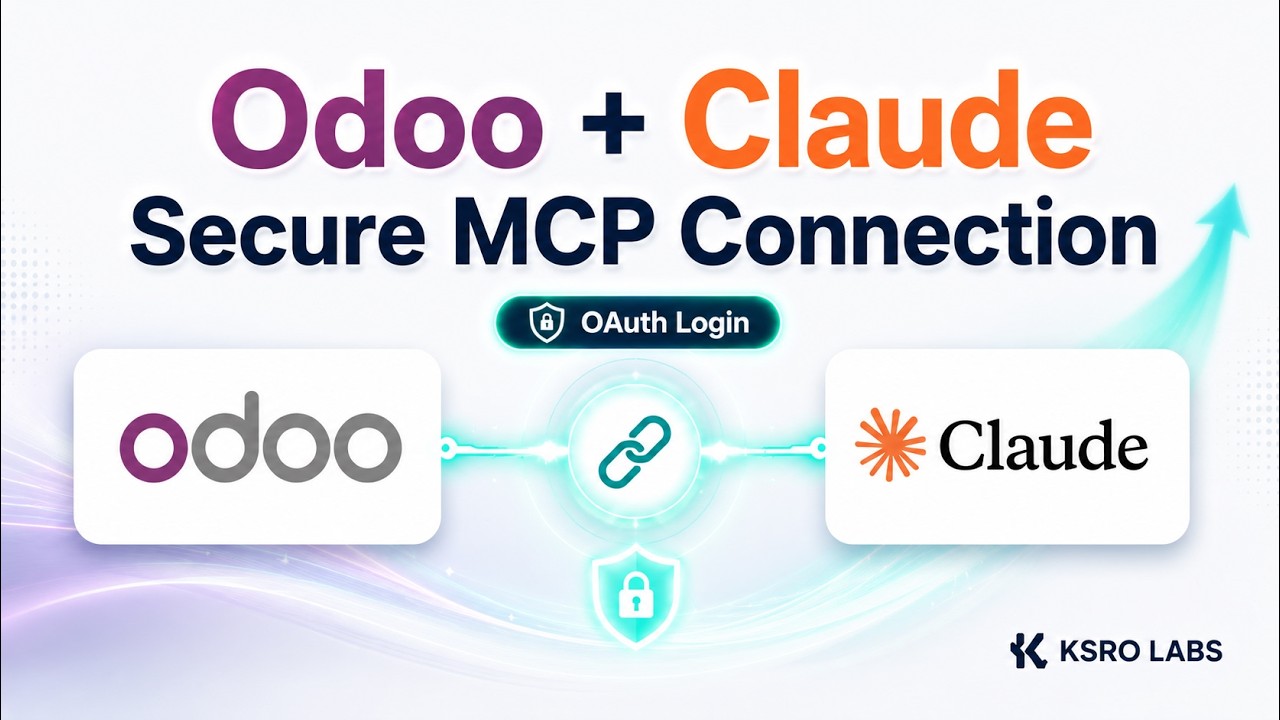
The connection is authorized from Claude rather than configured by hand. The video shows the scoped API key and OAuth options side by side, and explains why each user connecting under their own credentials is what keeps the access trail meaningful.
- 1:13
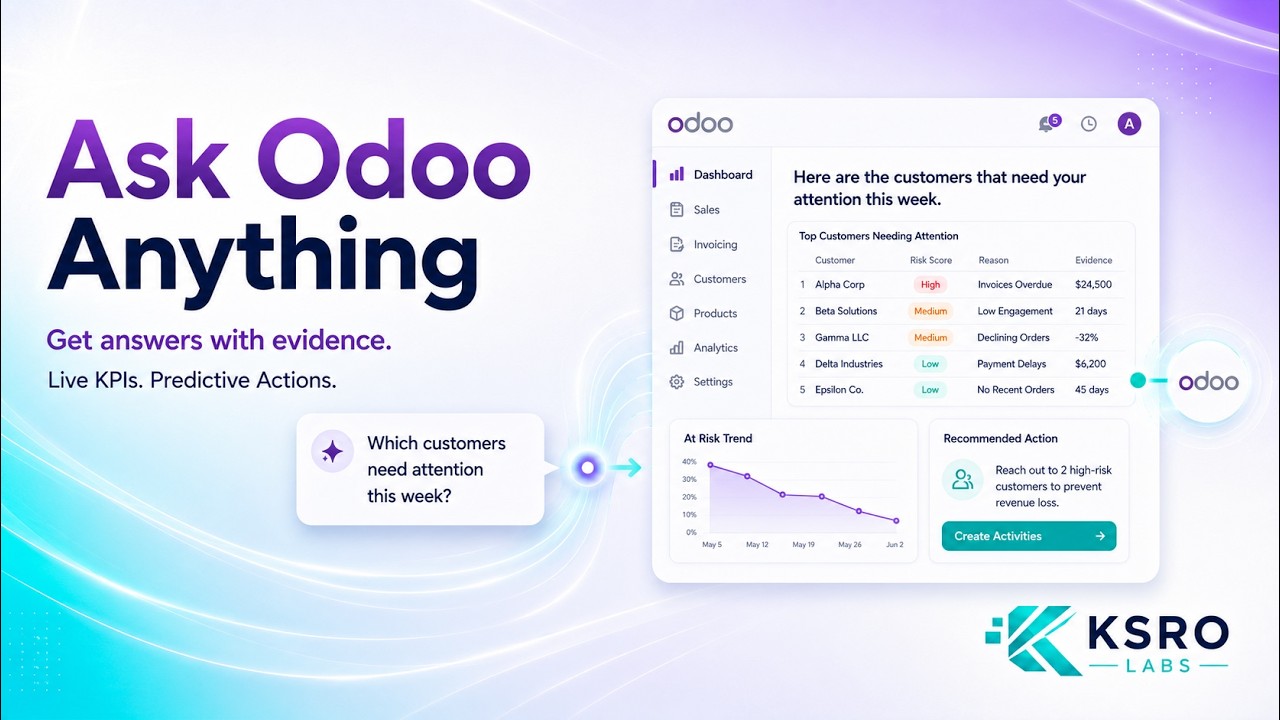
Live demo: querying ERP data with AI
A plain-English question is typed into Claude and answered from live sales records — no SQL written, no CSV exported. Because the request runs through Odoo, the answer respects the same access rights and record rules the logged-in user already has.
- 1:38
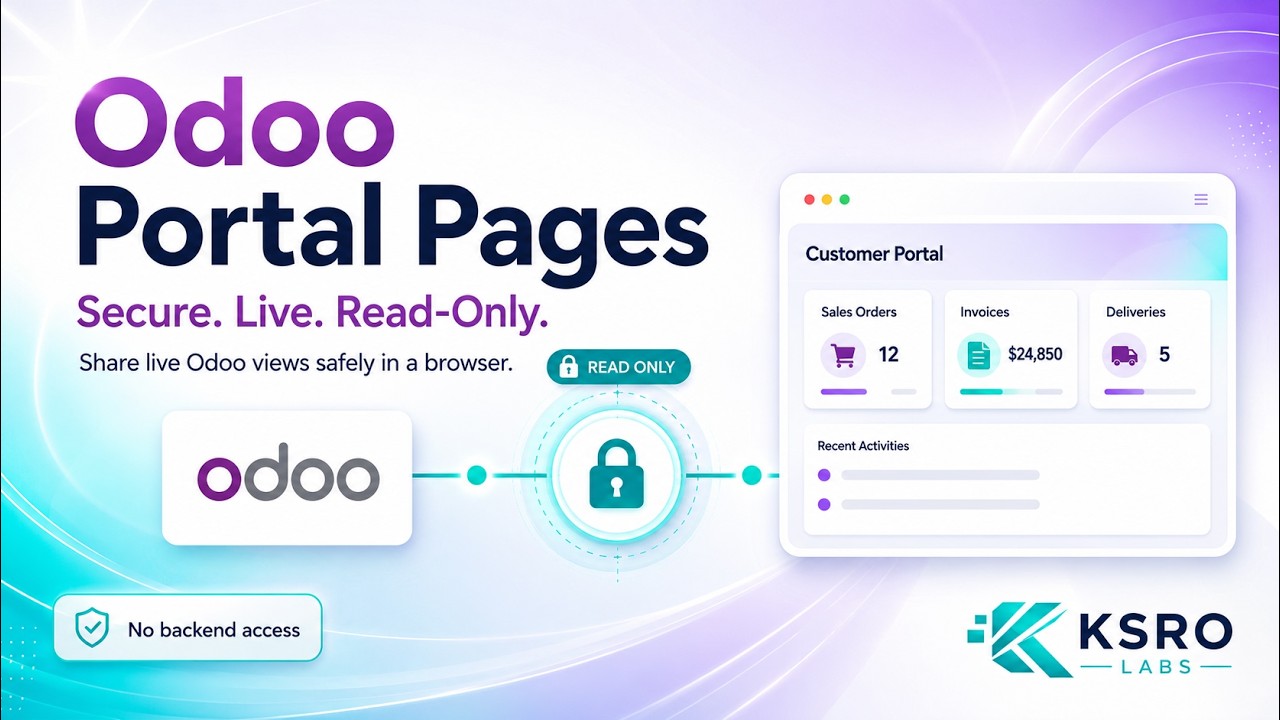
Creating portal pages over MCP
The same connection can generate portal pages from live Odoo data, which is covered in depth in the portal pages video. This section shows where that capability sits inside the wider toolset.
- 1:54
Conclusion and setup links
Where to get the module on the Odoo App Store, and how to reach KSROlabs for free setup support.
What you can do after watching
- Install the module and expose Odoo as a secure MCP endpoint
- Authorize Claude and run a natural-language query on live ERP data
- See scoped API keys, audit logs, and portal pages in context
Questions about this demo
Do I need to install anything outside Odoo to connect Claude?
No. The MCP Server is an Odoo module, so it runs inside your existing instance. There is no separate Python environment to maintain, no local bridge process, and no third-party server sitting between Claude and your data — the connection goes directly from your AI client to your own Odoo.
Which Odoo versions does the MCP Server support?
Odoo 14.0, 15.0, 16.0, 17.0, 18.0, and 19.0 are all supported by the same module.
Can Claude see data the user is not allowed to see?
No. Requests execute through Odoo, so existing access rights and record rules apply exactly as they do in the web interface. Scoped API keys narrow access further by model, operation, field, and domain filter.
More Odoo MCP videos
Up next: Connect Odoo to Claude in four clicks. Or browse the full video library.
AI AccountingReconciliation, fraud detection and the approval trail, on screenAn unreconciled Odoo bank statement, worked end to end: the AI proposes matches and explains each one, flags duplicate bills and changed vendor bank details, and a person approves before anything is posted.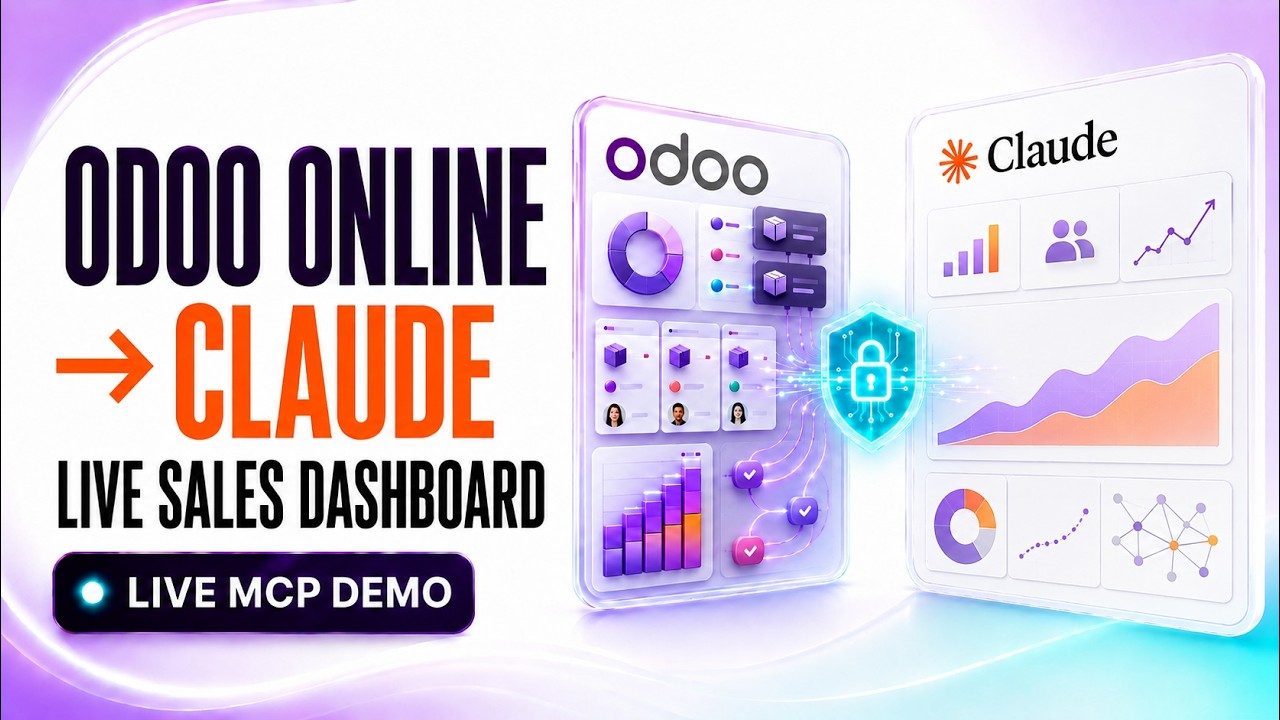
Want this running on your Odoo?
Install the module from the Odoo App Store, or let us set it up with you — free setup support is included.