
 AI AccountingReconciliation, fraud detection and the approval trail, on screenAn unreconciled Odoo bank statement, worked end to end: the AI proposes matches and explains each one, flags duplicate bills and changed vendor bank details, and a person approves before anything is posted.
Connect Odoo to Claude in four clicks
Most Odoo AI integrations fail at the configuration step: JSON config files, copied secrets, and an XML-RPC bridge that breaks when credentials rotate. This video shows the alternative — an OAuth handshake that takes four clicks and leaves each user with their own governed connection.
What happens in this video
A short setup video showing the OAuth path into Odoo. Instead of copying API keys between systems, each user authorizes through an OAuth client and gets their own governed connection, credentials, and audit trail. Ends with the connection live and answering queries.
- 0:00
The integration bottleneck
Why most Odoo-to-AI setups stall: hand-written configuration, secrets copied between systems, and brittle XML-RPC bridges that have to be rebuilt whenever access changes.
- 0:22
The four-click zero-config setup
The connection is added from the AI client, pointed at your Odoo instance, and authorized. There is no config file to edit and no key to paste into a second system.
- 0:36
OAuth handshake and security
Odoo issues the authorization itself, so the AI client holds a revocable grant rather than a static secret. Each user who connects gets their own client, their own credentials, and their own entry in the audit trail.
- 0:52
Live architecture initialisation
The client discovers the available tools from the MCP endpoint and the connection goes live against real data.
- 1:05
Summary and deployment
What the finished setup looks like, and how to roll it out to the rest of a team.
What you can do after watching
- Complete the OAuth handshake without hand-editing config files
- Give each teammate their own credentials instead of a shared key
- Skip legacy XML-RPC pipelines entirely
Questions about this demo
Is OAuth better than an API key for connecting AI to Odoo?
For teams, yes. An API key is a shared static secret — anyone holding it acts as the same identity, and rotating it breaks every workflow at once. With OAuth each user authorizes their own connection, so access can be granted and revoked per person and the audit log shows who actually made each request. Scoped API keys remain the better fit for unattended machine integrations.
Do I still need XML-RPC to connect AI tools to Odoo?
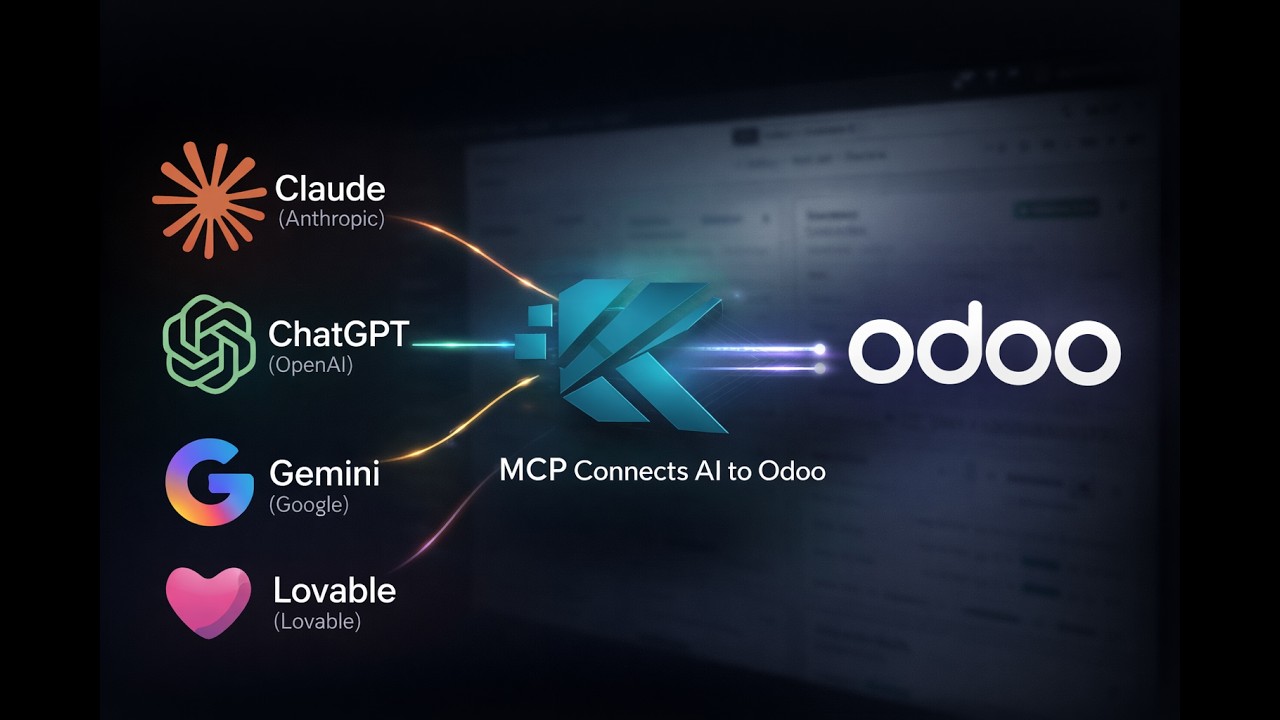
No. The MCP endpoint replaces the XML-RPC bridge for AI clients. MCP exposes typed, discoverable tools that the model can call directly, so there is no custom mapping layer to build and maintain.
How long does the setup actually take?
The connection itself is four clicks — the full recording is just over a minute, unedited. Rolling it out to a team means each person repeating the same authorization under their own Odoo login.
More Odoo MCP videos
Up next: Build Odoo portal pages from a single prompt. Or browse the full video library.
AI AccountingReconciliation, fraud detection and the approval trail, on screenAn unreconciled Odoo bank statement, worked end to end: the AI proposes matches and explains each one, flags duplicate bills and changed vendor bank details, and a person approves before anything is posted.
Want this running on your Odoo?
Install the module from the Odoo App Store, or let us set it up with you — free setup support is included.