
See the Odoo MCP Server in action
Short, unedited walkthroughs recorded on a live Odoo instance — connecting Claude in four clicks, building portal pages from a single prompt, generating installable modules, and running governed analytics on your own data.
8 videos · AI for Odoo
What each video covers
Every demo runs against a real Odoo database — the same module you can install from the Odoo App Store today.
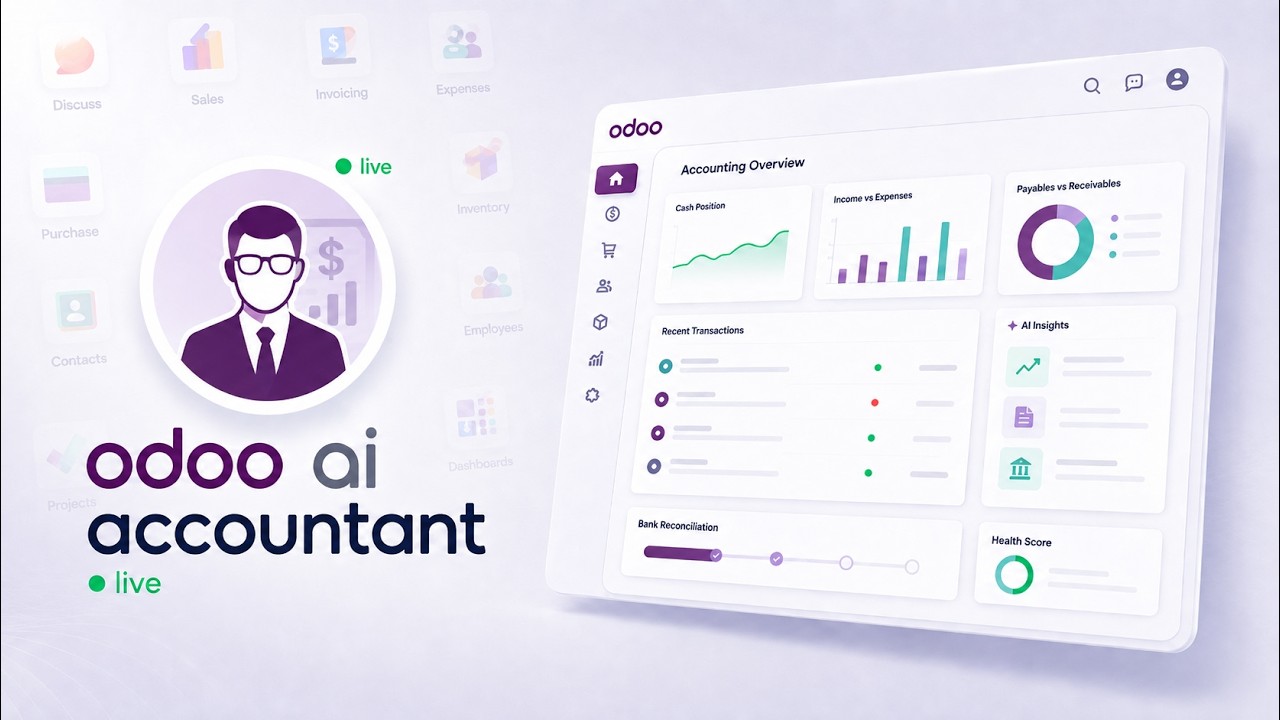
Odoo AI Accounting — Bank Reconciliation, Fraud & Duplicate Detection (Live Demo)
A live walkthrough of AI Accounting for Odoo running against a real Odoo database. The recording covers the unreconciled bank line problem, the native Odoo and MCP server architecture the module runs on, a ledger health score that surfaces what needs attention, detection of duplicate vendor bills and altered vendor bank details before payment goes out, plain-language explanations for each proposed bank reconciliation match, and the four-step governance framework — propose, validate, approve, seal — that keeps a person in control of every posted entry.
- See proposed reconciliation matches arrive with the reasoning attached — short payments and bank fees identified, not guessed at
- Watch duplicate vendor bills and changed vendor bank details get flagged before a payment is issued
- Follow the propose, validate, approve, seal sequence that keeps a named person accountable for every posted entry
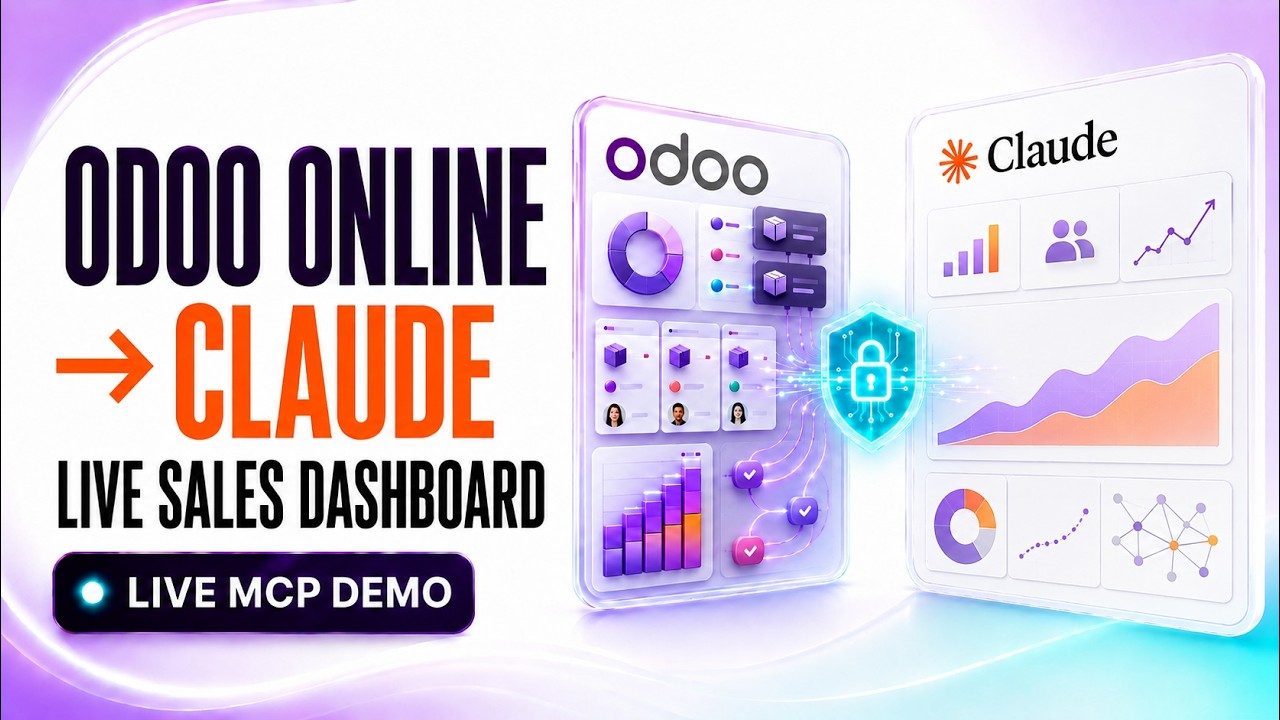
Connect Odoo Online to Claude AI via MCP (Live Demo)
A complete walkthrough of connecting an Odoo Online (*.odoo.com) database to Claude AI through the KSROlabs remote MCP bridge. Because Odoo Online cannot host a custom MCP server inside its managed environment, the bridge runs externally and connects through Odoo’s supported external API. The recording covers generating an RPC API key in Odoo, creating a KSRO workspace, entering the Odoo URL, database name, integration-user login and API key, validating the connection, adding the remote MCP connector in Claude, and building a live sales-performance dashboard from data retrieved at the time of the request.
- Generate an Odoo Online RPC API key for a dedicated integration user
- Validate the connection before adding it to Claude, so failures surface in KSRO and not mid-conversation
- Build a sales-performance dashboard from data read live at request time, not from an uploaded extract
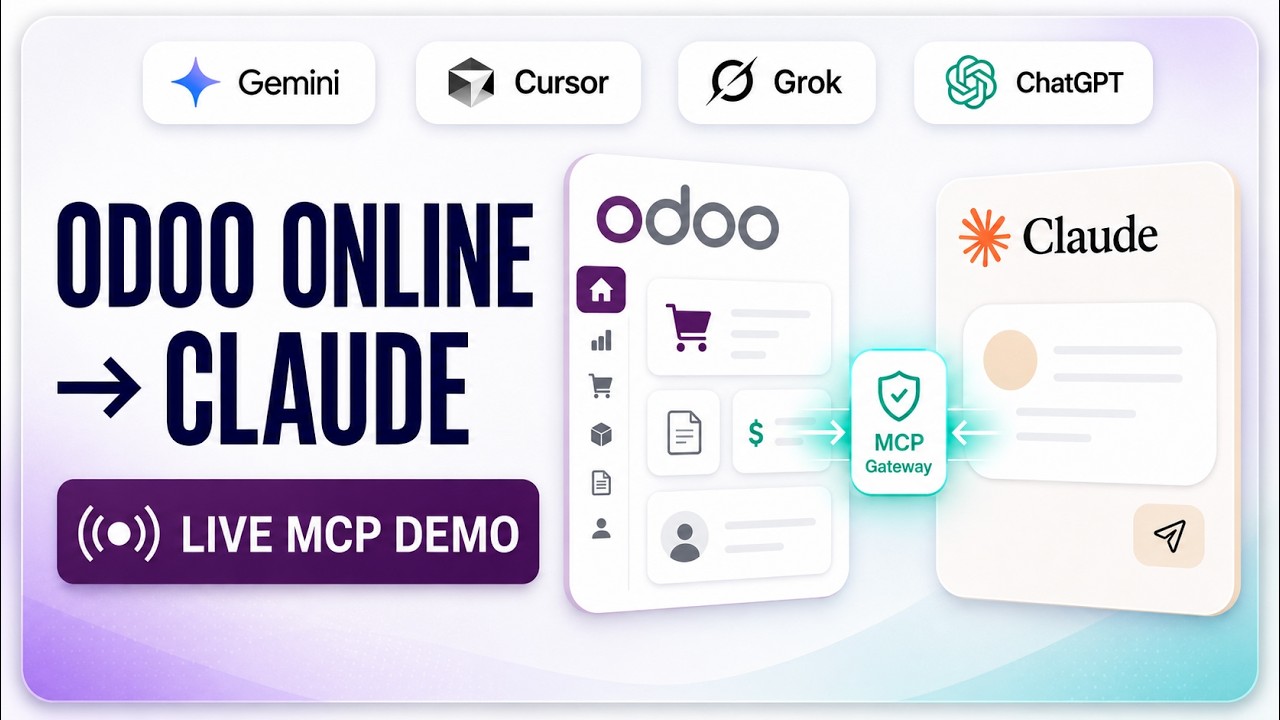
How to Connect Odoo Online to Claude AI (Bypass Odoo Online Limits)
A short walkthrough of connecting Odoo Online (the *.odoo.com SaaS plan) to Claude AI using the KSROlabs MCP Gateway. Because Odoo Online does not allow custom server-side modules, the gateway runs externally and talks to your instance over its standard XML-RPC API. The video covers the connection, a live query against real sales order values, and verification of those figures back inside Odoo.
- Connect a *.odoo.com instance to Claude without installing anything in Odoo
- Query live sales orders from Claude and verify the figures back in Odoo
- Use the same gateway for ChatGPT, Cursor, and other MCP clients
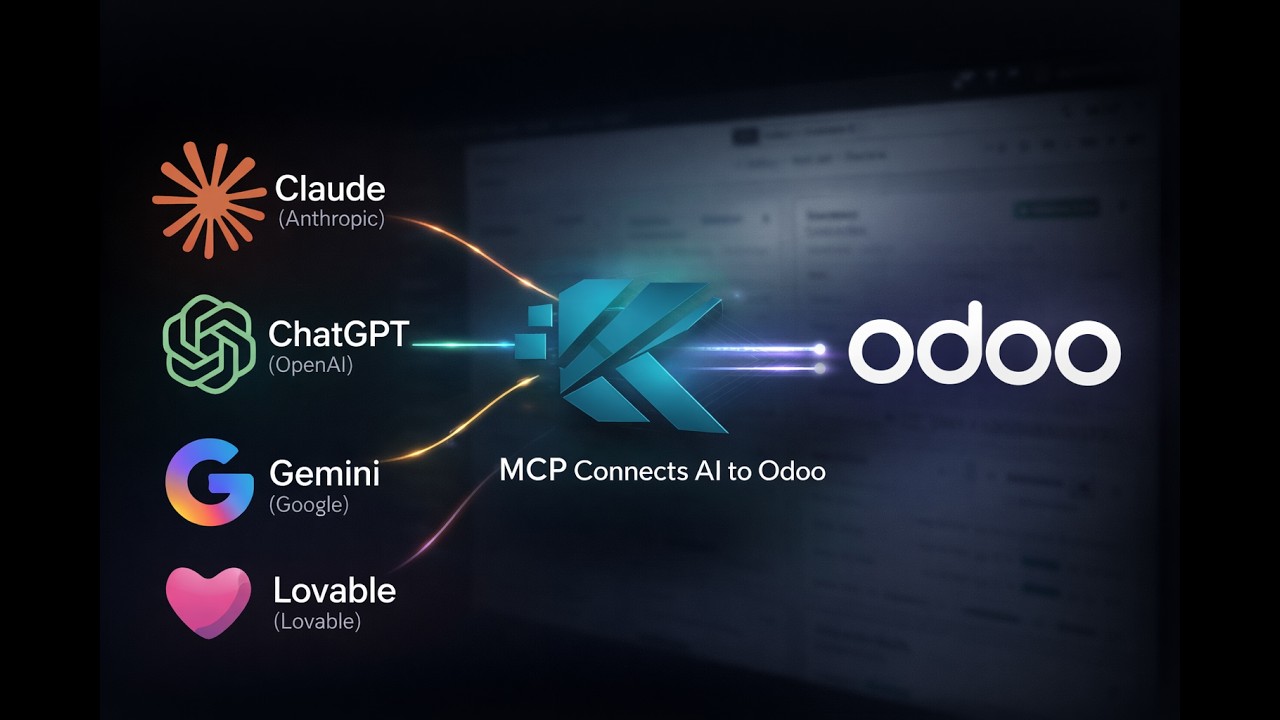
How to Connect Claude to Odoo Data — Full Odoo MCP Server Demo
A full walkthrough of Odoo MCP Server PRO on a live instance. Covers installation, API keys and scoped access, the OAuth connection from Claude, a live natural-language query against real sales records, and the built-in extras — audit logs, BI analytics, and portal pages. Supports Odoo 14 through 19.
- Install the module and expose Odoo as a secure MCP endpoint
- Authorize Claude and run a natural-language query on live ERP data
- See scoped API keys, audit logs, and portal pages in context
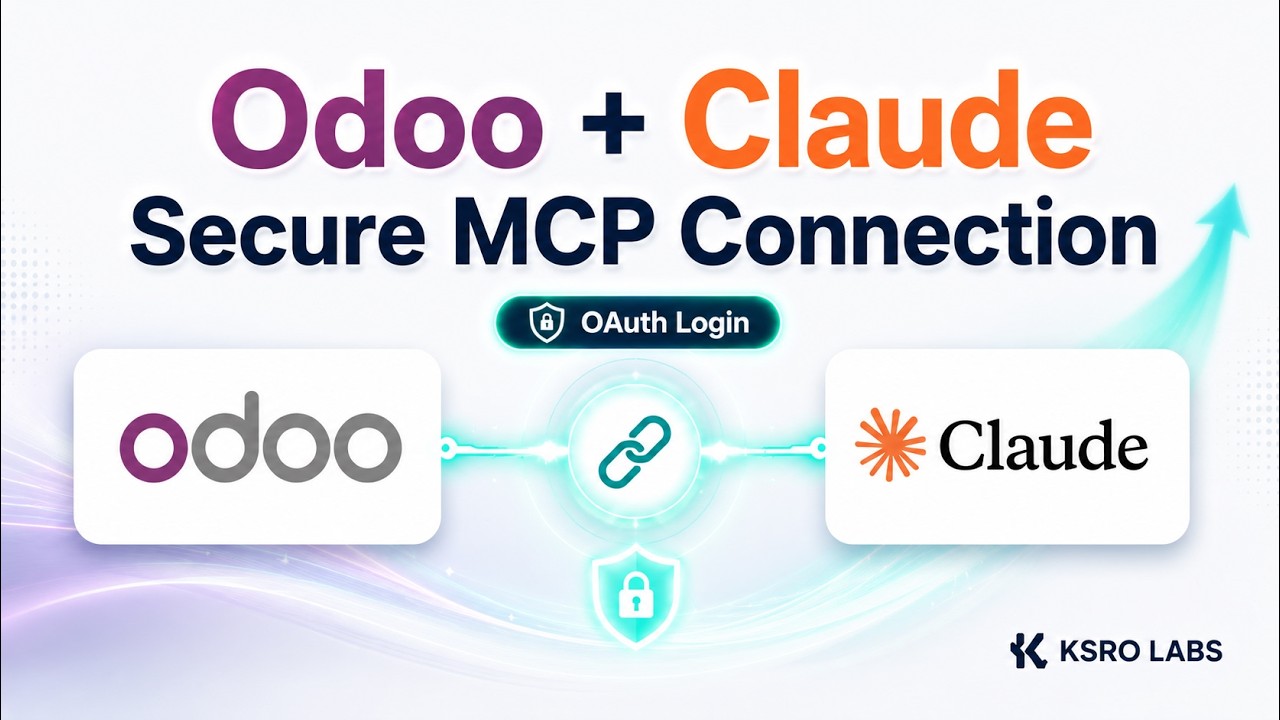
Connect Odoo to Claude in 4 Clicks — OAuth Setup, No XML-RPC
A short setup video showing the OAuth path into Odoo. Instead of copying API keys between systems, each user authorizes through an OAuth client and gets their own governed connection, credentials, and audit trail. Ends with the connection live and answering queries.
- Complete the OAuth handshake without hand-editing config files
- Give each teammate their own credentials instead of a shared key
- Skip legacy XML-RPC pipelines entirely
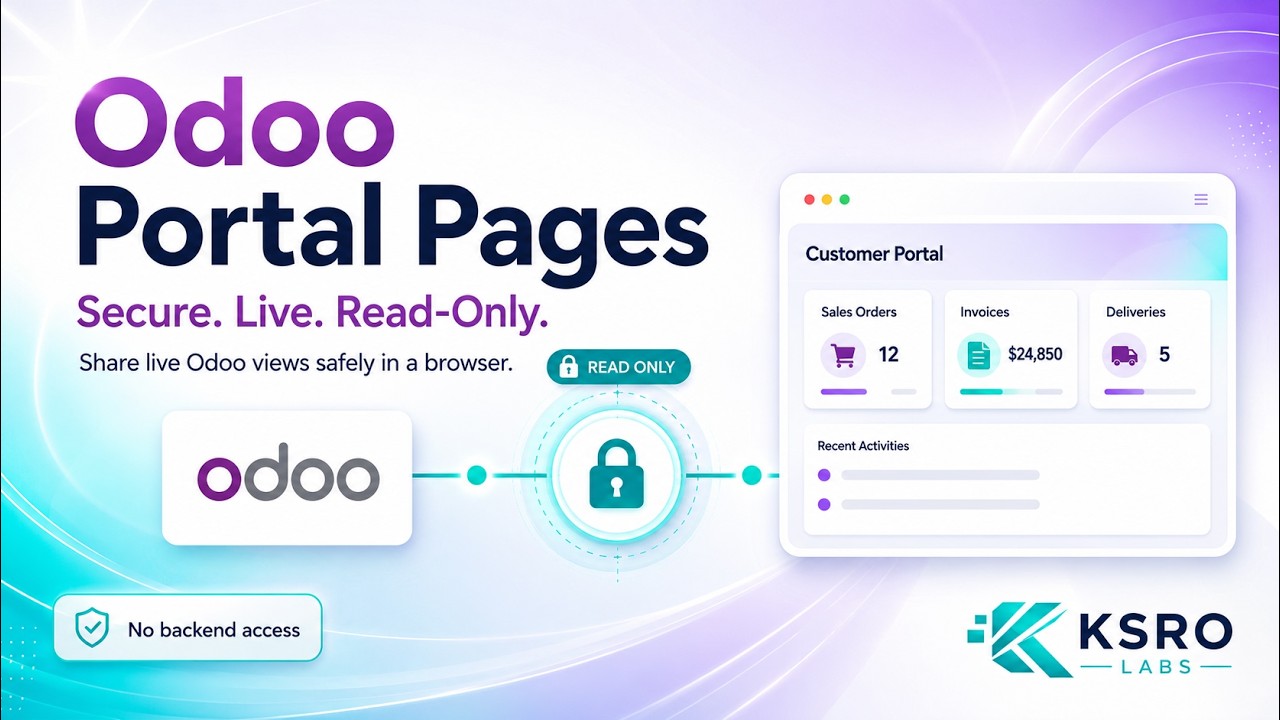
Build Premium Odoo Portal Pages in One Prompt with Claude
A demonstration of prompt-to-portal pages. Ask Claude to filter the warehouse data you want to share and the MCP Server generates a read-only page behind an exclusive link. Adding password protection takes two clicks, and backend records are never exposed. The same pattern extends to invoices and projects.
- Generate a shareable, read-only page from one prompt
- Add password protection and manage access in two clicks
- Give clients live data instead of a stale spreadsheet
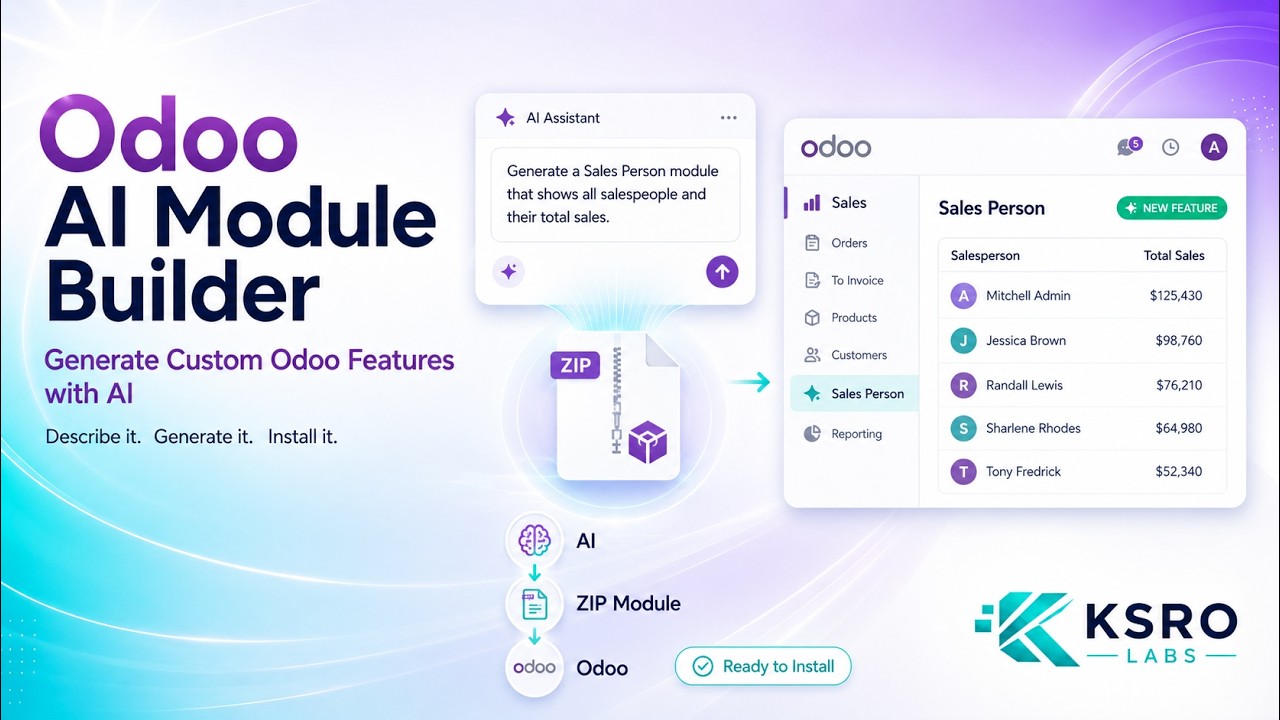
Generate Installable Odoo Modules with Claude over MCP
A technical walkthrough of the module builder. The example asks for a salesperson sub-menu listing every salesperson and their total sales; the MCP Server returns a ready-to-install ZIP with models, views, menus, and security rules. The video covers downloading the package, updating the apps list, and installing it in a live Odoo environment.
- Turn a plain-English requirement into a validated module spec
- Download an installable ZIP with views, menus, and access rules
- Install and verify the generated module inside Odoo
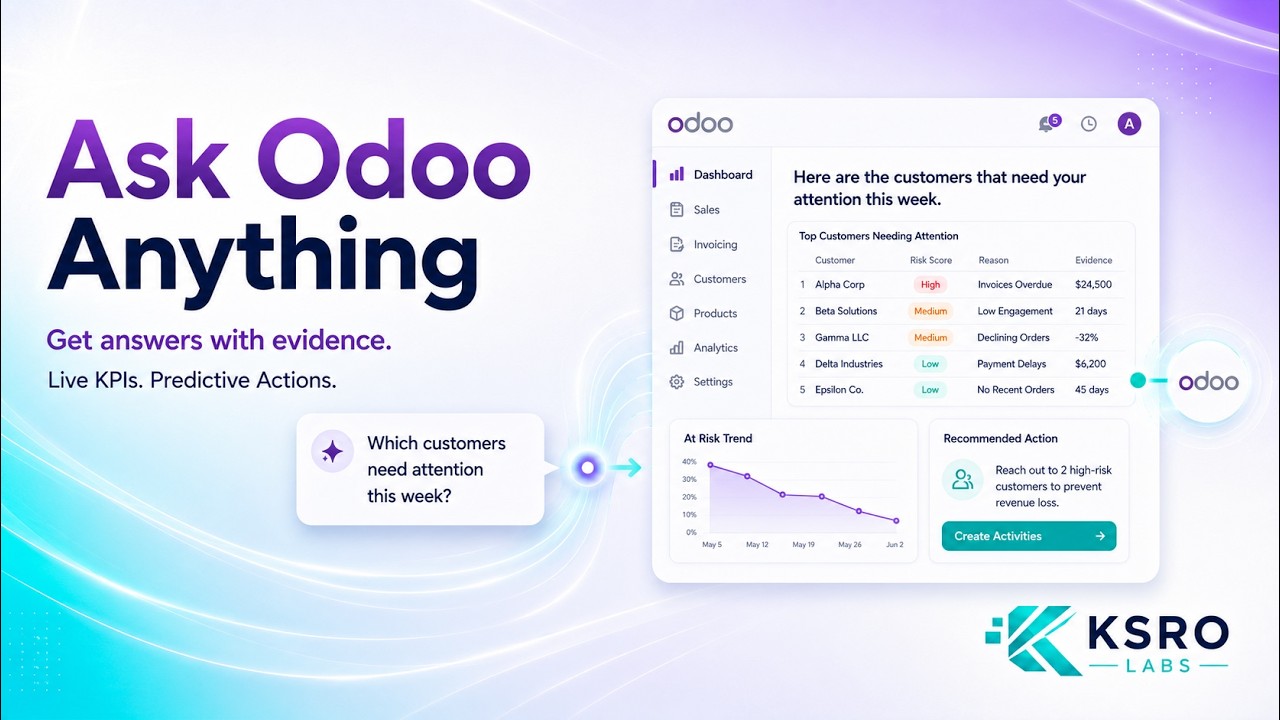
Advance MCP Analytics for Odoo — Turn Data Into Decisions
A tour of the analytics layer built on MCP Server PRO. Odoo calculates the business facts in place, with no separate reporting warehouse, and the AI layer explains verified results in business language. Covers dashboards for executives, finance, sales, and operations, natural-language dashboard creation, revenue forecasts and stock-risk signals, drill-down into source records, a governed metric registry, and the audit trail.
- Build role-based Odoo dashboards from natural language
- Get predictions and recommended next actions with drill-down to records
- Keep metrics governed with owners, definitions, and an audit trail
New demos land on the “AI for Odoo” playlist
Subscribe on YouTube to catch new Odoo AI walkthroughs as we publish them, or read the written setup guide in the docs.
Want this running on your Odoo?
Install the module from the Odoo App Store, or let us set it up with you — free setup support is included.