
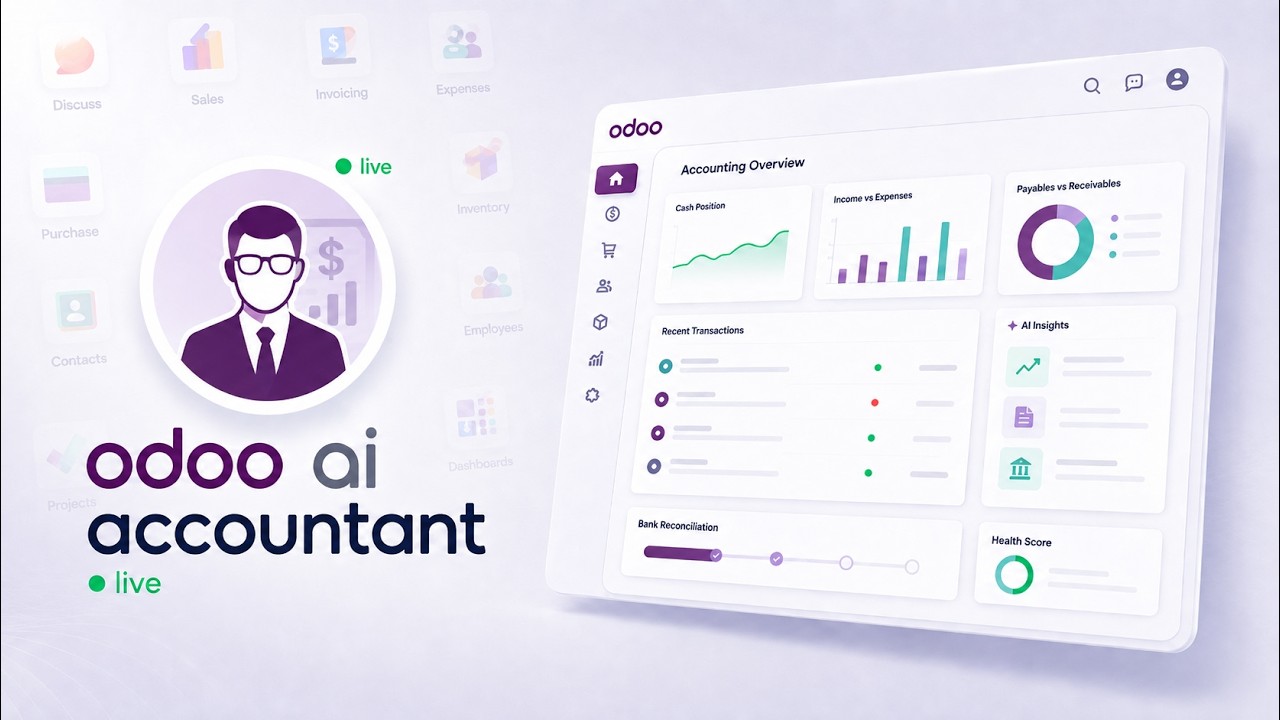
 AI AccountingReconciliation, fraud detection and the approval trail, on screenAn unreconciled Odoo bank statement, worked end to end: the AI proposes matches and explains each one, flags duplicate bills and changed vendor bank details, and a person approves before anything is posted.
Generate installable Odoo modules with Claude
A small Odoo customization — one menu, one view, one report — normally means a development cycle: Python models, XML views, access rules, and a deployment. This demo compresses that into a prompt and an install, with the generated module validated before it is packaged.
What happens in this video
A technical walkthrough of the module builder. The example asks for a salesperson sub-menu listing every salesperson and their total sales; the MCP Server returns a ready-to-install ZIP with models, views, menus, and security rules. The video covers downloading the package, updating the apps list, and installing it in a live Odoo environment.
- 0:00
The Odoo development problem
Even a simple new menu or report waits on a development cycle. The cost is rarely the code itself — it is the queue in front of it.
- 0:21
Connecting Claude to the MCP Server
The same MCP connection used for querying data exposes the module builder tools, so no separate developer environment is needed.
- 0:46
Generating the installable ZIP
The prompt describes the requirement — a salesperson sub-menu listing every salesperson with their total sales. The server generates a validated module spec and packages it as a ready-to-install ZIP with models, views, menus, and security rules.
- 1:04
Installing the module in Odoo
The package is uploaded, the apps list is updated, and the module installs into the live environment like any other Odoo app. The new menu appears and works against real data.
- 1:22
The value of AI ERP customization
Why turning natural language into deployable features changes the economics of small Odoo customizations — and where a developer review still belongs.
What you can do after watching
- Turn a plain-English requirement into a validated module spec
- Download an installable ZIP with views, menus, and access rules
- Install and verify the generated module inside Odoo
Questions about this demo
Is the generated Odoo module production-ready?
It is validated and installable, with models, views, menus, and access rules included. Treat it the way you would treat any generated code: review the security rules and business logic before installing it on a production database, exactly as you would a module from a third party.
Do I need to write any Python or XML?
No. The requirement is described in plain English and the module builder produces the Python models, XML views, menu entries, and access rules as a packaged ZIP.
Does this work with AI clients other than Claude?
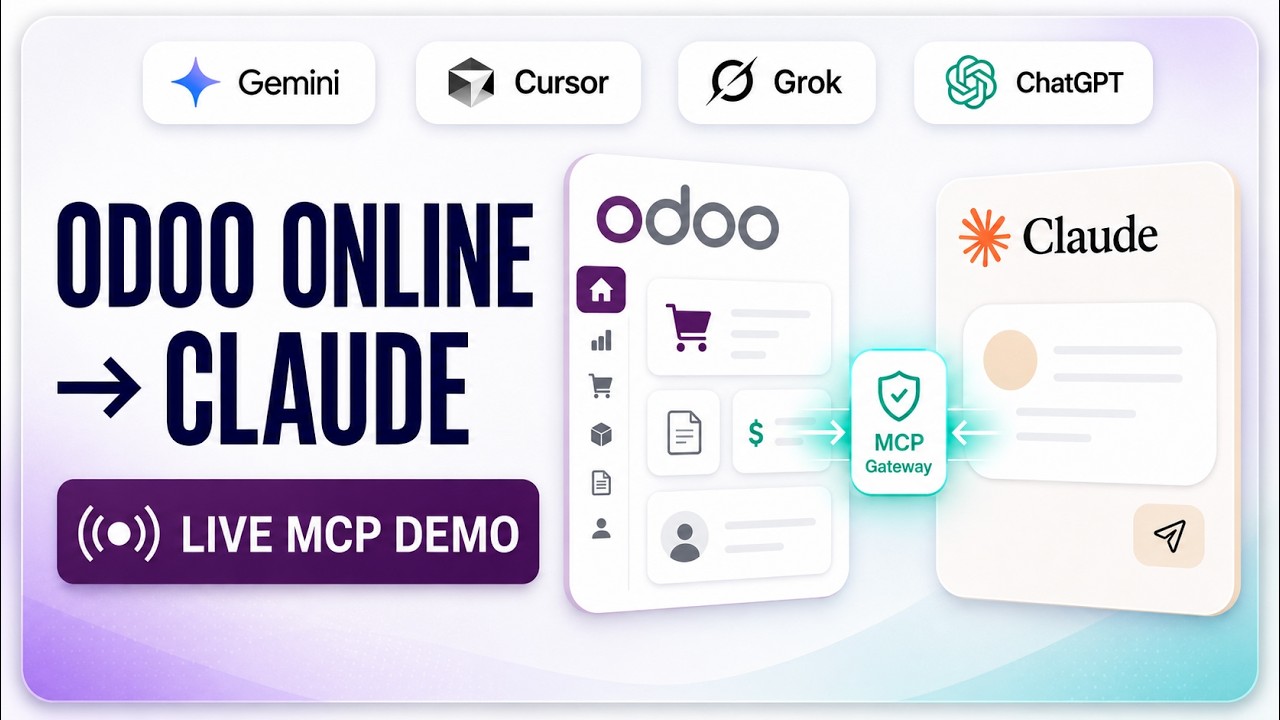
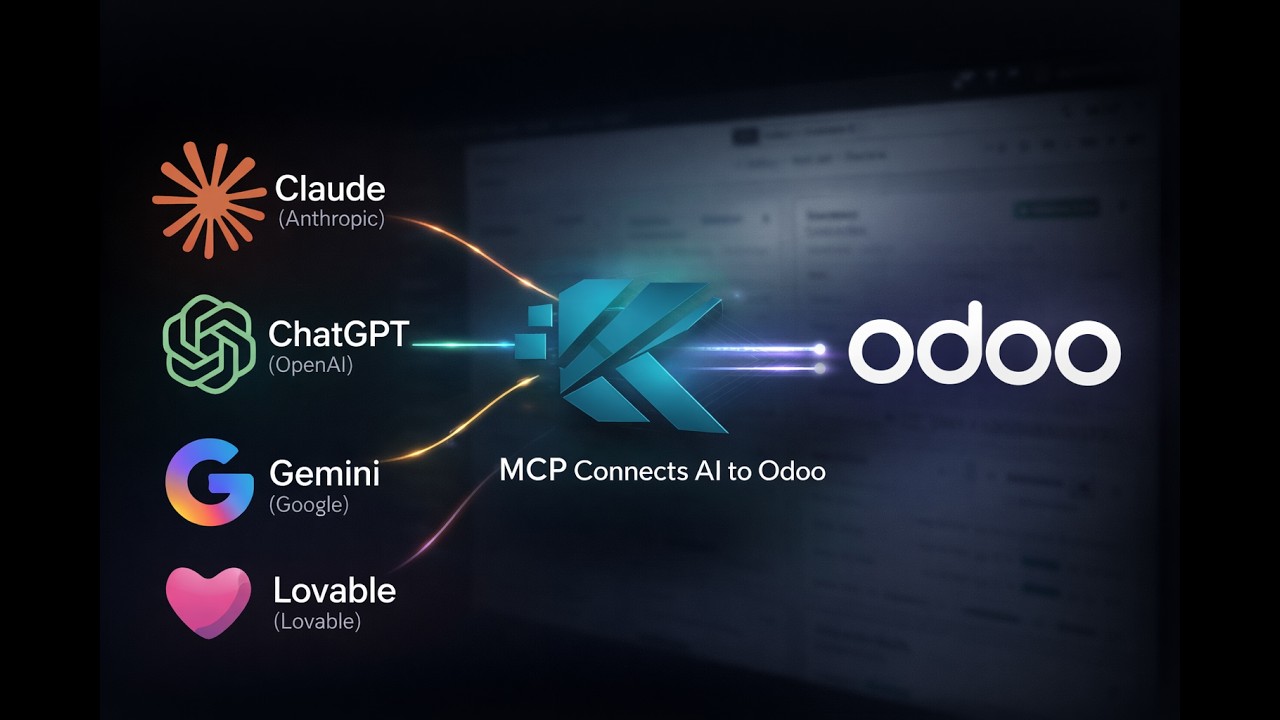
Yes. The module builder is exposed as MCP tools, so any MCP-compatible client — ChatGPT, Gemini, Cursor, n8n, LangChain, crewAI — can call it through the same connection.
More Odoo MCP videos
Up next: Advance MCP Analytics for Odoo. Or browse the full video library.
AI AccountingReconciliation, fraud detection and the approval trail, on screenAn unreconciled Odoo bank statement, worked end to end: the AI proposes matches and explains each one, flags duplicate bills and changed vendor bank details, and a person approves before anything is posted.
Want this running on your Odoo?
Install the module from the Odoo App Store, or let us set it up with you — free setup support is included.