
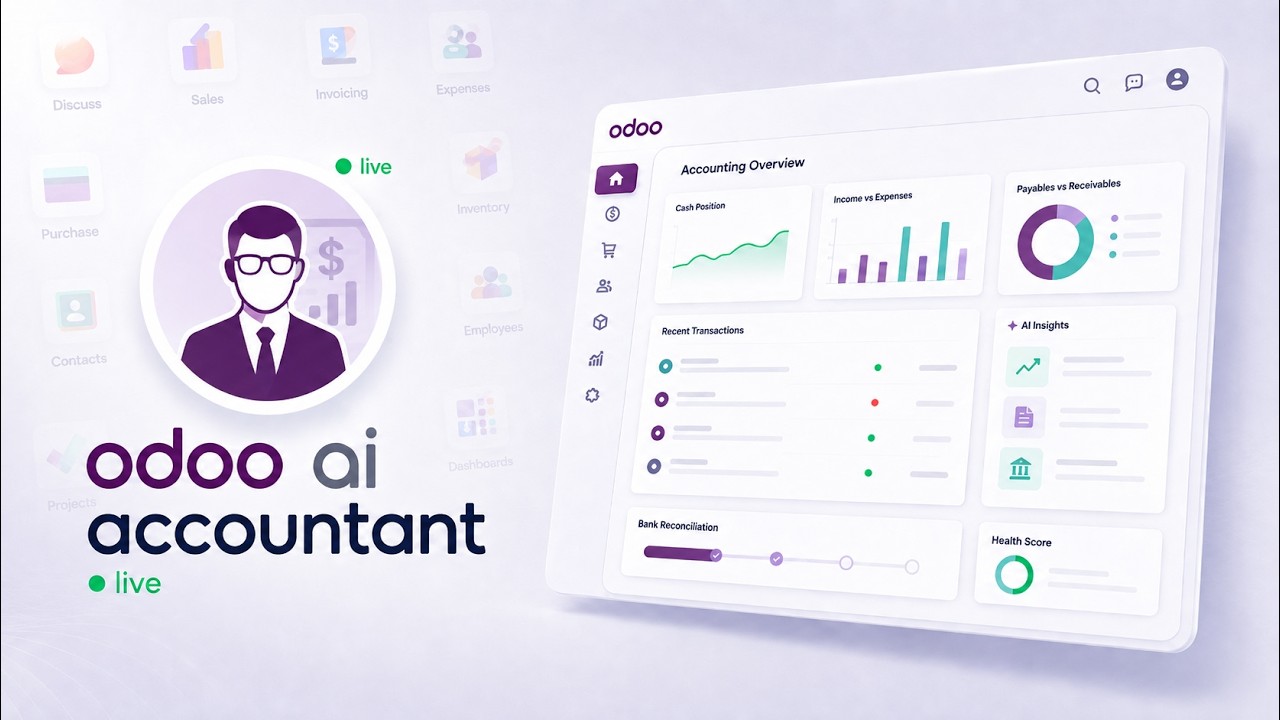
 AI AccountingReconciliation, fraud detection and the approval trail, on screenAn unreconciled Odoo bank statement, worked end to end: the AI proposes matches and explains each one, flags duplicate bills and changed vendor bank details, and a person approves before anything is posted.
Build Odoo portal pages from a single prompt
Sharing Odoo data with a customer usually means exporting a spreadsheet, filtering it by hand, and emailing a file that is out of date the moment it lands. This demo replaces that loop with a live page generated from one prompt — filtered, password-protected, and always current.
What happens in this video
A demonstration of prompt-to-portal pages. Ask Claude to filter the warehouse data you want to share and the MCP Server generates a read-only page behind an exclusive link. Adding password protection takes two clicks, and backend records are never exposed. The same pattern extends to invoices and projects.
- 0:00
The problem with manual CSV exports
Exporting Odoo inventory data for a client means filtering by hand every time, and the file is stale as soon as it is sent. Nobody can see what the customer actually received, and corrections mean starting again.
- 0:20
Building a secure page with Claude
A single prompt describes the filter — which warehouse, which products, which fields — and the MCP Server generates a read-only page from live Odoo data. No template is built by hand and no backend records are exposed.
- 0:53
Access and password protection
Password protection is added in two clicks. The page is reachable only through its exclusive link, and access can be withdrawn without touching the underlying data.
- 1:17
The client experience
What the customer sees: a clean, real-time interface scoped to exactly the records shared with them, rather than a spreadsheet attachment.
- 1:30
Extending portals to invoices and projects
The same pattern works for any Odoo model — invoices, projects, orders — so the approach generalises past inventory.
- 1:48
Book a custom demo
How to reach KSROlabs to see the portal pages built against your own data.
What you can do after watching
- Generate a shareable, read-only page from one prompt
- Add password protection and manage access in two clicks
- Give clients live data instead of a stale spreadsheet
Questions about this demo
Can customers see my Odoo backend through a portal page?
No. A portal page renders only the records and fields included when it was generated, and it is read-only. Visitors never reach the Odoo backend, and the page can be password-protected so only the intended recipient opens it.
Is the data on a portal page live?
Yes. The page reads from Odoo when it is opened, so the customer always sees current data rather than a snapshot taken when the link was created.
Which Odoo models can portal pages be built from?
Any model the MCP connection is scoped to. The video demonstrates warehouse and inventory data, and the same single-prompt workflow applies to invoices, projects, sales orders, and other Odoo records.
More Odoo MCP videos
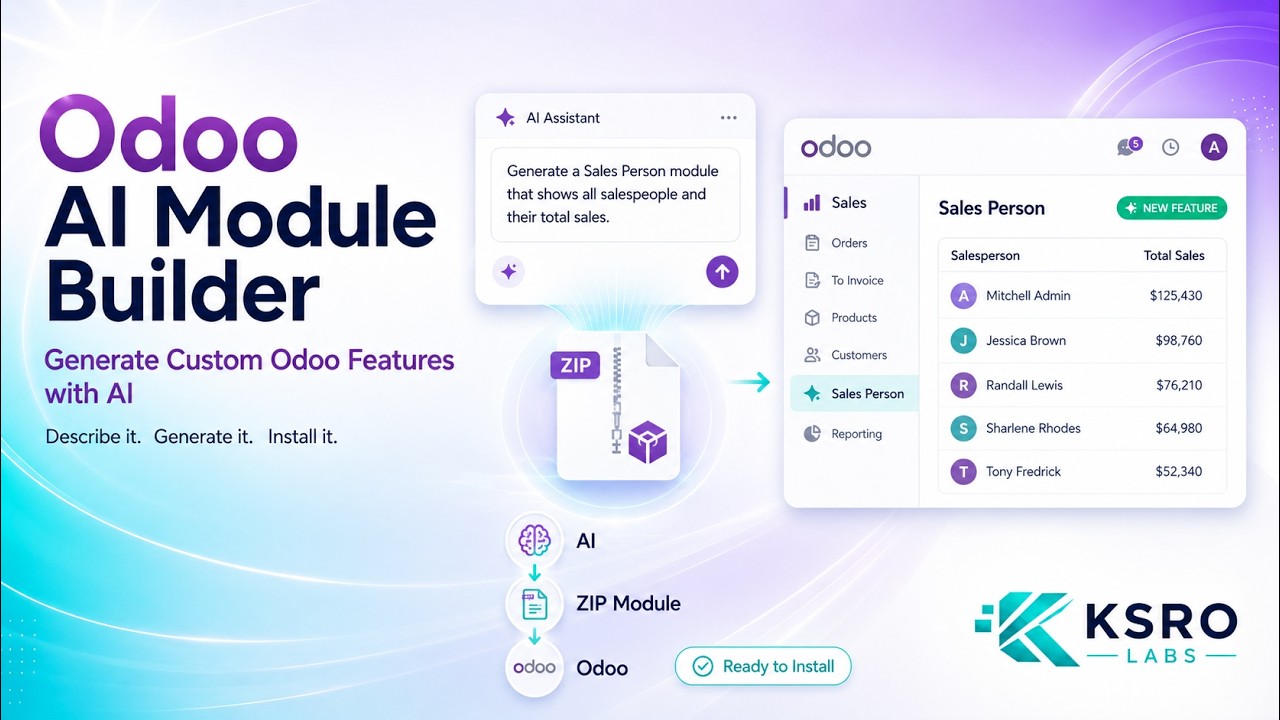
Up next: Generate installable Odoo modules with Claude. Or browse the full video library.
AI AccountingReconciliation, fraud detection and the approval trail, on screenAn unreconciled Odoo bank statement, worked end to end: the AI proposes matches and explains each one, flags duplicate bills and changed vendor bank details, and a person approves before anything is posted.

Want this running on your Odoo?
Install the module from the Odoo App Store, or let us set it up with you — free setup support is included.