
 Odoo OnlineConnect Odoo Online to Claude AI, end to endThe full setup, unedited: generating the Odoo API key, validating the connection, adding the connector in Claude, and building a sales dashboard from live Odoo Online data.
Reconciliation, fraud detection and the approval trail, on screen
Most reconciliation tools give you a match and no reason for it, which means somebody still has to open both records and check. This demo is the opposite case: every proposed match arrives with the evidence behind it — the short payment, the bank fee, the reference that did not line up — so the review is a decision rather than an investigation. Nothing in the recording posts itself. The AI proposes and explains; a person approves, and the approval is what gets sealed into the trail.
What happens in this video
A live walkthrough of AI Accounting for Odoo running against a real Odoo database. The recording covers the unreconciled bank line problem, the native Odoo and MCP server architecture the module runs on, a ledger health score that surfaces what needs attention, detection of duplicate vendor bills and altered vendor bank details before payment goes out, plain-language explanations for each proposed bank reconciliation match, and the four-step governance framework — propose, validate, approve, seal — that keeps a person in control of every posted entry.
- 0:00
The unreconciled bank lines problem
The starting position most finance teams recognise: a bank statement with lines that will not match automatically, each one needing somebody to open the invoice, the payment and the statement side by side before it can be cleared.
- 0:18
Native Odoo and MCP server architecture
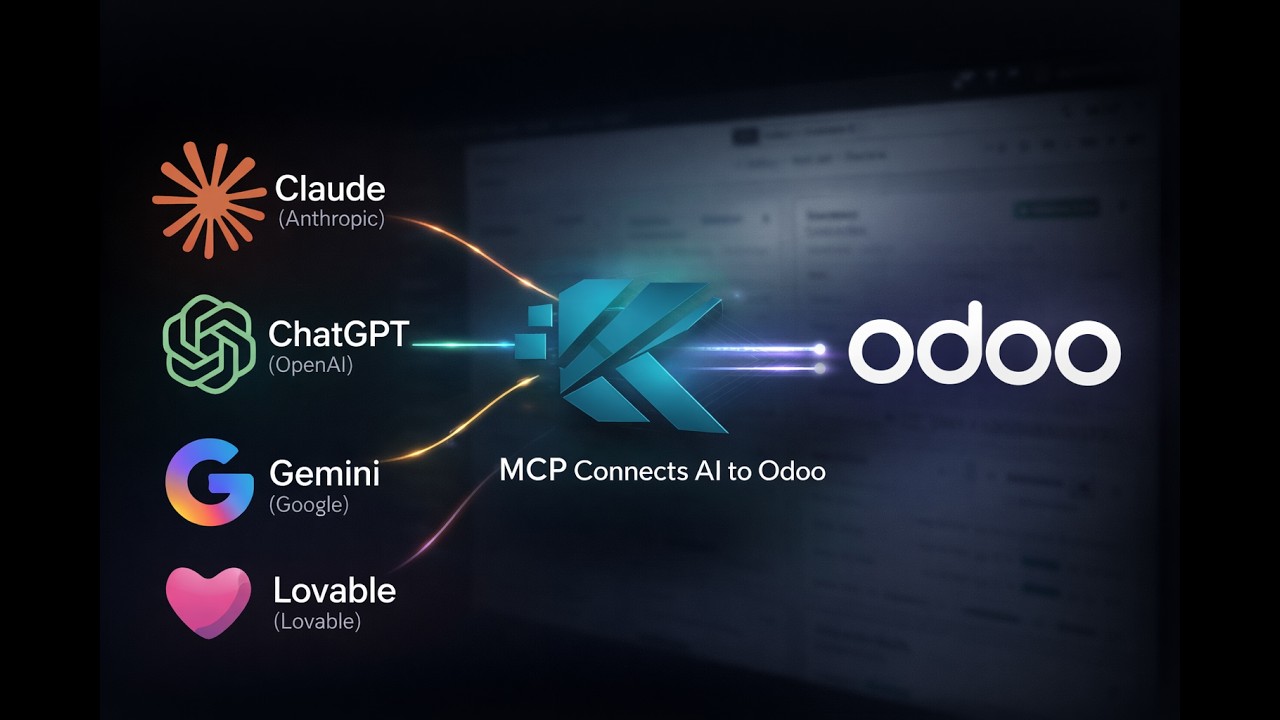
The module runs inside Odoo and reaches the AI through an MCP server, so ledger data is queried in place rather than exported to an outside service for processing.
- 0:29
The ledger health assurance score
A single read on the state of the ledger that points to what needs attention — unreconciled lines, anomalies worth a second look — so review effort goes where the risk actually is instead of down the statement in order.
- 0:54
Detecting vendor fraud and duplicate bills
Two checks that run before money leaves: the same vendor bill entered twice under different references, and vendor bank details that changed since the last payment. Both are surfaced for a person to confirm rather than acted on automatically.
- 1:05
AI bank reconciliation explanations
Each proposed match is shown with the reasoning behind it in plain language — the short payment, the deducted bank fee, the partial settlement — so the reviewer can accept or reject on the evidence rather than re-deriving it.
- 1:23
The four-step governance framework
Propose, validate, approve, seal. The AI proposes a match and the system validates it against the ledger, but a person approves it, and only then is the decision sealed into the audit trail with who approved it and when.
- 1:30
Getting AI Accounting for Odoo
How to arrange a walkthrough against your own Odoo database and chart of accounts, rather than the demo data used in the recording.
What you can do after watching
- See proposed reconciliation matches arrive with the reasoning attached — short payments and bank fees identified, not guessed at
- Watch duplicate vendor bills and changed vendor bank details get flagged before a payment is issued
- Follow the propose, validate, approve, seal sequence that keeps a named person accountable for every posted entry
Questions about this demo
Does the AI post journal entries on its own?
No. It proposes matches and explains the reasoning behind each one, and the system validates the proposal against the ledger, but a person approves before anything is posted. The approval is recorded against the entry, so the audit trail shows who accepted the match and when.
How does it handle a payment that does not match the invoice amount?
That is the case the explanations exist for. Where a customer has short-paid, where the bank has deducted a fee, or where a settlement is partial, the proposed match names the difference and its likely cause instead of presenting a match with no reasoning. The reviewer confirms or rejects it.
What does the duplicate and fraud check actually look at?
Two things in the recording: vendor bills that appear to have been entered more than once under different references, and vendor bank details that have changed since the previous payment. Both are flagged for review before payment is issued — they are surfaced, not blocked or acted on automatically.
Does my accounting data leave Odoo?
The module runs inside Odoo and queries the ledger in place through an MCP server. What the AI receives is scoped to the request being made, and access is bounded by the Odoo permissions of the user the integration runs as.
Can I see this against my own ledger?
Yes — the recording uses demo data, and a walkthrough against your own Odoo database, chart of accounts and vendor history is the more useful version of it. That is what the demo request on the product page arranges.
More Odoo MCP videos
Up next: Connect Odoo Online to Claude AI, end to end. Or browse the full video library.
Odoo OnlineConnect Odoo Online to Claude AI, end to endThe full setup, unedited: generating the Odoo API key, validating the connection, adding the connector in Claude, and building a sales dashboard from live Odoo Online data.
Want this running on your Odoo?
Install the module from the Odoo App Store, or let us set it up with you — free setup support is included.