
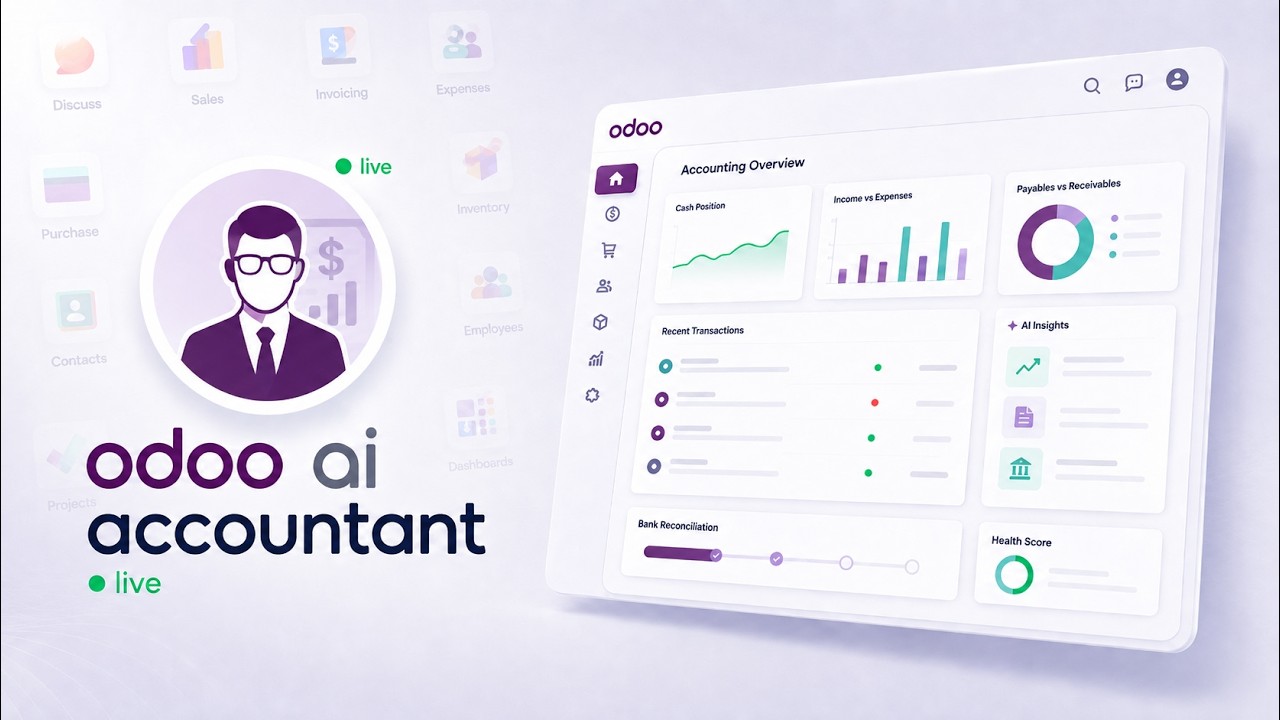
 AI AccountingReconciliation, fraud detection and the approval trail, on screenAn unreconciled Odoo bank statement, worked end to end: the AI proposes matches and explains each one, flags duplicate bills and changed vendor bank details, and a person approves before anything is posted.
How to connect Odoo Online to Claude AI
Odoo Online is the plan most Odoo customers are on, and it is the one plan where a module-based MCP server structurally cannot be installed — custom modules are blocked. This demo shows the way around that limit: an external MCP gateway that connects your *.odoo.com instance to Claude over the XML-RPC API Odoo has exposed since version 8. No module, no local server, and your Odoo password is never shared.
What happens in this video
A short walkthrough of connecting Odoo Online (the *.odoo.com SaaS plan) to Claude AI using the KSROlabs MCP Gateway. Because Odoo Online does not allow custom server-side modules, the gateway runs externally and talks to your instance over its standard XML-RPC API. The video covers the connection, a live query against real sales order values, and verification of those figures back inside Odoo.
- 0:00
The Odoo Online custom module limit
Odoo Online does not allow custom server-side modules. That is what keeps the SaaS platform stable, and it is also why almost every "Odoo MCP" integration on the market — all of them modules — cannot be installed on a *.odoo.com instance.
- 0:06
The solution: the KSROlabs MCP Gateway
The gateway runs outside Odoo and reaches your instance through the Odoo External API, which Odoo Online makes available on the Custom plan. Nothing is installed inside Odoo, so there is no SaaS policy to work around.
- 0:12
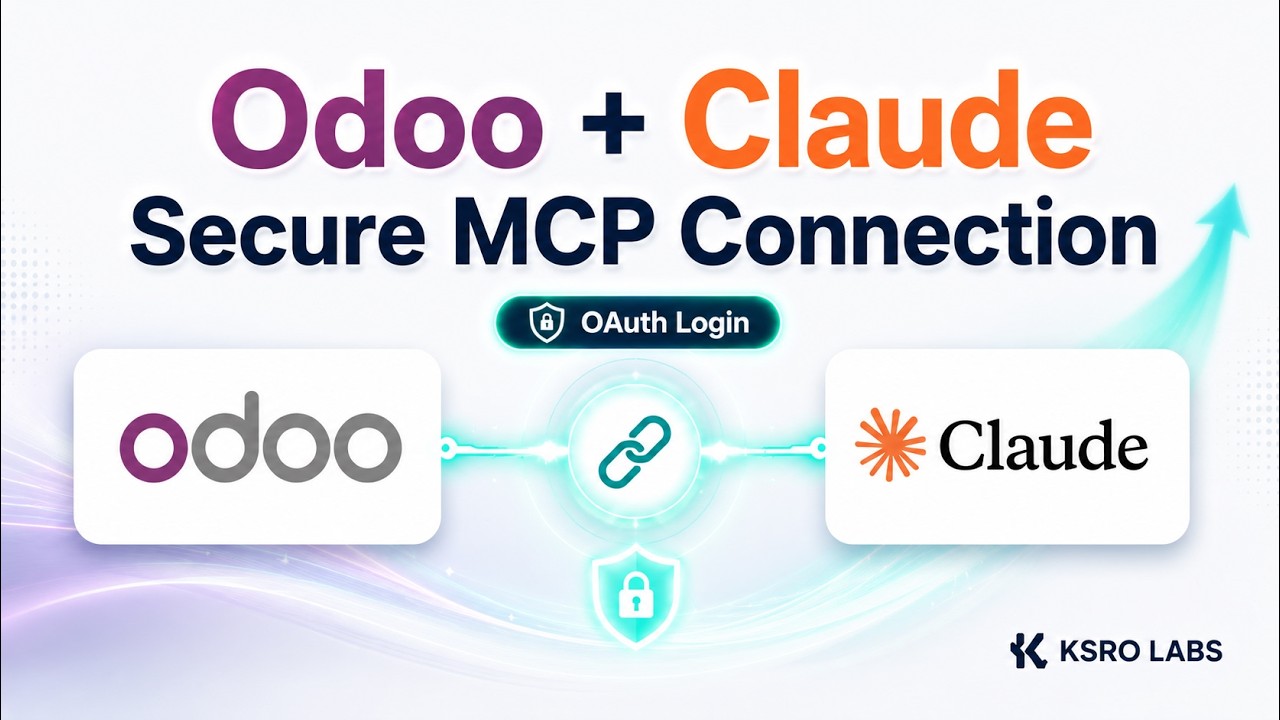
Connecting Odoo Online to Claude
The connection is made from the AI client in under a minute. There are no config files to hand-edit and no local server to host, and the Odoo password itself is never shared with the AI client.
- 0:25
Live data test: querying business data
Claude is asked about real sales order values and answers from the live Odoo Online database rather than a cached extract.
- 0:45
Verifying the figures inside Odoo Online
The numbers Claude returned are checked against the same records in the Odoo interface, confirming the answers come from live data.
- 1:05
Expanding to other AI tools
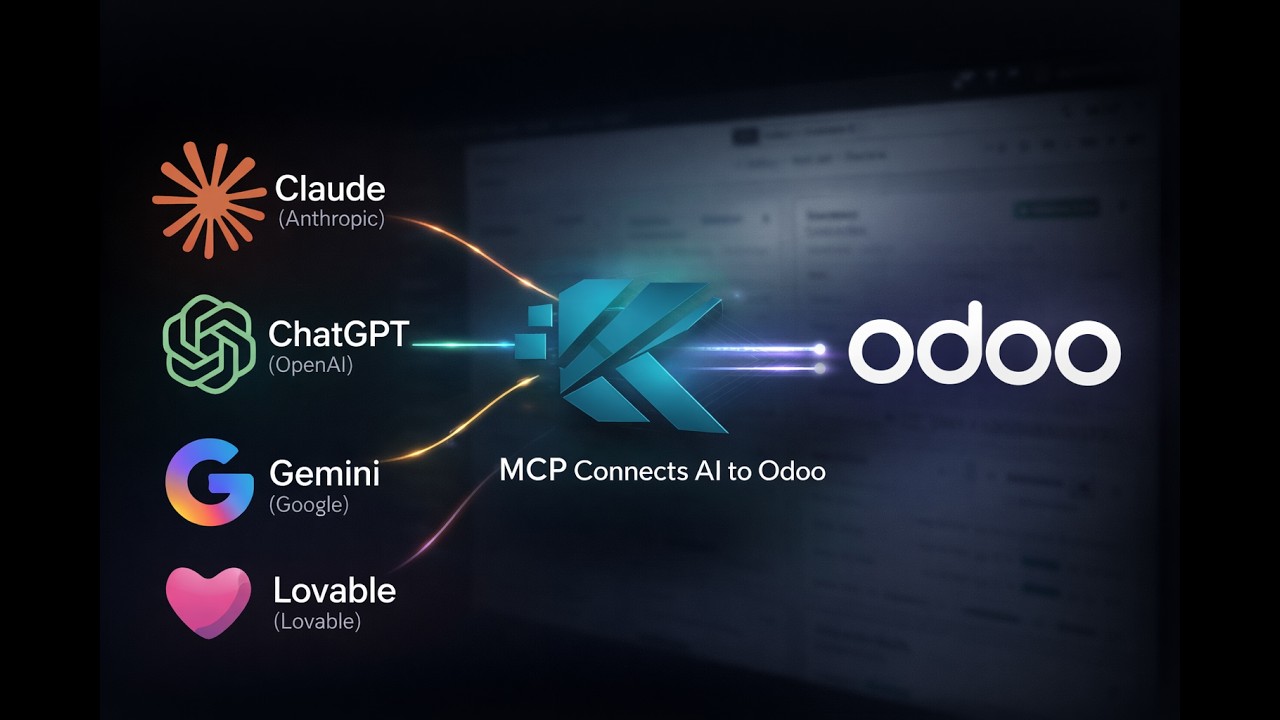
The same gateway serves any MCP-compatible client, so ChatGPT, Cursor, and others connect through the same endpoint.
- 1:10
Connect your Odoo database
How to get started with a gateway for your own Odoo Online instance. Requires an Odoo Online plan with API access enabled.
What you can do after watching
- Connect a *.odoo.com instance to Claude without installing anything in Odoo
- Query live sales orders from Claude and verify the figures back in Odoo
- Use the same gateway for ChatGPT, Cursor, and other MCP clients
Questions about this demo
Can you connect Claude to Odoo Online (*.odoo.com)?
Yes, but not with a module. Odoo Online blocks custom server-side modules, so module-based MCP servers cannot be installed there. The KSROlabs Odoo Online MCP Gateway connects Claude to your instance from outside, over the standard XML-RPC API, with no Odoo-side install at all.
Does Odoo Online support MCP servers?
Not natively, and not via an installed module — the SaaS plan does not permit custom modules. MCP access to Odoo Online has to come from an external gateway that speaks to the instance through its public API. That is exactly what the KSROlabs gateway does.
Do I have to give the AI my Odoo password?
No. The gateway authenticates to Odoo itself and exposes an MCP endpoint secured with Bearer-token authentication, so the AI client never receives your Odoo sign-in details.
What do I need on the Odoo side to use the gateway?
An Odoo Online plan with API access enabled. Nothing is installed in Odoo — no module, no server access, and no configuration inside the instance.
More Odoo MCP videos
Up next: How to connect Claude to Odoo data. Or browse the full video library.
AI AccountingReconciliation, fraud detection and the approval trail, on screenAn unreconciled Odoo bank statement, worked end to end: the AI proposes matches and explains each one, flags duplicate bills and changed vendor bank details, and a person approves before anything is posted.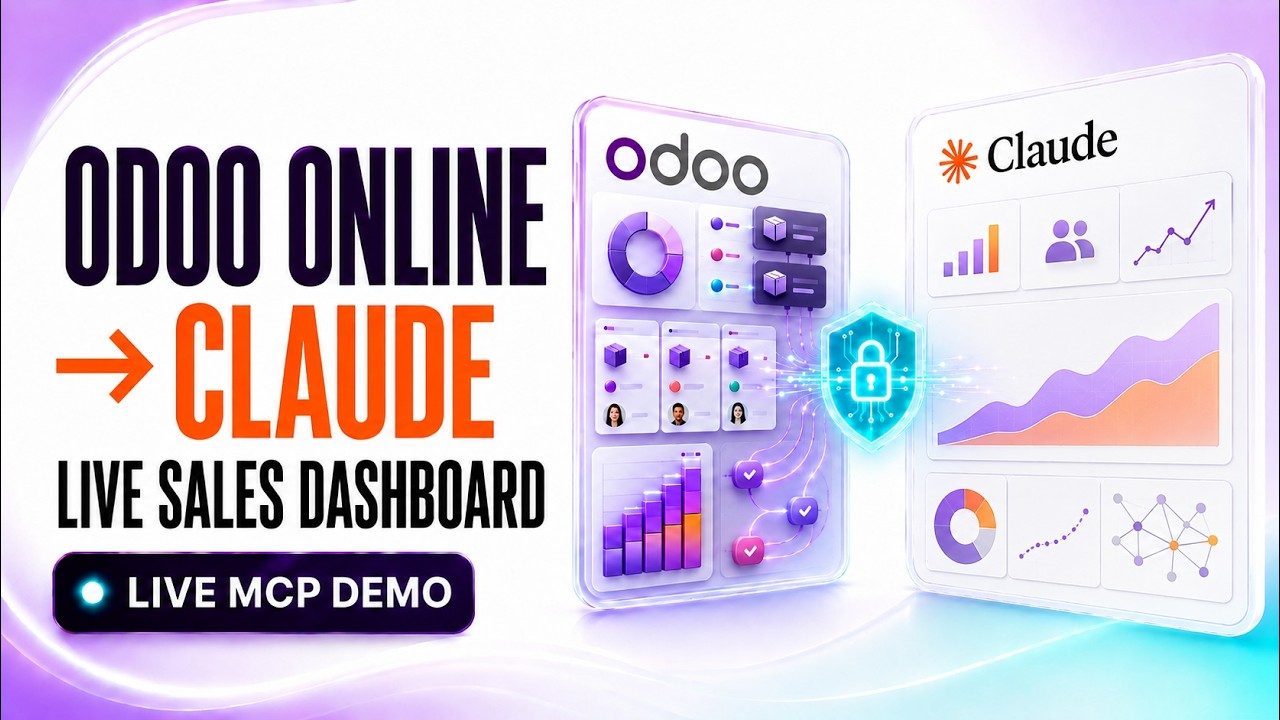
Want this running on your Odoo?
Install the module from the Odoo App Store, or let us set it up with you — free setup support is included.