
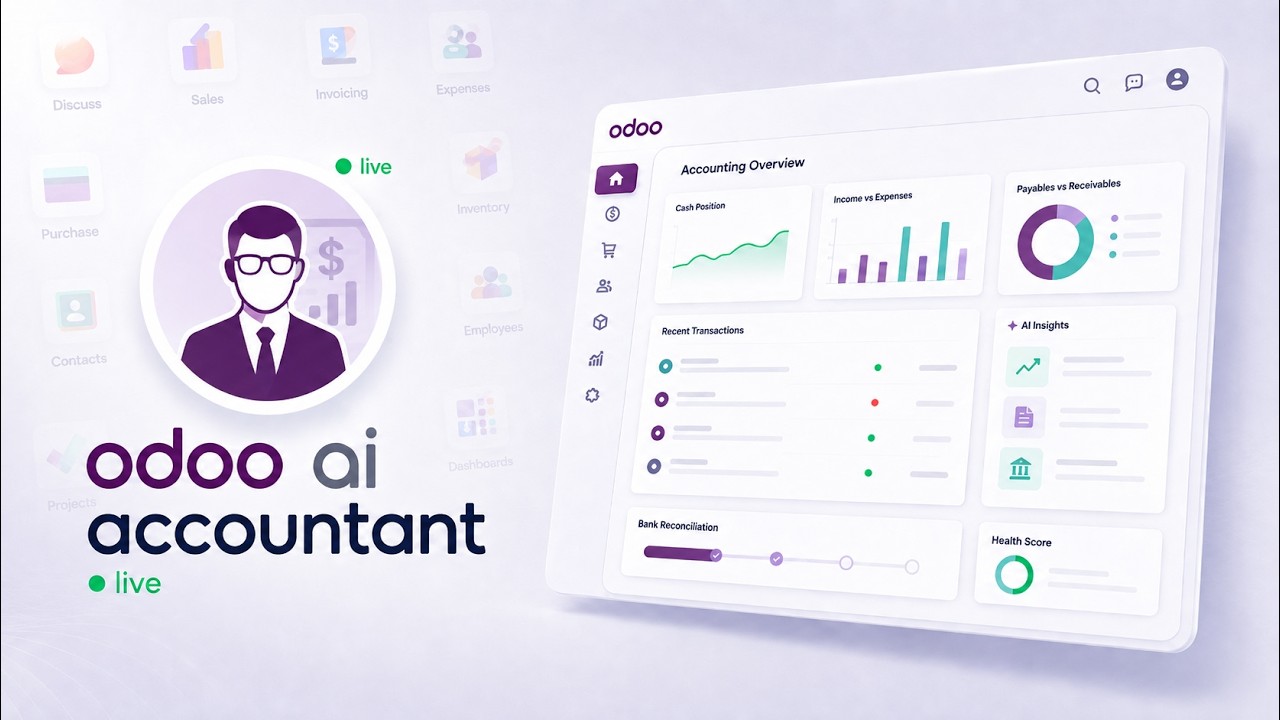
 AI AccountingReconciliation, fraud detection and the approval trail, on screenAn unreconciled Odoo bank statement, worked end to end: the AI proposes matches and explains each one, flags duplicate bills and changed vendor bank details, and a person approves before anything is posted.
Advance MCP Analytics for Odoo
The longest video in the library, and the one aimed at management rather than implementers. It shows what governed analytics on live Odoo data looks like: dashboards built by asking, answers that cite the records behind them, and metrics with owners and definitions rather than competing spreadsheet versions.
What happens in this video
A tour of the analytics layer built on MCP Server PRO. Odoo calculates the business facts in place, with no separate reporting warehouse, and the AI layer explains verified results in business language. Covers dashboards for executives, finance, sales, and operations, natural-language dashboard creation, revenue forecasts and stock-risk signals, drill-down into source records, a governed metric registry, and the audit trail.
- 0:00
The problem with manual Odoo reporting
Repetitive exports and hand-built management reports consume the time that should go into acting on the numbers, and every rebuild is a chance for the figures to drift.
- 0:25
Introducing Advance MCP Analytics
The module reads live Odoo data in place — there is no separate reporting warehouse to build or keep in sync. Odoo calculates the business facts first; the AI layer explains verified results in plain business language.
- 0:40
Role-based Odoo dashboards
Separate dashboards for executives, finance, sales, purchasing, inventory, and operations, each showing the KPIs that role is accountable for.
- 1:08
Datasets, widgets, sharing, and export
Reusable datasets connect directly to Odoo models, and configurable KPI, table, and visualization widgets are assembled on top. Dashboards can be shared live or exported.
- 1:31
Build dashboards and ask questions with AI
Dashboards are created from natural language, and ad-hoc business questions are answered from the same governed data. Question logs keep a record of what was asked and answered.
- 1:59
Predictions and recommended actions
Revenue forecasts and predictive signals across customers, opportunities, receivables, and stock risk, each paired with a recommended next action rather than a bare number.
- 2:24
Drill down and take action in Odoo
Every figure drills through to the invoices, opportunities, orders, and products behind it, and the follow-up action is performed inside Odoo rather than in a disconnected BI tool.
- 2:44
Governed KPIs and metric registry
Metrics carry owners, definitions, and version history, so "revenue" means one agreed thing across the business.
- 3:05
Governance, audit trail, and security
Dashboard activity and analytics access are logged, and existing Odoo permissions and record rules are enforced throughout.
- 3:34
Turn Odoo data into decisions
The closing summary: reporting that ends in a decision and an action, not another export.
What you can do after watching
- Build role-based Odoo dashboards from natural language
- Get predictions and recommended next actions with drill-down to records
- Keep metrics governed with owners, definitions, and an audit trail
Questions about this demo
Does Odoo AI analytics need a separate data warehouse?
No. The module reads live Odoo data in place, so there is no warehouse to provision, no sync schedule to maintain, and no window where the dashboard disagrees with Odoo. For teams that do want a warehouse for cross-system reporting, the BigQuery connector remains the right tool.
Can I trust an AI-generated number in a dashboard?
The business facts are calculated by Odoo, not by the model — the AI layer explains results that Odoo has already computed. Every figure drills down to the underlying invoices, orders, or opportunities, so any number can be traced to its source records.
Do existing Odoo permissions apply to dashboards?
Yes. Access rights and record rules are enforced throughout, so a user only sees the records they could already open in Odoo. Dashboard activity and analytics access are logged for audit.
More Odoo MCP videos
Up next: Reconciliation, fraud detection and the approval trail, on screen. Or browse the full video library.
AI AccountingReconciliation, fraud detection and the approval trail, on screenAn unreconciled Odoo bank statement, worked end to end: the AI proposes matches and explains each one, flags duplicate bills and changed vendor bank details, and a person approves before anything is posted.
Want this running on your Odoo?
Install the module from the Odoo App Store, or let us set it up with you — free setup support is included.