
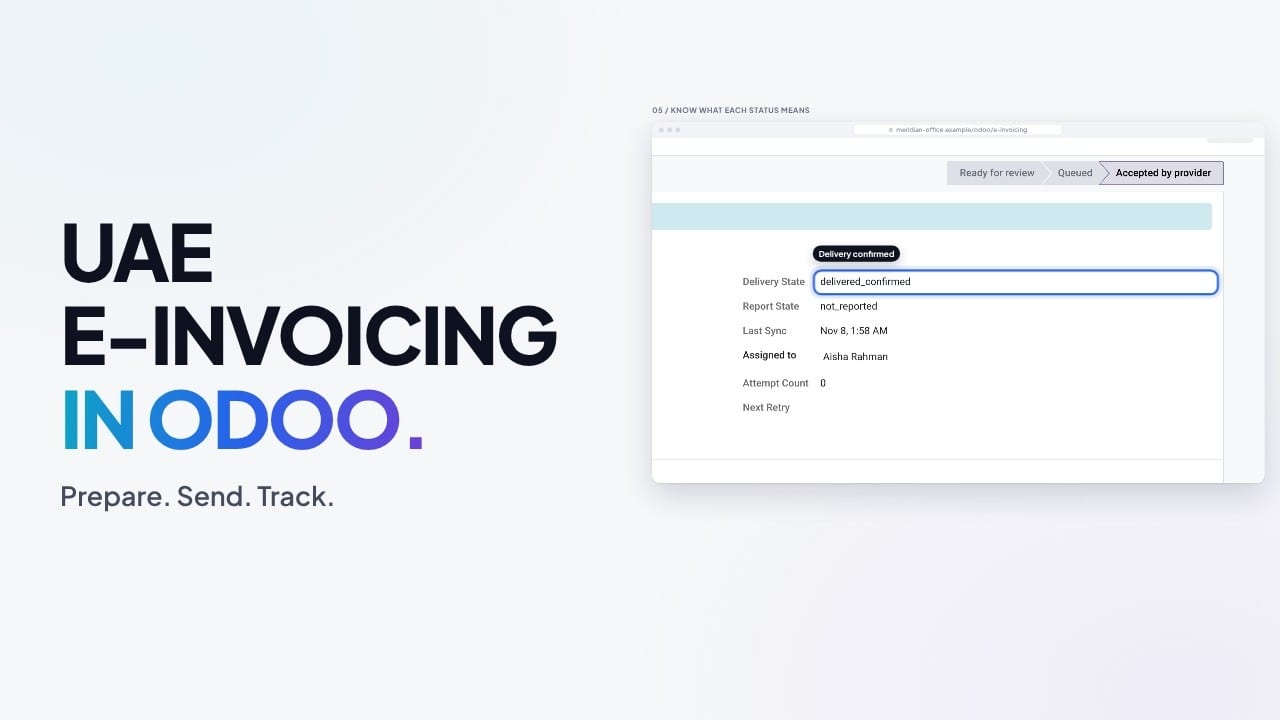
 UAE E-InvoicingA UAE e-invoice from preflight to draft bill in OdooThe UAE E-Invoicing Base module working with the Wafeq connector: invoice preflight, provider submission, delivery tracking, evidence, receipt recovery, credit notes, incoming supplier invoices and reviewed draft bills.
Write Safety: allow, confirm, require approval or deny
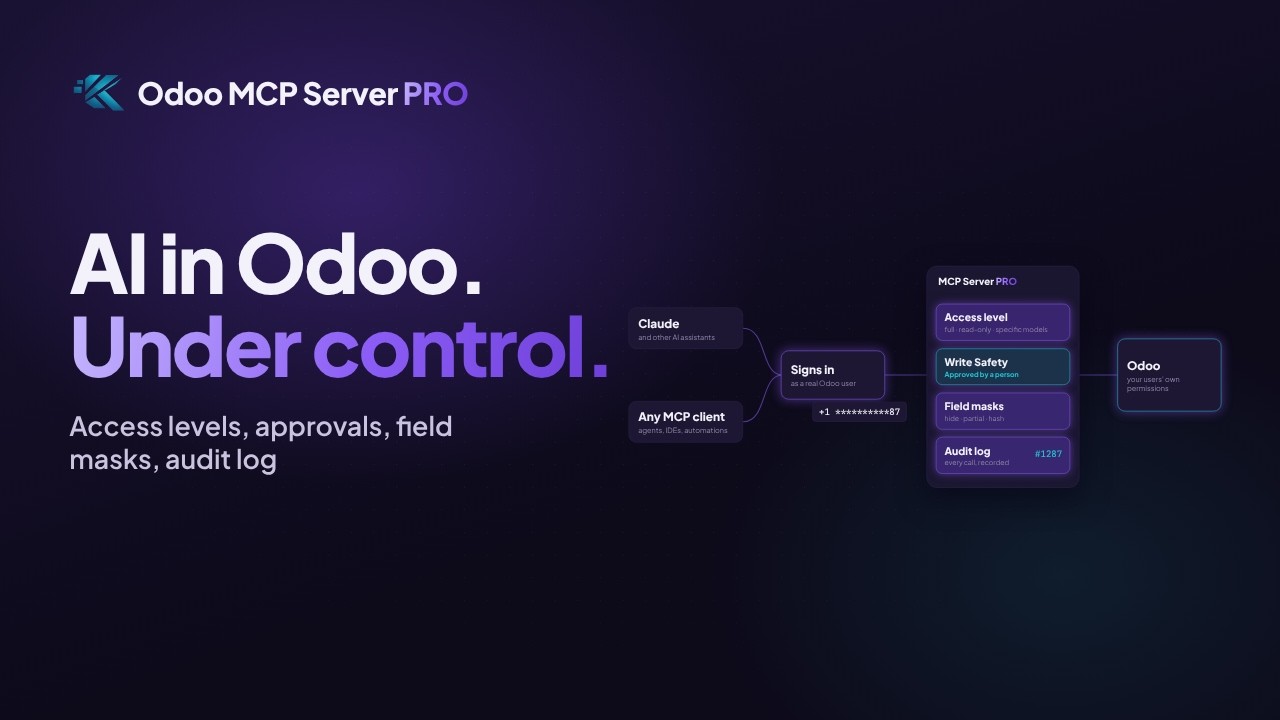
The safest way to let AI change Odoo is to put a person between the request and the write for the changes that matter. Write Safety does that with rules: small, routine changes run, sensitive ones wait for an approver, and some are never allowed.
What happens in this video
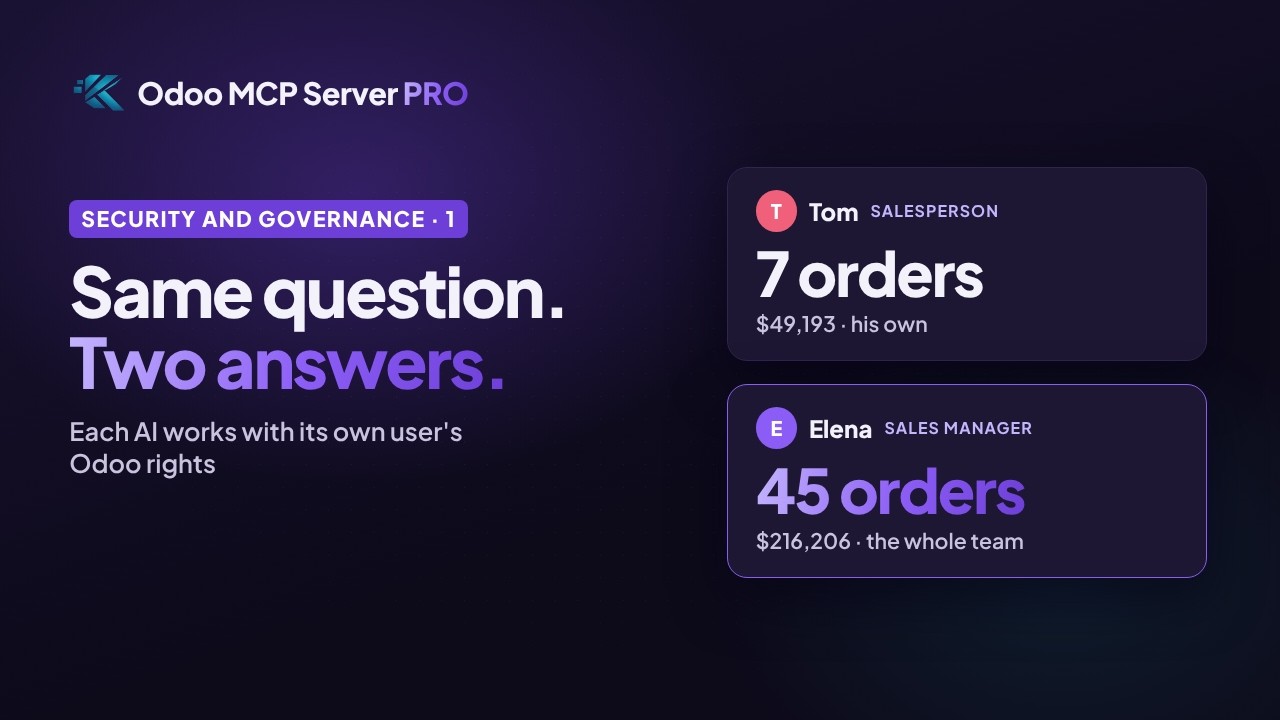
Episode 3 of the Security and governance series. Write Safety rules decide one of four outcomes for each AI change — allow, confirm, require approval or deny — matched on the model, operation, business steps such as posting an invoice, amounts, record filters, teams, people or one AI connection. Approval requests wait in Odoo in plain language; the approved change runs exactly once with the requester’s permissions. There is no self-approval by default, requests are sealed, expire after 24 hours by default and are blocked if the record changed meanwhile, and deny rules are absolute.
- 0:00
Who approves what the AI does?
The question this episode answers.
- 0:23
Four decisions
Allow, confirm, require approval or deny.
- 0:42
What a rule can match
Model, operation, business step, amount, record filter, team, person or AI connection.
- 1:03
A real rule
A rule configured in Odoo, applied to a live request.
- 1:16
The AI asks, a person approves
The request waits in Odoo in plain language until an approver decides; it then runs once with the requester’s permissions.
- 1:44
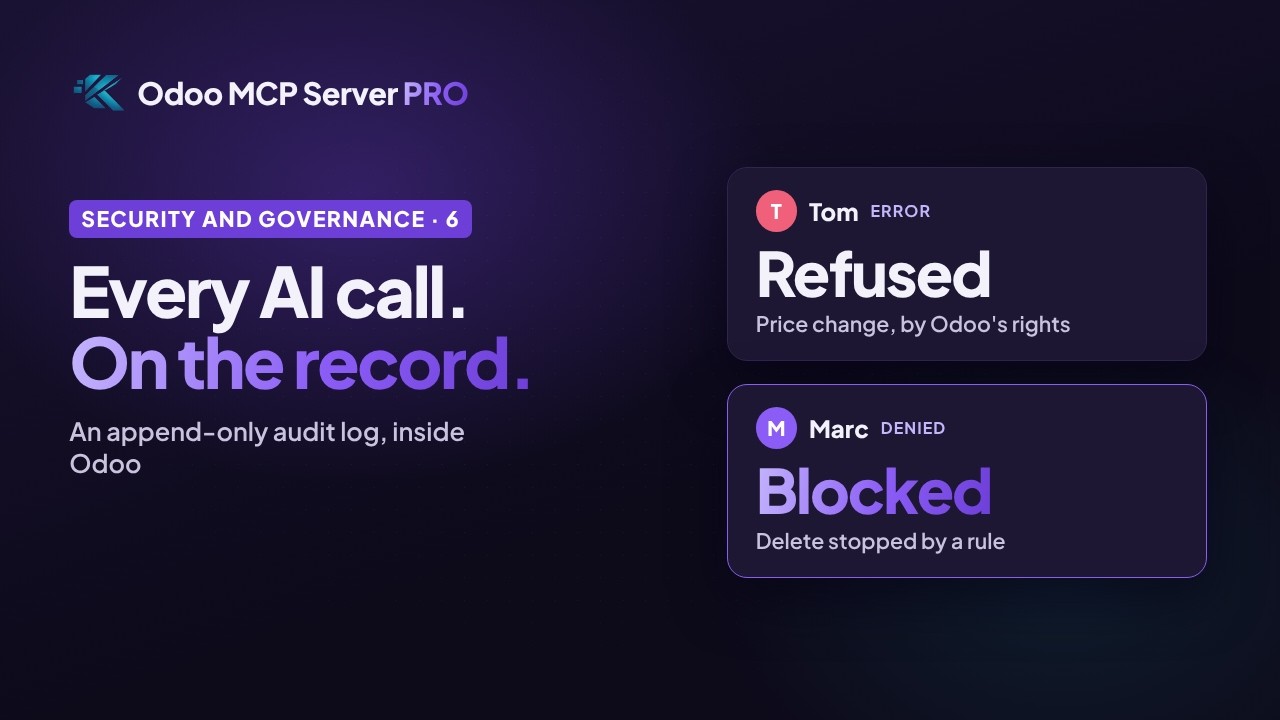
Deny means never
A deny rule stops the change and tells the AI why.
- 1:57
Built so approvals can’t be gamed
No self-approval by default, sealed requests, 24-hour expiry by default, and blocking if the record changed.
- 2:18
Good to know
Practical notes on rule design.
- 2:36
Set it up
Where Write Safety rules are configured.
- 2:52
Next episode
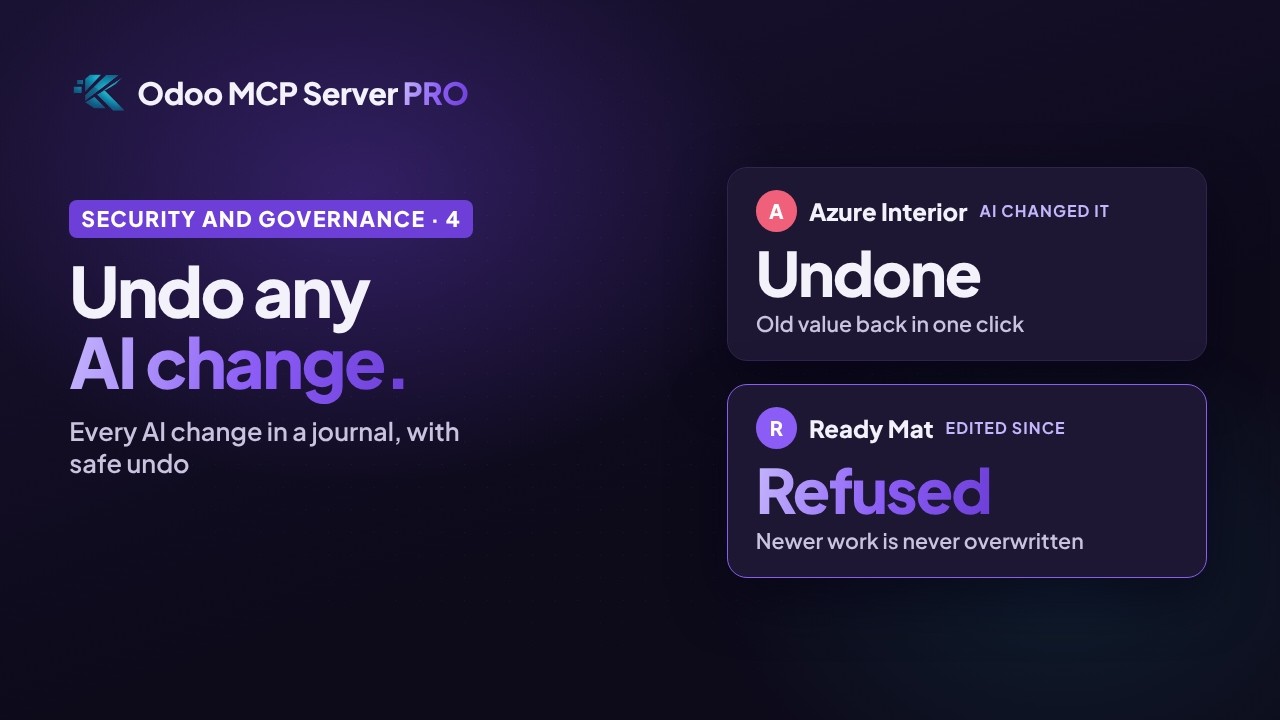
Undoing AI changes.
What you can do after watching
- Four decisions per rule: allow, confirm, require approval, or deny
- Rules match the model, the operation, business steps such as posting an invoice, amounts, record filters, teams, people or one AI connection
- The approved change runs exactly once, with the requester’s permissions
- No self-approval by default; requests are sealed, expire after 24 hours by default and are blocked if the record changed
- Deny rules are absolute: the AI is told why, and nothing runs
Questions about this demo
Can someone approve their own AI request in Odoo?
Not by default. Write Safety blocks self-approval, seals the request, expires it after 24 hours by default and blocks it if the record changed in the meantime.
More Odoo product videos
Up next: The change journal and a one-click undo that protects newer work. Or browse the full video library.
UAE E-InvoicingA UAE e-invoice from preflight to draft bill in OdooThe UAE E-Invoicing Base module working with the Wafeq connector: invoice preflight, provider submission, delivery tracking, evidence, receipt recovery, credit notes, incoming supplier invoices and reviewed draft bills.








Want this running on your Odoo?
Explore the product requirements and pricing, or talk to KSROlabs about setup, migration and implementation support.