
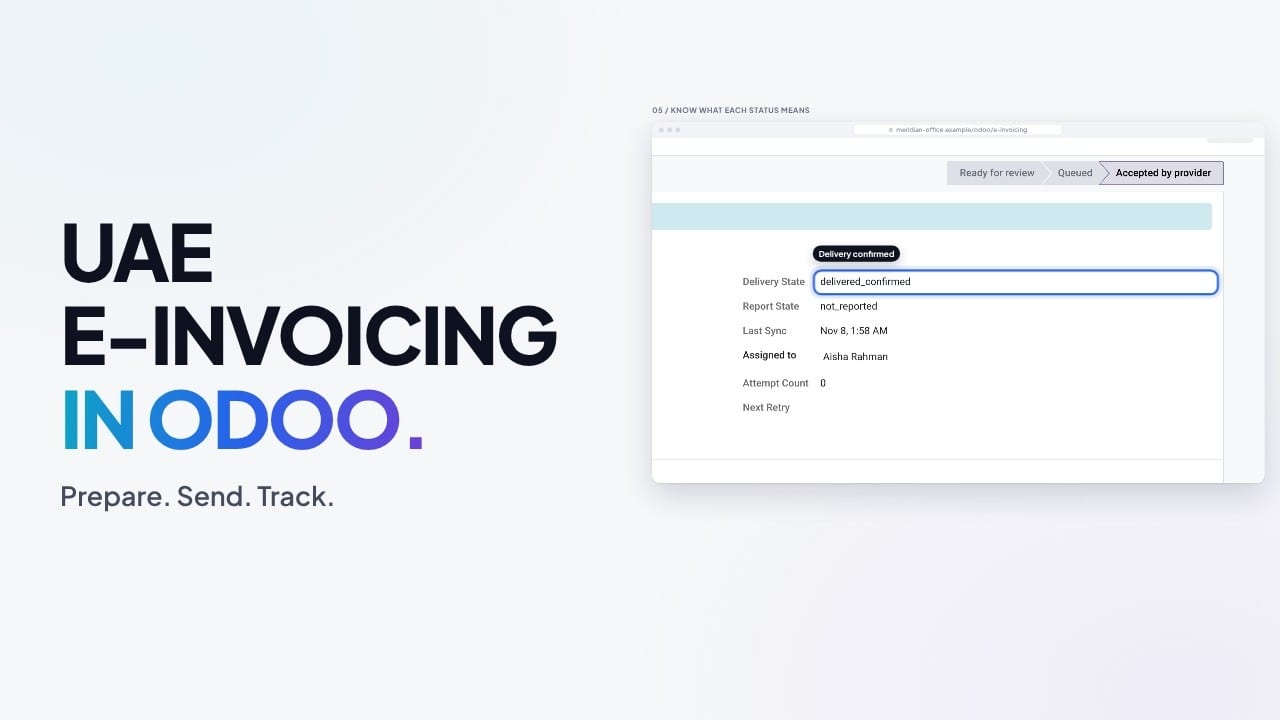
 UAE E-InvoicingA UAE e-invoice from preflight to draft bill in OdooThe UAE E-Invoicing Base module working with the Wafeq connector: invoice preflight, provider submission, delivery tracking, evidence, receipt recovery, credit notes, incoming supplier invoices and reviewed draft bills.
One append-only audit line for every AI request
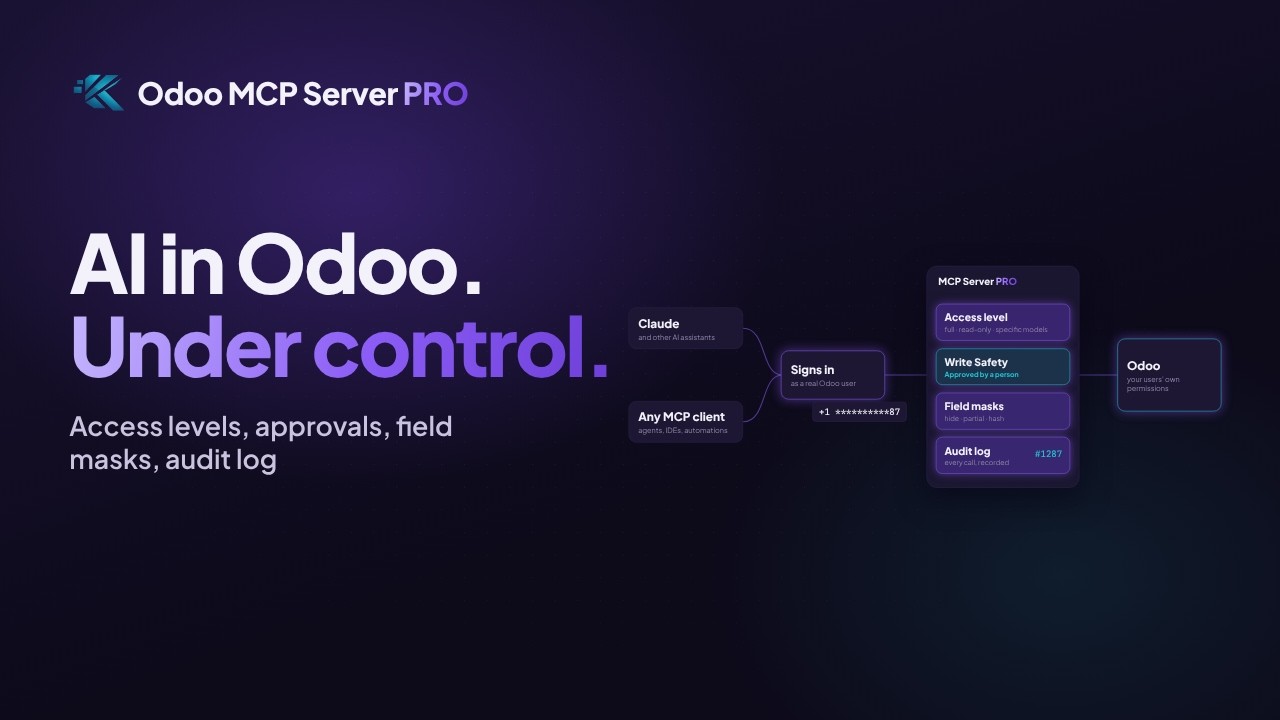
When someone asks what the AI did last Tuesday, the answer has to come from a record nobody could have edited. The MCP audit log is that record: one line per request, append-only, inside your own database.
What happens in this video
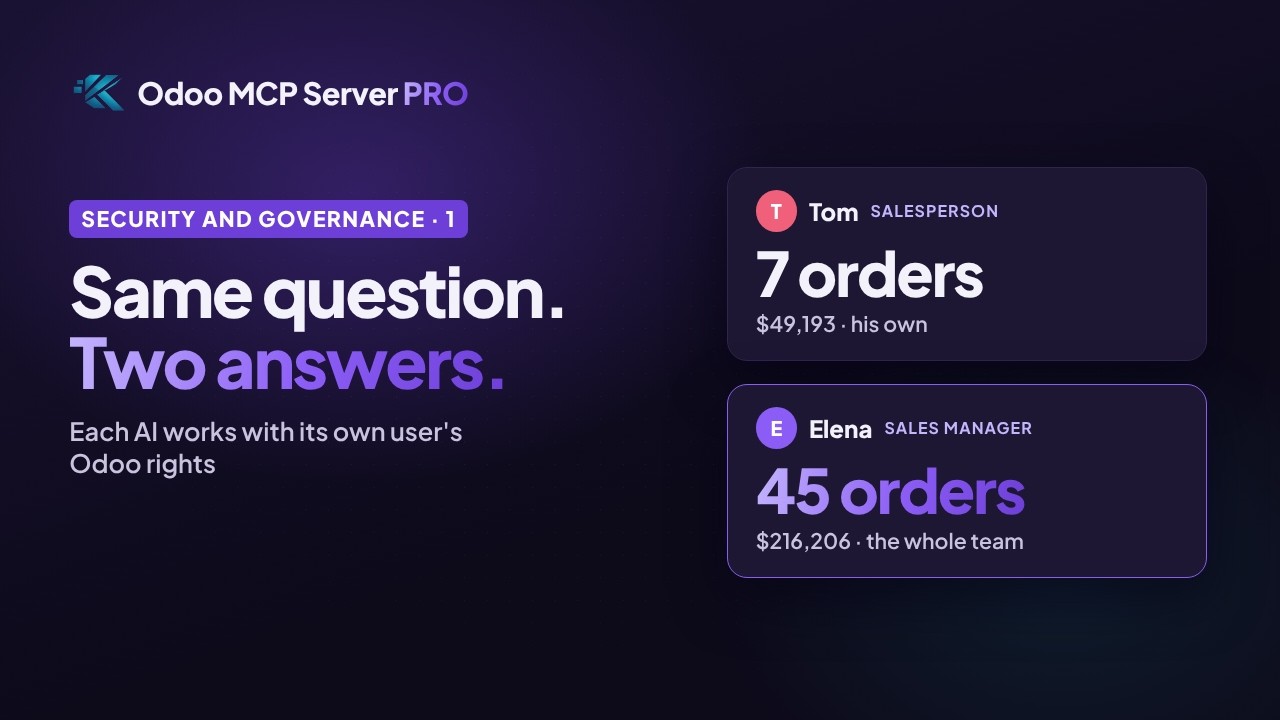
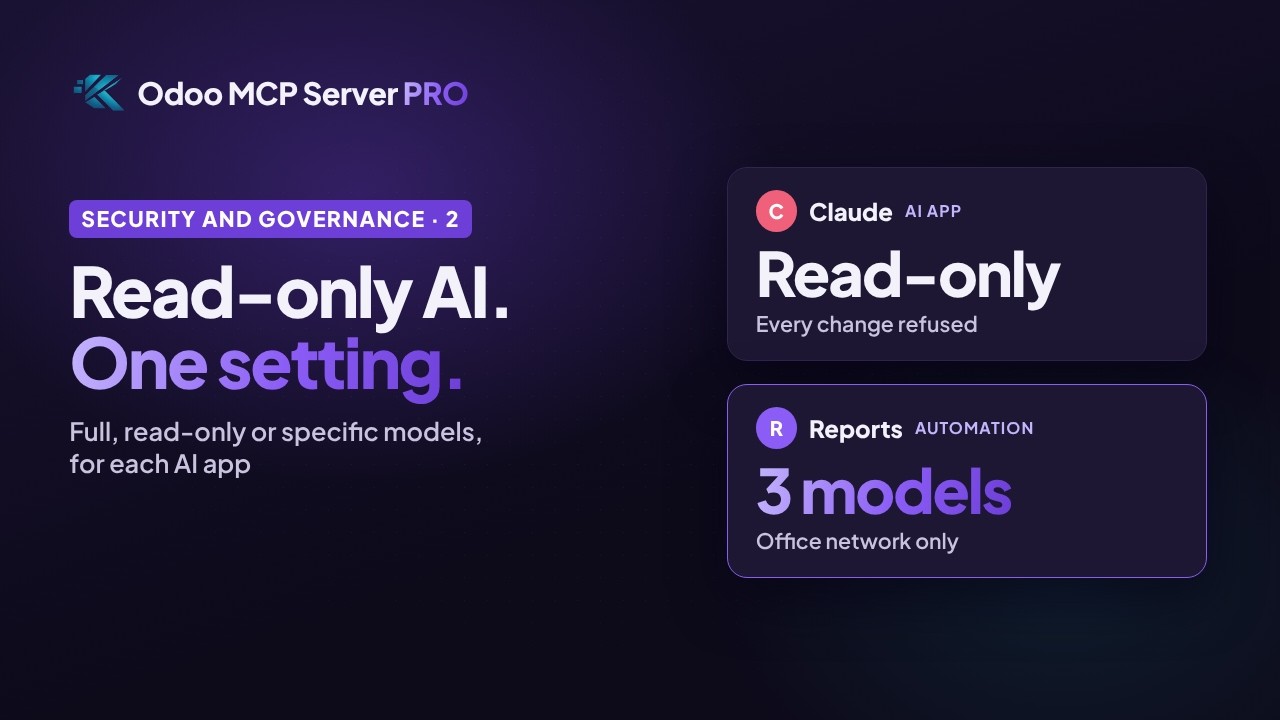
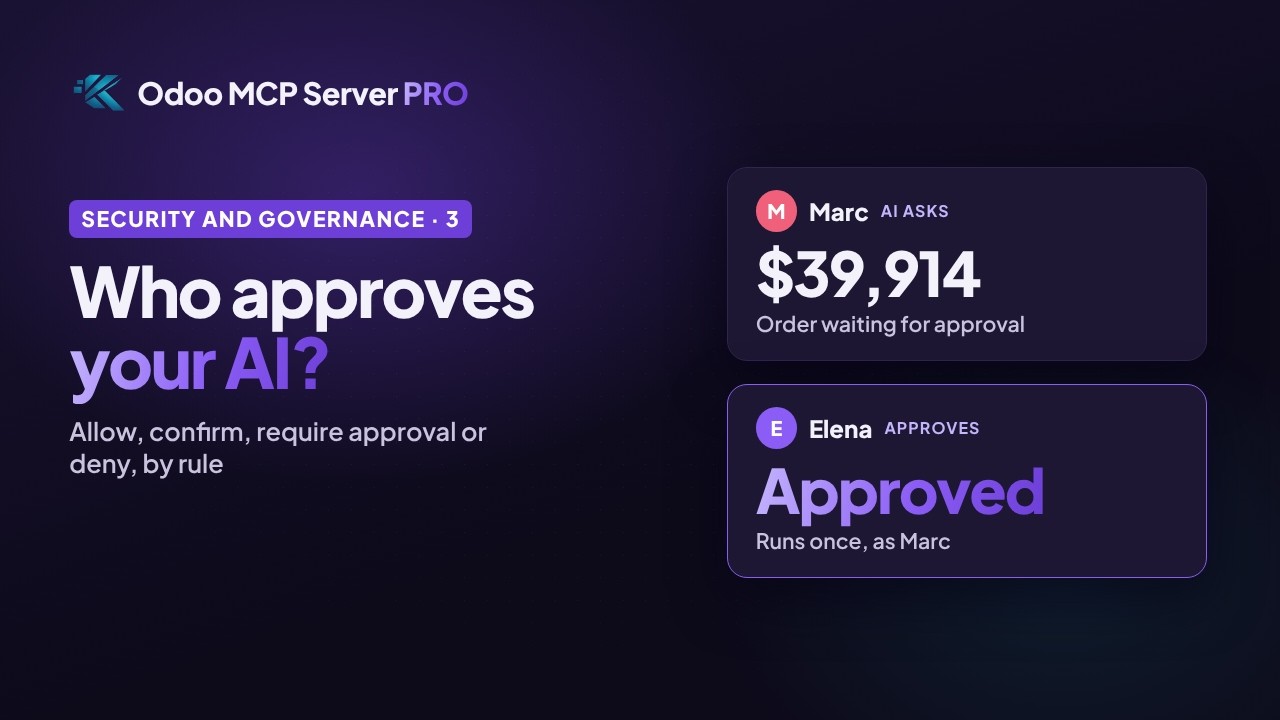
Episode 6 of the Security and governance series. Odoo MCP Server PRO writes one audit line per AI request — user, AI connection, IP, tool, model, record, result, duration and safety event — to an append-only log that cannot be edited or deleted in Odoo. MCP administrators, approvers and system administrators can read it, including through their own AI assistants. The episode also covers automatic key rotation with a grace period, expiry reminders, per-user and server-wide rate limits, optional storage of request and response bodies, and retention settings.
- 0:00
Can we prove what the AI did?
The question this episode answers.
- 0:24
What each line records
User, connection, IP, tool, model, record, result, duration and safety event.
- 0:46
The log in Odoo
The append-only log as it appears in Odoo.
- 1:01
Ask your AI for the audit
Authorised users reading the log through their own AI assistant.
- 1:24
Keys, rate limits and retention
Key rotation, expiry reminders, rate limits and how long entries are kept.
- 1:52
Good to know
Body storage is off unless switched on.
- 2:12
Use it
Using the log in a review.
- 2:28
Next episode
OAuth governance per person.
What you can do after watching
- One audit line per AI request: user, AI connection, IP, tool, model, record, result, duration and safety event
- Append-only: entries cannot be edited or deleted in Odoo
- Readable by MCP administrators, approvers and system administrators, also through their own AI assistants
- Automatic key rotation with a grace period, expiry reminders, and per-user and server-wide rate limits
- Request and response bodies are stored only if you switch that on; retention is configurable
Questions about this demo
Can AI audit log entries be edited or deleted in Odoo?
No. Odoo MCP Server PRO writes AI requests to an append-only log; entries cannot be edited or deleted in Odoo. Retention is set by you.
More Odoo product videos
Up next: One AI policy per person, deny by default, live sessions. Or browse the full video library.
UAE E-InvoicingA UAE e-invoice from preflight to draft bill in OdooThe UAE E-Invoicing Base module working with the Wafeq connector: invoice preflight, provider submission, delivery tracking, evidence, receipt recovery, credit notes, incoming supplier invoices and reviewed draft bills.


Want this running on your Odoo?
Explore the product requirements and pricing, or talk to KSROlabs about setup, migration and implementation support.