
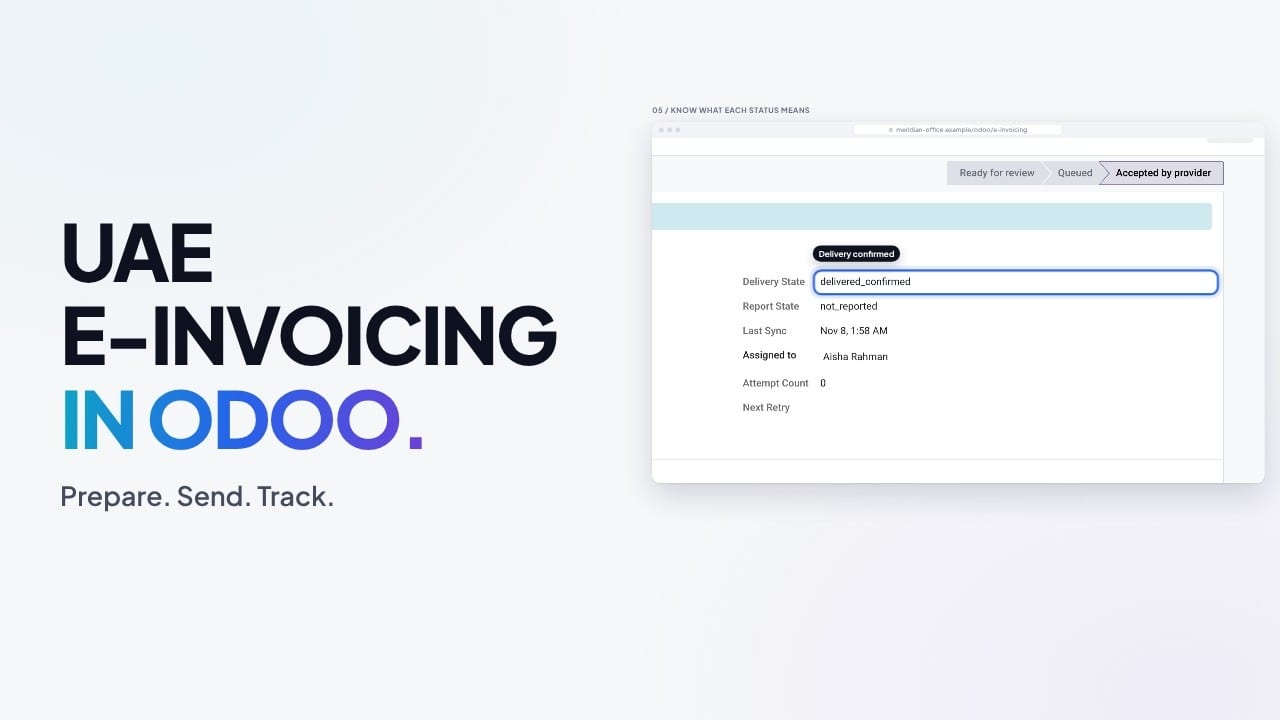
 UAE E-InvoicingA UAE e-invoice from preflight to draft bill in OdooThe UAE E-Invoicing Base module working with the Wafeq connector: invoice preflight, provider submission, delivery tracking, evidence, receipt recovery, credit notes, incoming supplier invoices and reviewed draft bills.
The change journal and a one-click undo that protects newer work
AI will sometimes get a change wrong. What matters is whether you can see exactly what it changed and put it back without damaging what your team did afterwards. The change journal records every AI write, and safe undo restores it only when that is safe.
What happens in this video
Episode 4 of the Security and governance series. Every change an AI makes through Odoo MCP Server PRO is written to a change journal with the record, the user and the exact values before and after. An MCP administrator can undo updates, records the AI created and records it archived in one click. Undo refuses if the record changed after the AI’s write, so newer human work is never overwritten. Business steps such as a confirmed order are recorded and reversed the usual Odoo way. Snapshots are kept 30 days by default.
- 0:00
What if the AI gets it wrong?
A wrong price or the wrong customer updated.
- 0:25
Recorded, and undone in one click
The journal entry with before and after values, and the undo action.
- 0:51
When undo refuses
If the record changed after the AI’s write, undo stops rather than overwrite newer work.
- 1:08
What undo covers
Updates, created records and archived records; business steps are reversed the usual Odoo way.
- 1:31
Good to know
Who can undo and how long snapshots are kept.
- 1:44
Set it up
Turning on the change journal.
- 2:04
Next episode
Field masking.
What you can do after watching
- A journal line for every AI change: when, which record, what changed and who asked
- One-click undo for updates, records the AI created and records it archived
- Undo refuses if the record changed after the AI’s write, so newer human work is never overwritten
- Business steps such as a confirmed order are recorded and reversed the usual Odoo way
- Only MCP administrators can undo; snapshots are kept 30 days by default
Questions about this demo
Can I undo a change Claude made in Odoo?
Yes, with Odoo MCP Server PRO. Every AI change is journaled with before and after values, and an MCP administrator can undo it in one click. Undo refuses if a person changed the record after the AI did.
More Odoo product videos
Up next: Hide, partially show or hash sensitive fields for AI. Or browse the full video library.
UAE E-InvoicingA UAE e-invoice from preflight to draft bill in OdooThe UAE E-Invoicing Base module working with the Wafeq connector: invoice preflight, provider submission, delivery tracking, evidence, receipt recovery, credit notes, incoming supplier invoices and reviewed draft bills.




Want this running on your Odoo?
Explore the product requirements and pricing, or talk to KSROlabs about setup, migration and implementation support.