
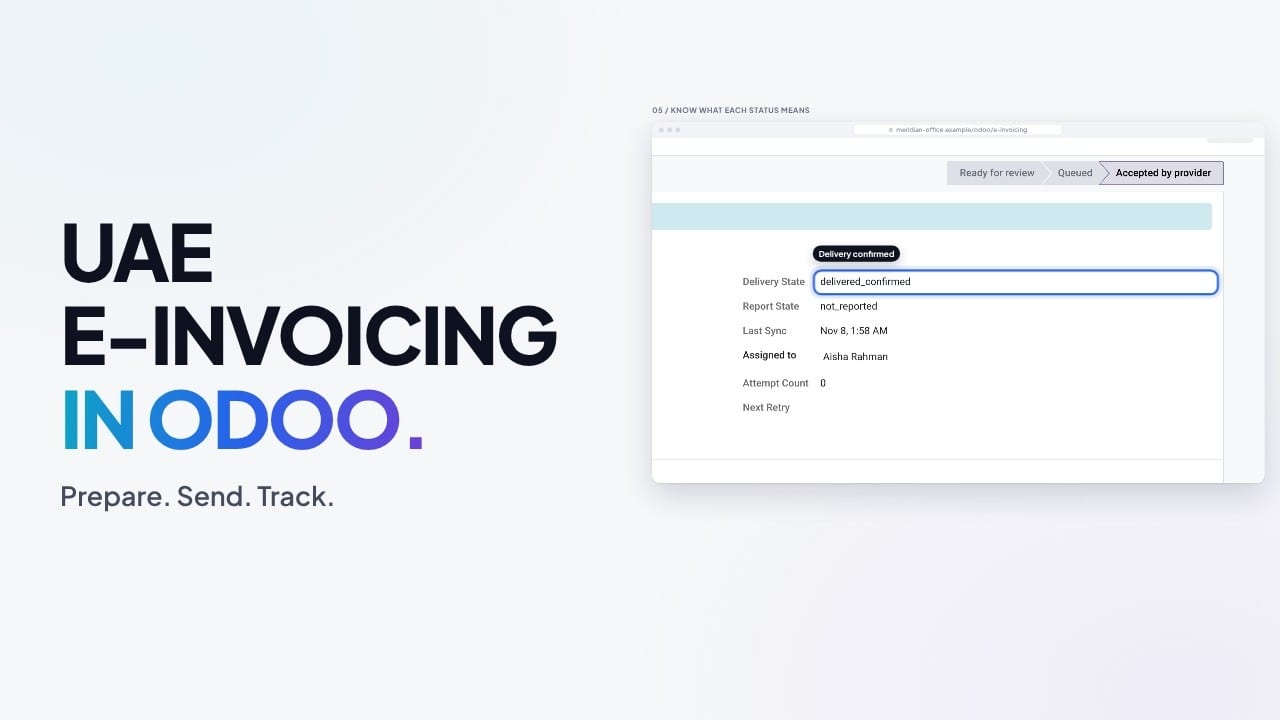
 UAE E-InvoicingA UAE e-invoice from preflight to draft bill in OdooThe UAE E-Invoicing Base module working with the Wafeq connector: invoice preflight, provider submission, delivery tracking, evidence, receipt recovery, credit notes, incoming supplier invoices and reviewed draft bills.
Hide, partially show or hash sensitive fields for AI
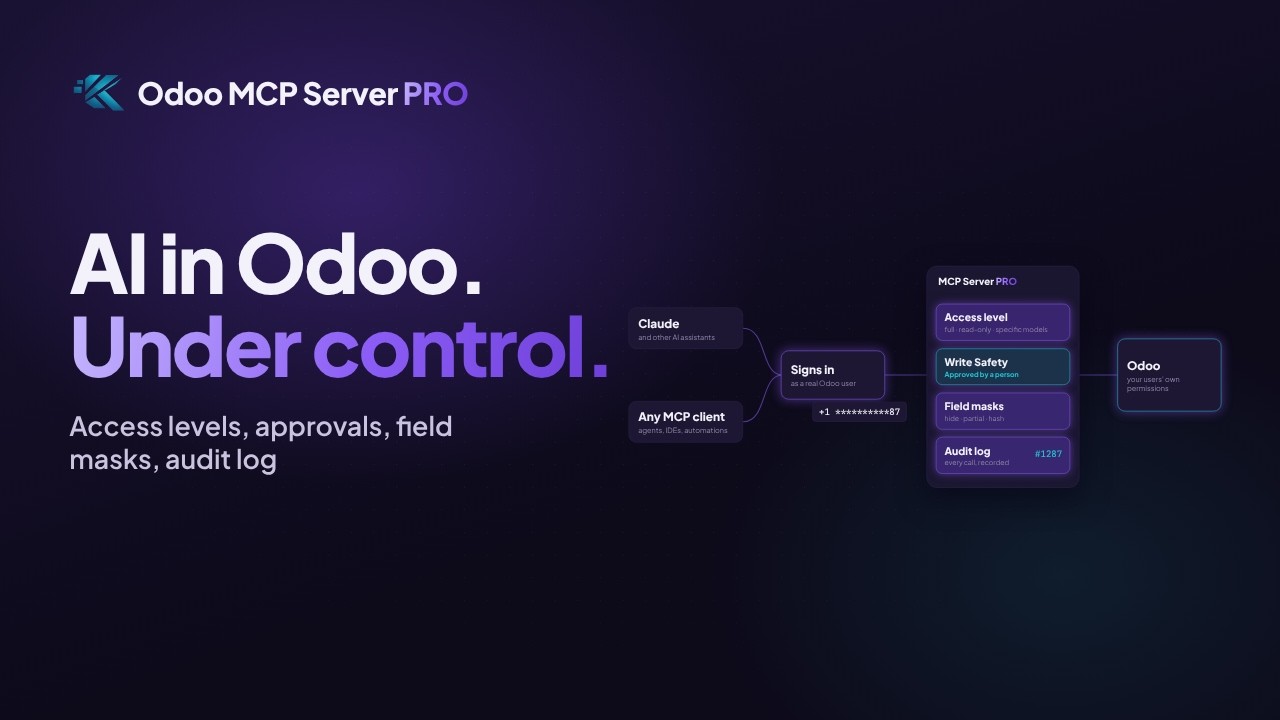
Some fields should never reach an AI provider in full: costs, salaries, phone numbers, tax IDs. Field masking lets you decide that per field without changing anything else in your setup, and it holds up against the obvious workaround of filtering or sorting until the value gives itself away.
What happens in this video
Episode 5 of the Security and governance series. Field masking in Odoo MCP Server PRO controls what an AI may see of a sensitive field such as product cost, a customer phone number or a tax ID. There are three mask types — hide, partial (first and last characters) and hash (a one-way fingerprint). Answers and exports stay masked, the AI cannot filter, sort or group on a masked field to guess its value, and a mask can apply to everyone or only to a team, person, AI connection or company. People in Odoo keep seeing real values according to their normal rights.
- 0:00
Will the AI see private data?
The question this episode answers.
- 0:21
Three ways to mask
Hide, partial and hash.
- 0:38
Masks in Odoo
Where masks are defined.
- 0:48
Masked answers
What the AI receives for a masked field.
- 1:02
The AI can’t guess around a mask
Filtering, sorting and grouping on a masked field are refused.
- 1:24
Masks follow the data
Exports stay masked too.
- 1:37
Who a mask applies to
Everyone, or a team, person, AI connection or company.
- 1:49
Good to know
Why hide is safer than hash for short values.
- 2:11
Set it up
Adding a mask.
- 2:25
Next episode
The audit log.
What you can do after watching
- Three mask types: hide, partial (first and last characters) and hash (one-way fingerprint)
- Answers and exports stay masked
- The AI cannot filter, sort or group on a masked field to guess its value
- A mask can apply globally or only to a team, person, AI connection or company
- Hide is recommended for short secrets, because hashes of short values can sometimes be guessed
Questions about this demo
Can I stop Claude from seeing product costs or salaries in Odoo?
Yes. Field masking in Odoo MCP Server PRO can hide a field, show it partially or replace it with a hash for AI requests. Answers and exports stay masked, and the AI cannot filter, sort or group on the field to infer the value.
More Odoo product videos
Up next: One append-only audit line for every AI request. Or browse the full video library.
UAE E-InvoicingA UAE e-invoice from preflight to draft bill in OdooThe UAE E-Invoicing Base module working with the Wafeq connector: invoice preflight, provider submission, delivery tracking, evidence, receipt recovery, credit notes, incoming supplier invoices and reviewed draft bills.




Want this running on your Odoo?
Explore the product requirements and pricing, or talk to KSROlabs about setup, migration and implementation support.