
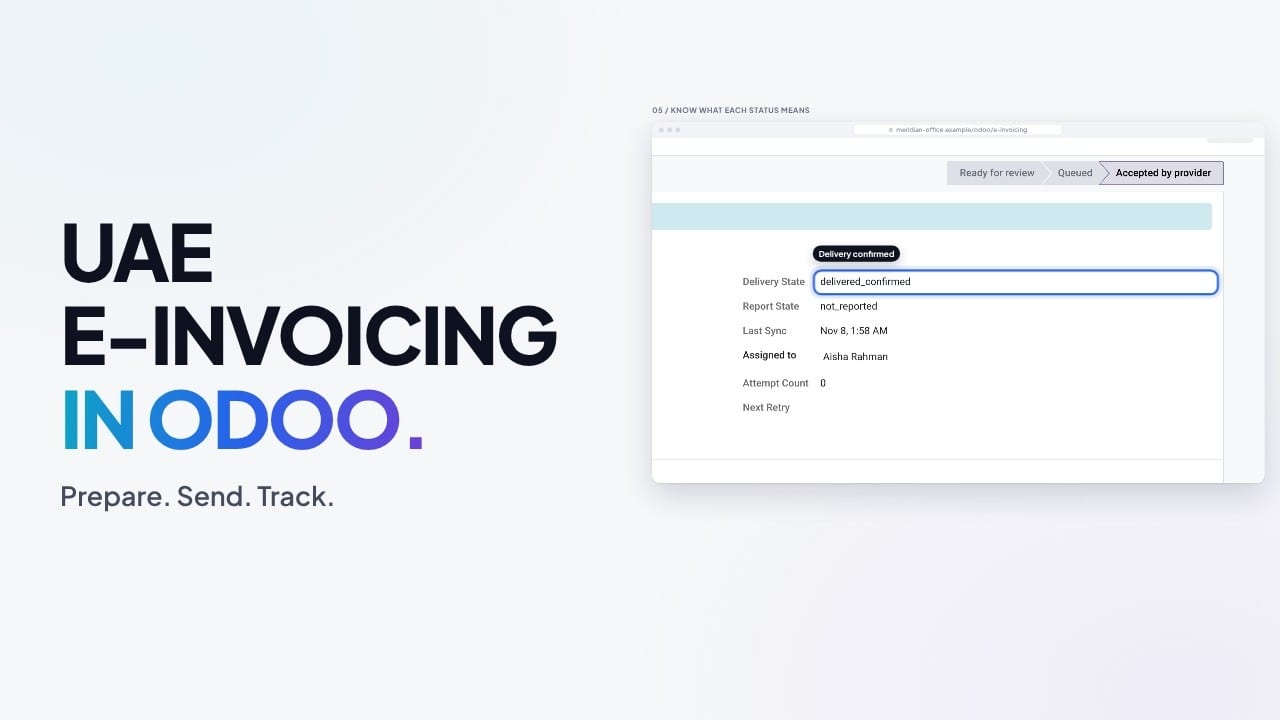
 UAE E-InvoicingA UAE e-invoice from preflight to draft bill in OdooThe UAE E-Invoicing Base module working with the Wafeq connector: invoice preflight, provider submission, delivery tracking, evidence, receipt recovery, credit notes, incoming supplier invoices and reviewed draft bills.
Every AI connection works with one real Odoo user’s rights
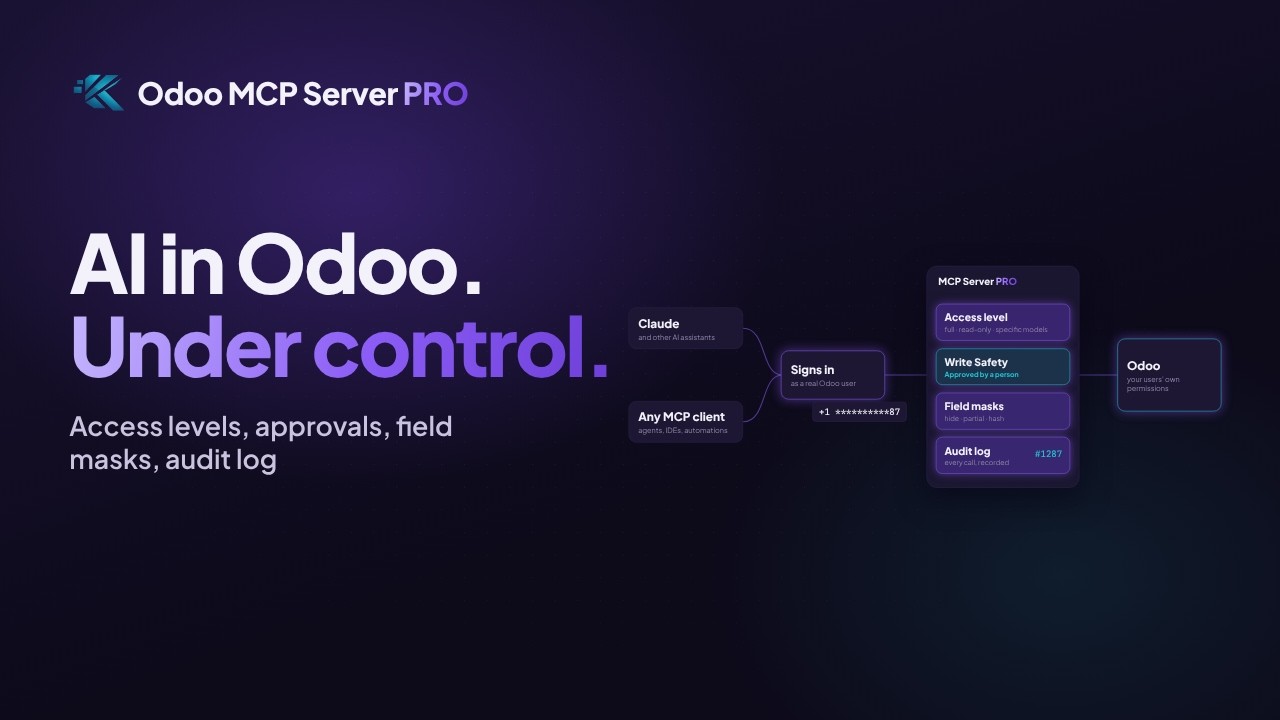
The first question in any AI security review is whether the AI can see or do more than the person using it. With Odoo MCP Server PRO it cannot: each connection signs in as one real Odoo user, and every request runs with exactly that user’s access rights and record rules.
What happens in this video
Episode 1 of the Security and governance series. Each person connects their own AI and signs in with their own Odoo login, so every request runs as that user and Odoo enforces its native access rights and record rules. The episode asks one question through two accounts, shows changes Odoo refuses, and explains why connection access levels and Write Safety rules can only narrow rights, never widen them.
- 0:00
Can AI do more than its user?
The question every security review starts with.
- 0:26
Each person signs in
Every AI connection signs in as one real Odoo user through their own login.
- 0:59
Same question, two answers
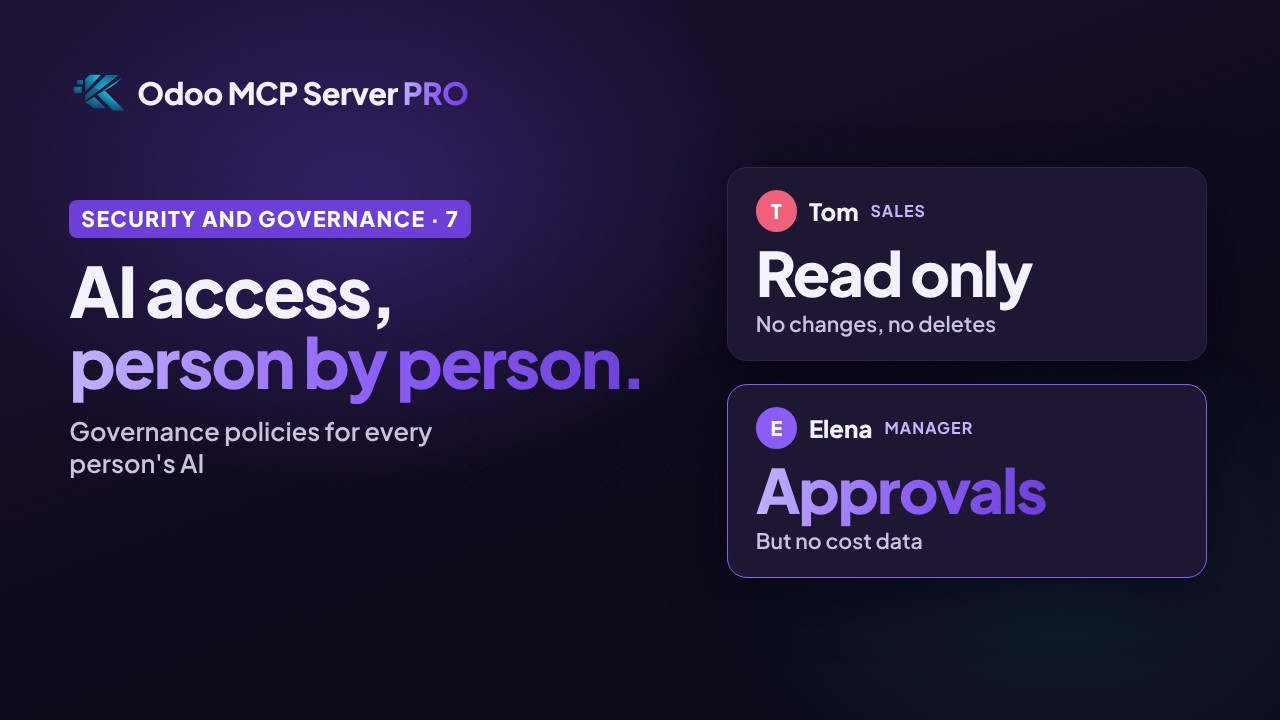
Tom (salesperson) and Elena (sales manager) ask the same question; their AIs return $49,000 and over $216,000 of orders.
- 1:42
Changes Odoo refuses
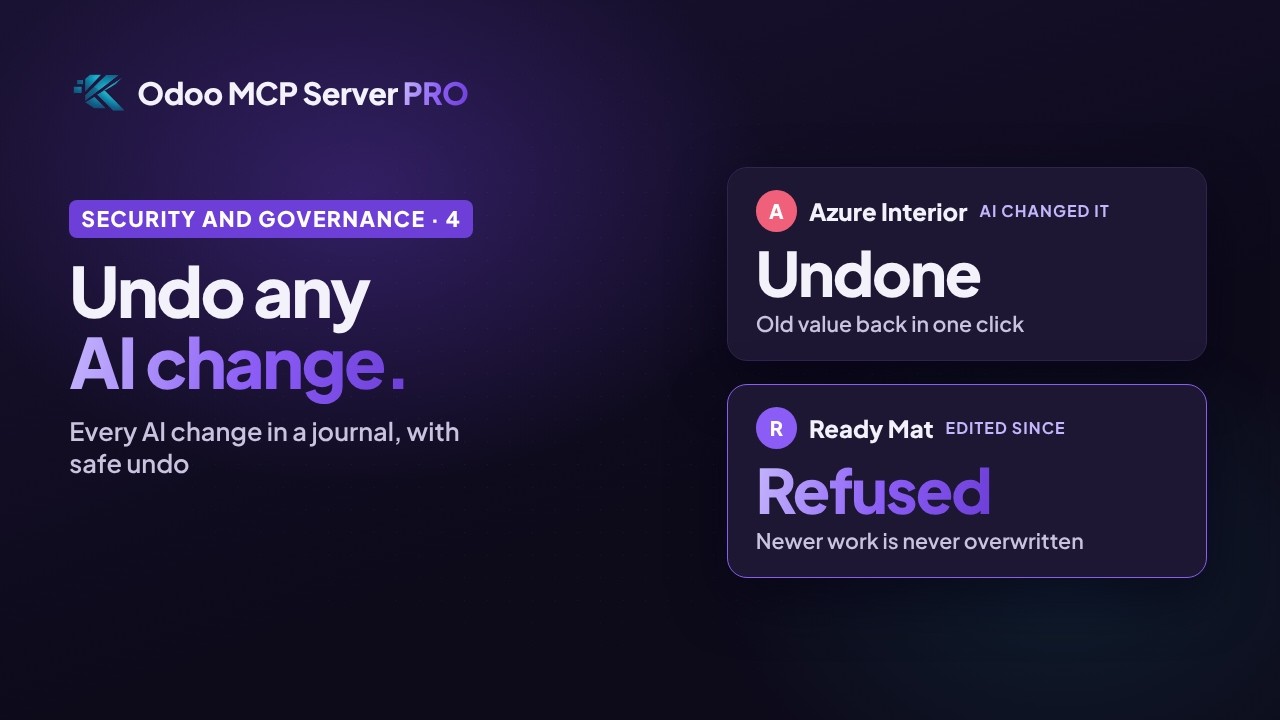
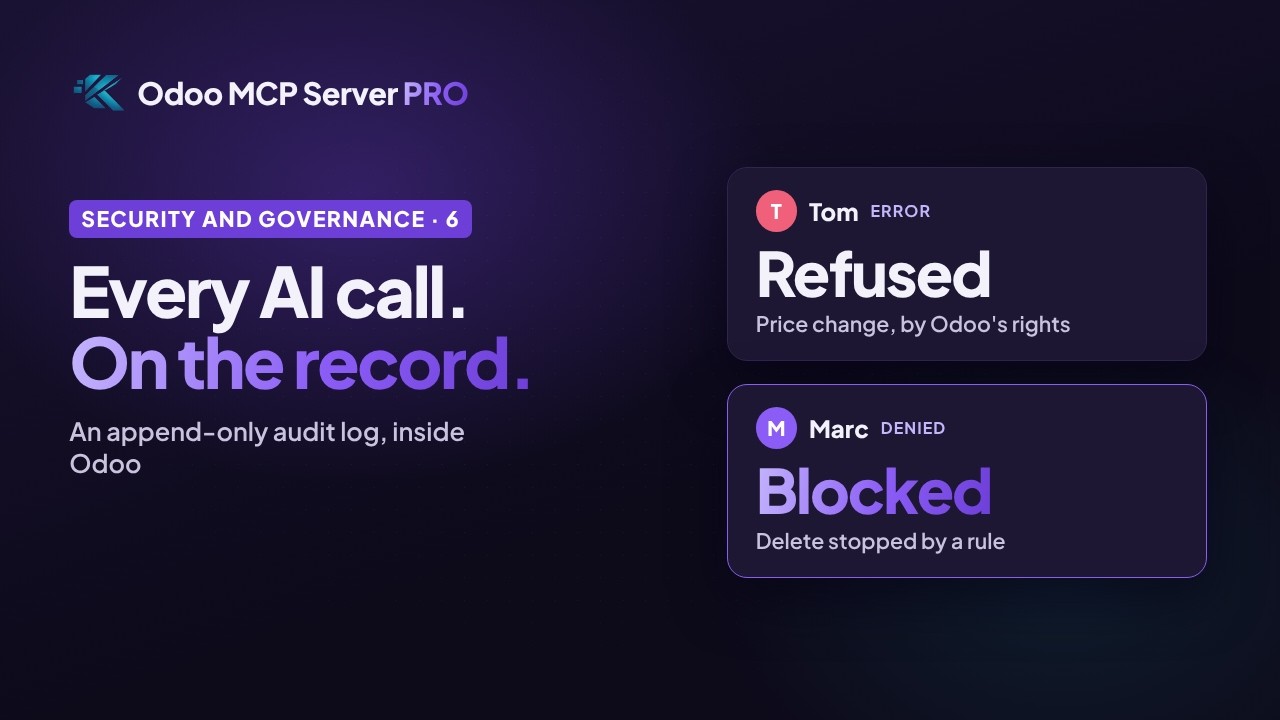
A change outside the user’s rights is refused by Odoo itself.
- 1:53
Narrow, never widen
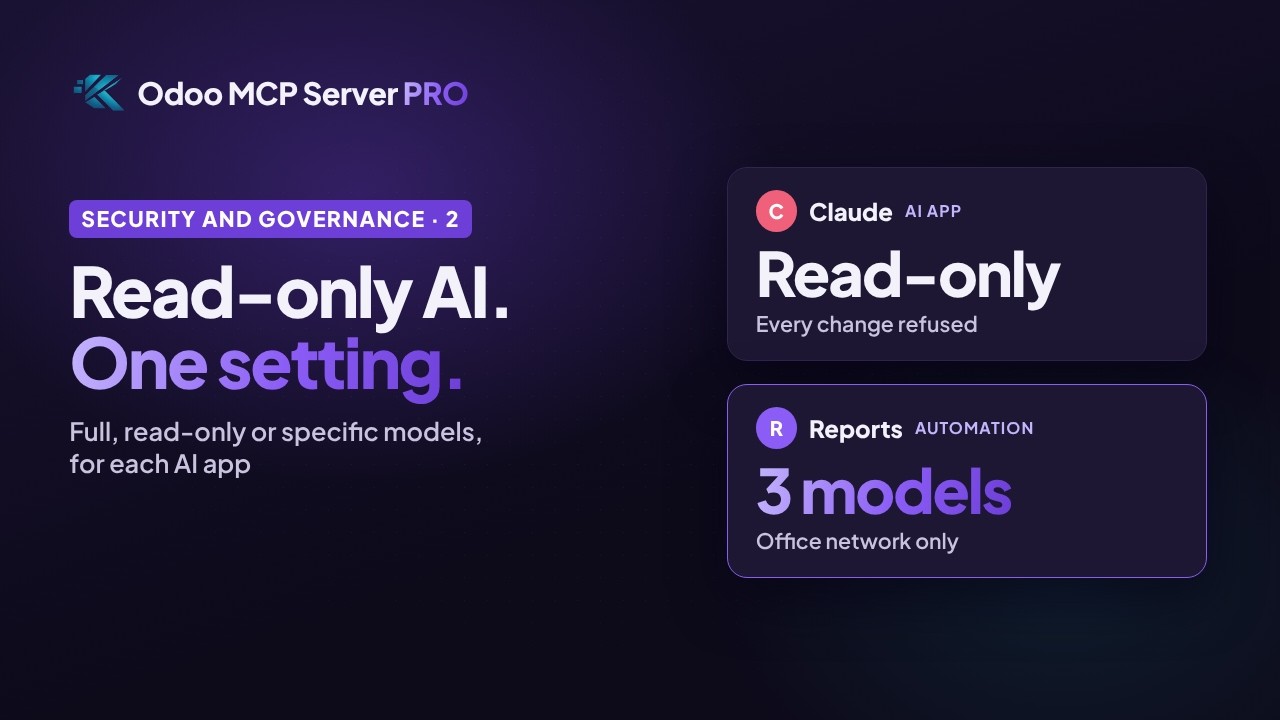
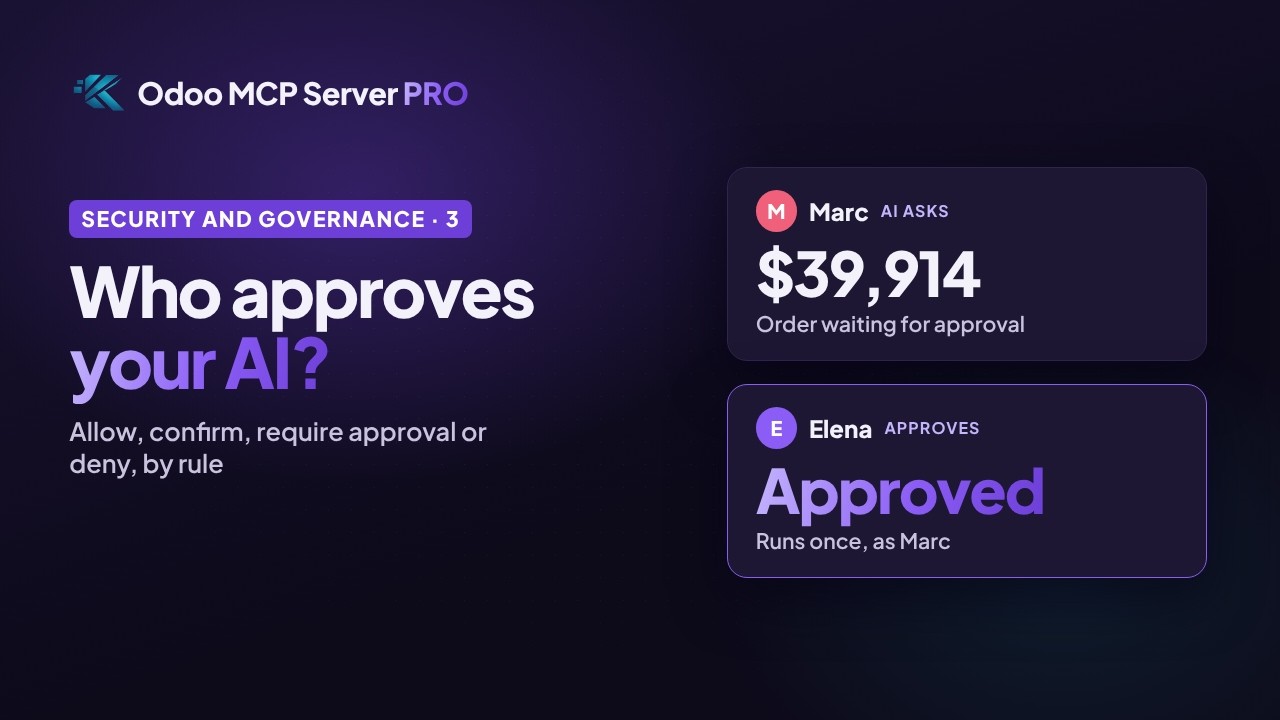
Connection access levels and Write Safety rules sit on top of Odoo rights and can only reduce them.
- 2:13
Good to know
An administrator login gives the AI administrator rights.
- 2:32
Set it up
How each person connects their own AI.
- 2:50
Next episode
Access levels for every AI app.
What you can do after watching
- Each person connects their own AI and signs in with their own Odoo login
- The same question returns different answers for a salesperson and a sales manager, because Odoo applies each person’s rights
- Access levels and Write Safety rules can only narrow rights, never widen them
- An administrator login gives the AI administrator rights — a reason to give every person their own connection
Questions about this demo
Does an AI connected to Odoo get broader access than its user?
Not with Odoo MCP Server PRO. Each AI connection signs in as one real Odoo user, every request runs as that user, and Odoo applies that user’s access rights and record rules. Access levels and Write Safety rules can only narrow those rights.
More Odoo product videos
Up next: Full, read-only or specific models for every AI app. Or browse the full video library.
UAE E-InvoicingA UAE e-invoice from preflight to draft bill in OdooThe UAE E-Invoicing Base module working with the Wafeq connector: invoice preflight, provider submission, delivery tracking, evidence, receipt recovery, credit notes, incoming supplier invoices and reviewed draft bills.
Want this running on your Odoo?
Explore the product requirements and pricing, or talk to KSROlabs about setup, migration and implementation support.