
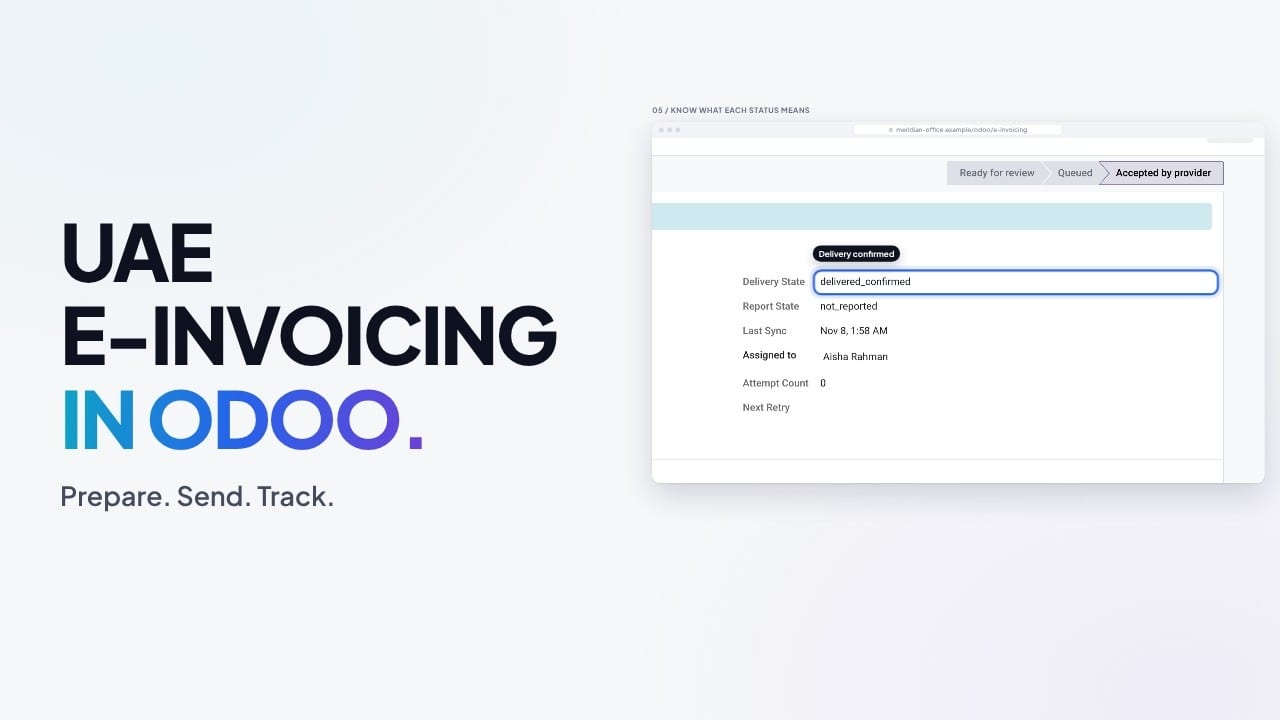
 UAE E-InvoicingA UAE e-invoice from preflight to draft bill in OdooThe UAE E-Invoicing Base module working with the Wafeq connector: invoice preflight, provider submission, delivery tracking, evidence, receipt recovery, credit notes, incoming supplier invoices and reviewed draft bills.
Full, read-only or specific models for every AI app
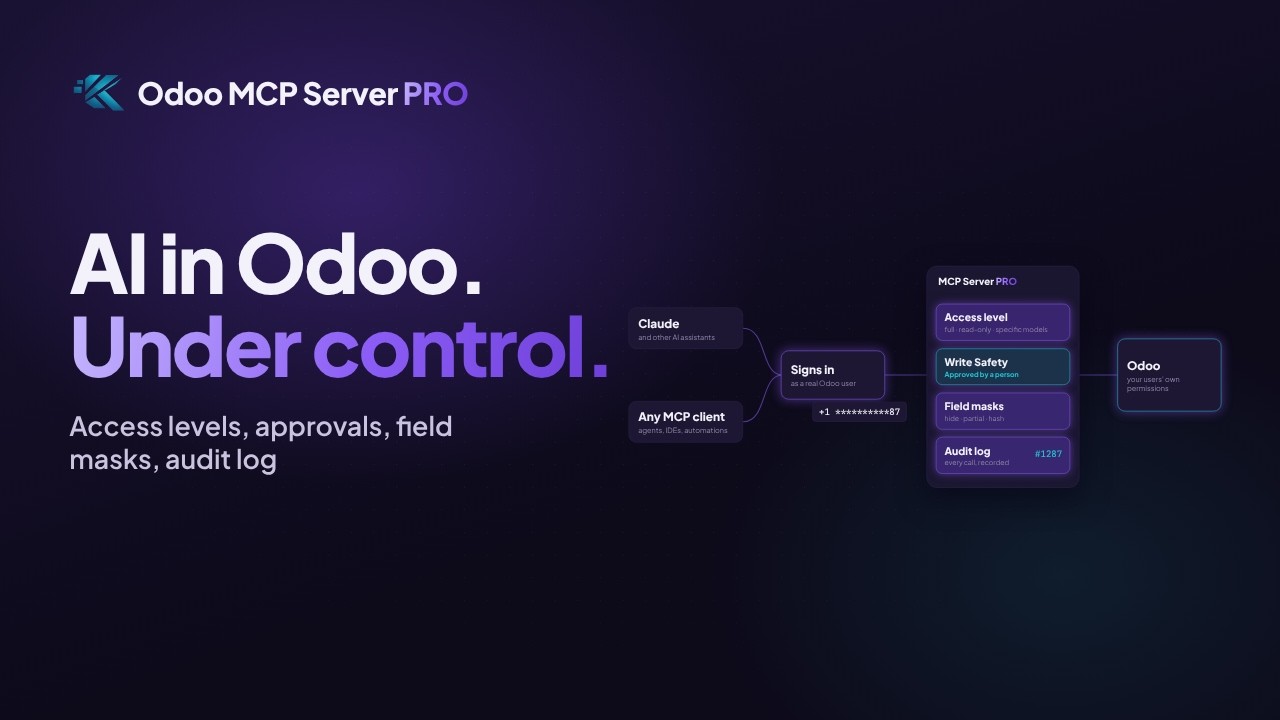
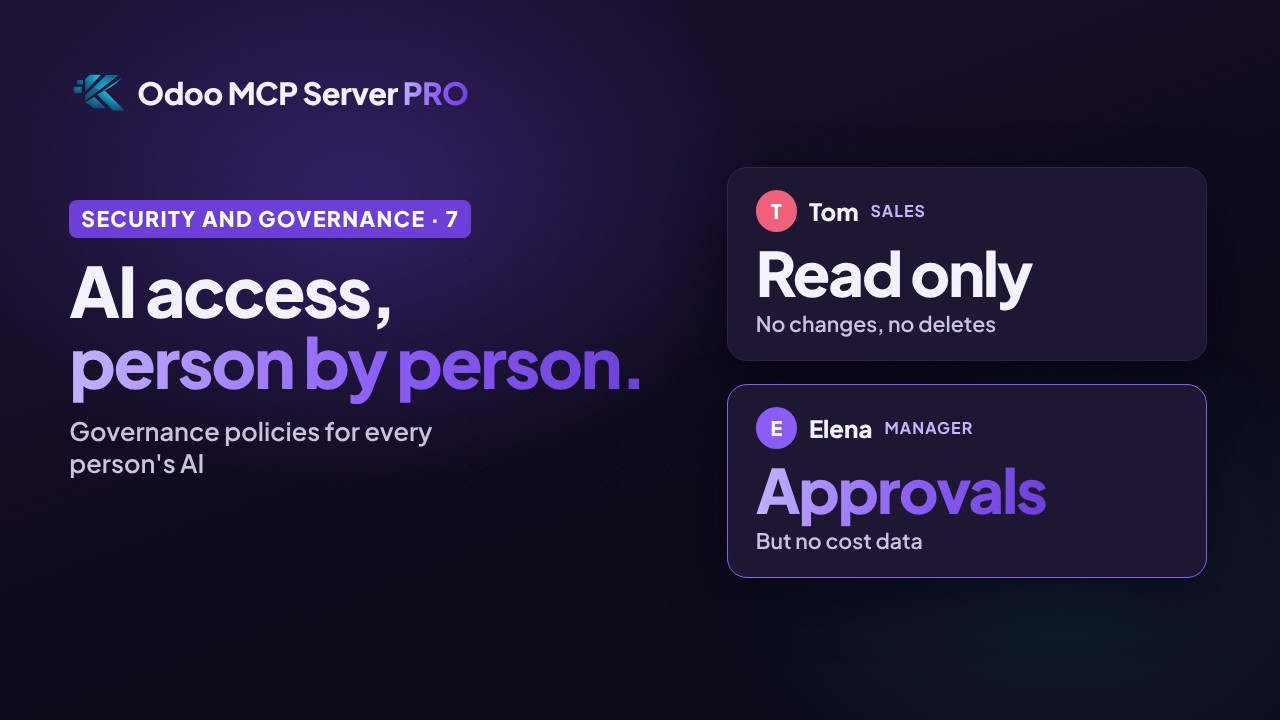
Some teams want an AI that can read Odoo and never change it. Others want one app with wider access and another limited to a few models. Access levels let you set that per AI app, on top of each person’s own Odoo rights, and changes apply on the next request.
What happens in this video
Episode 2 of the Security and governance series. Every AI app connected to Odoo MCP Server PRO has its own access level on top of each person’s Odoo rights: full access, read-only, or specific models and operations. Read-only refuses every change, including add-on tools. Model rules can limit fields and filter records, unknown AI apps cannot sign anyone in until approved, new apps start with no models, and API keys for automations get their own user, model scopes, IP allow-list, rate limit and expiry.
- 0:00
Can the AI be read-only?
The question this episode answers.
- 0:20
Three access levels
Full access, read-only, or specific models and operations, per AI app.
- 0:37
Setting read-only
Switching an AI app to read-only; every change is refused, add-on tools included.
- 1:03
Specific models
Limiting an AI app to chosen models and operations.
- 1:27
Fields and records
Model rules that limit fields and filter the records an AI app can reach.
- 1:53
New AI apps start with nothing
Unknown apps need administrator approval, and new apps have no models until granted.
- 2:07
API keys for automations
Keys with their own user, model scopes, IP allow-list, rate limit and expiry.
- 2:24
Good to know
Access levels apply on top of Odoo rights and take effect on the next request.
- 2:44
Set it up
Where the settings live in Odoo.
- 3:01
Next episode
Approvals for AI.
What you can do after watching
- Three levels per AI app: full access, read-only, or specific models and operations
- Read-only refuses every change, add-on tools included
- Model rules can limit fields and filter records
- Unknown AI apps cannot sign anyone in until an administrator approves them; new apps start with no models
- API keys for automations carry their own user, model scopes, IP allow-list, rate limit and expiry date
Questions about this demo
Can I make Claude read-only in Odoo?
Yes. With Odoo MCP Server PRO each AI app can be set to read-only, which refuses every change including add-on tools. You can also restrict an app to specific models, operations, fields and records.
More Odoo product videos
Up next: Write Safety: allow, confirm, require approval or deny. Or browse the full video library.
UAE E-InvoicingA UAE e-invoice from preflight to draft bill in OdooThe UAE E-Invoicing Base module working with the Wafeq connector: invoice preflight, provider submission, delivery tracking, evidence, receipt recovery, credit notes, incoming supplier invoices and reviewed draft bills.

Want this running on your Odoo?
Explore the product requirements and pricing, or talk to KSROlabs about setup, migration and implementation support.