
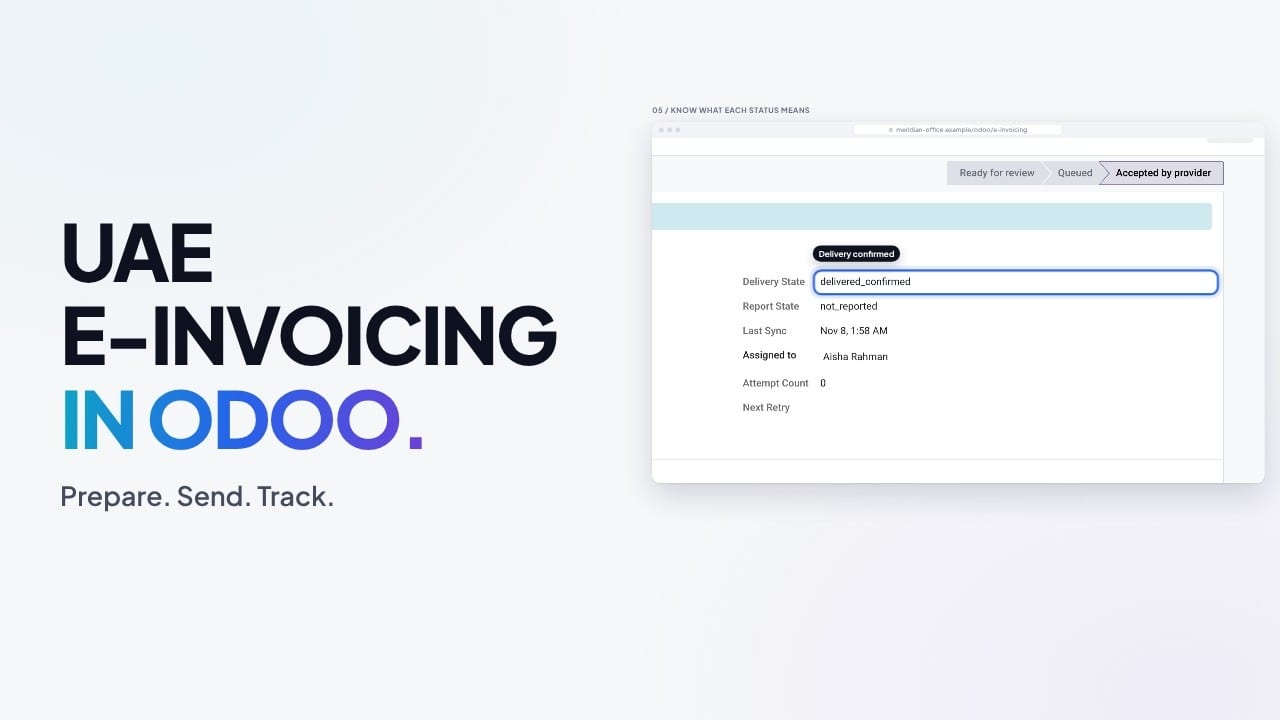
 UAE E-InvoicingA UAE e-invoice from preflight to draft bill in OdooThe UAE E-Invoicing Base module working with the Wafeq connector: invoice preflight, provider submission, delivery tracking, evidence, receipt recovery, credit notes, incoming supplier invoices and reviewed draft bills.
AI in Odoo with policies, approvals, undo and field masking
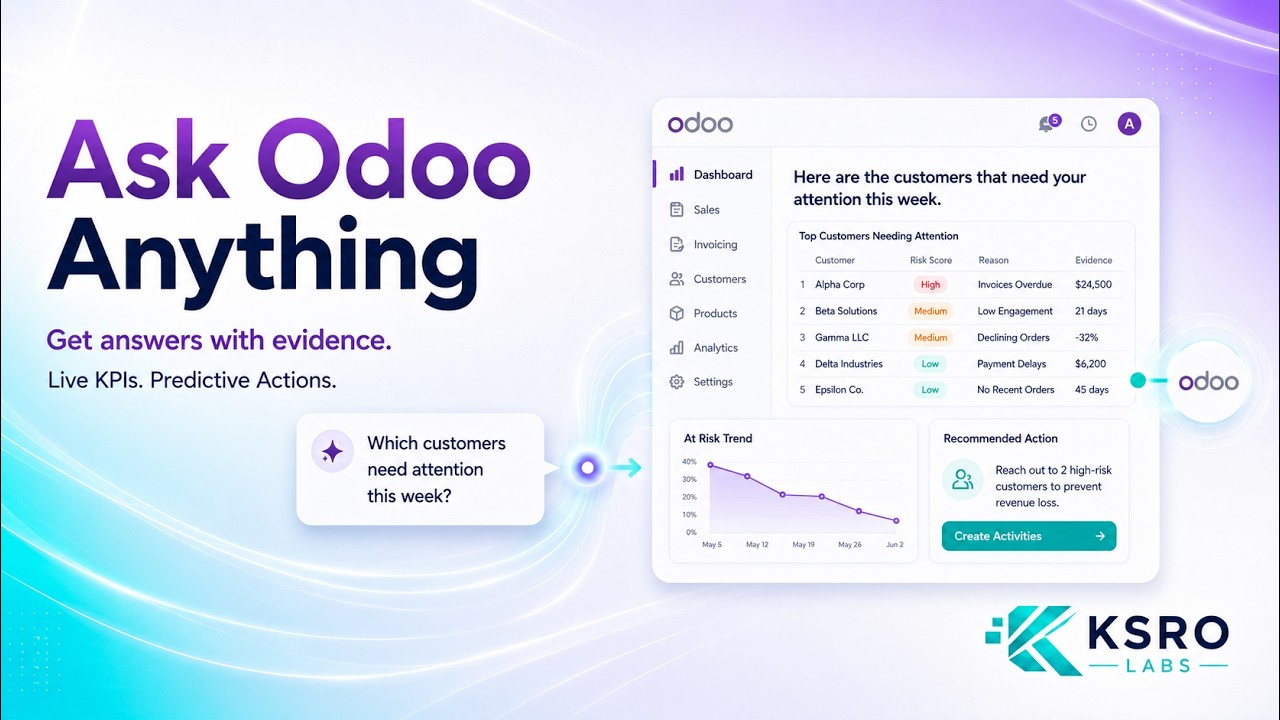
Most AI connections to an ERP give the model a user and hope for the best. This release puts a control layer between the AI and the write: each change is checked against your rules, sensitive changes wait for a person, every change is journaled with its before and after values, and an administrator can undo it without overwriting work people did since.
What happens in this video
The launch walkthrough of Odoo MCP Server PRO on a live Odoo 19 demo database. It covers the Write Safety layer (policies that allow a change, preview it first, require approval or deny it by model, business step, team or amount), approvals that wait in Odoo in plain language and run exactly once with the requester’s permissions, the change journal with before and after values and a one-click undo that refuses to overwrite newer human edits, field masking, access levels per AI connection, and building live pages and installable modules from a sentence.
- 0:00
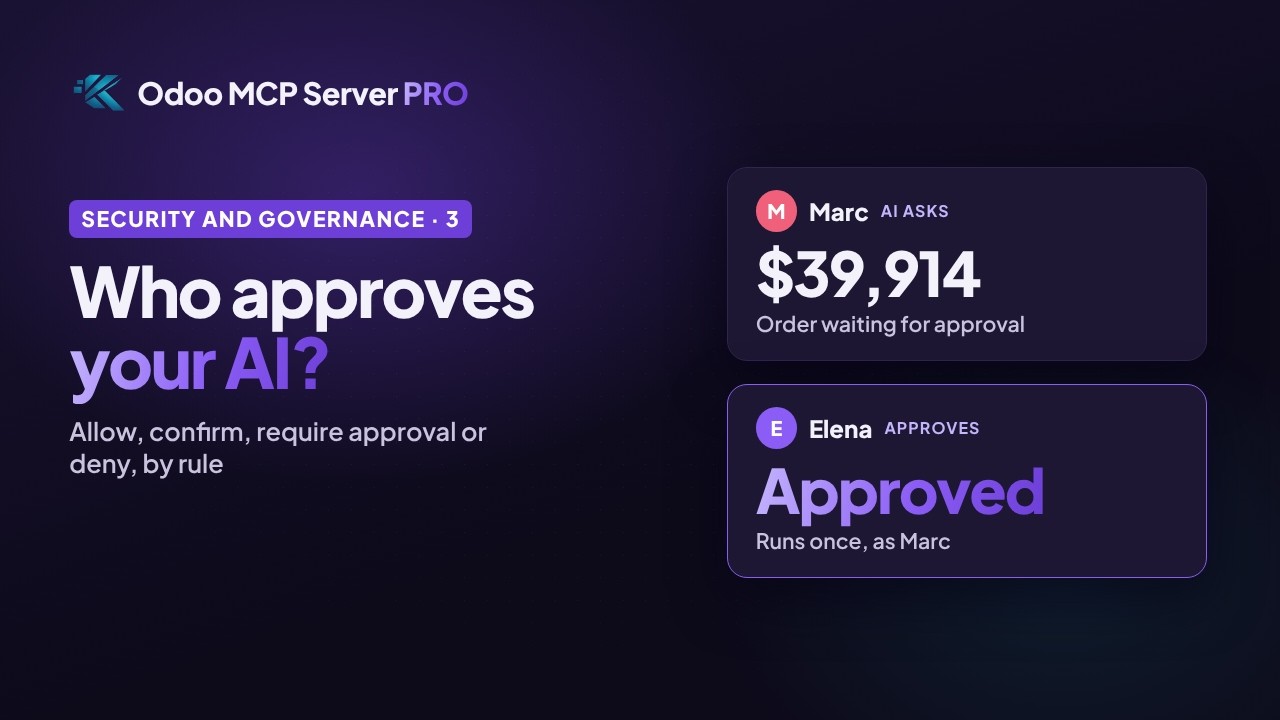
Your AI tries to confirm a $39,914 order
The opening case: an AI assistant connected to Odoo attempts to confirm a large sales order.
- 0:10
The risk with typical AI setups
Why connecting an AI as an ordinary Odoo user leaves no checkpoint between the model’s decision and a change in the database.
- 0:26
How Odoo MCP Server PRO works
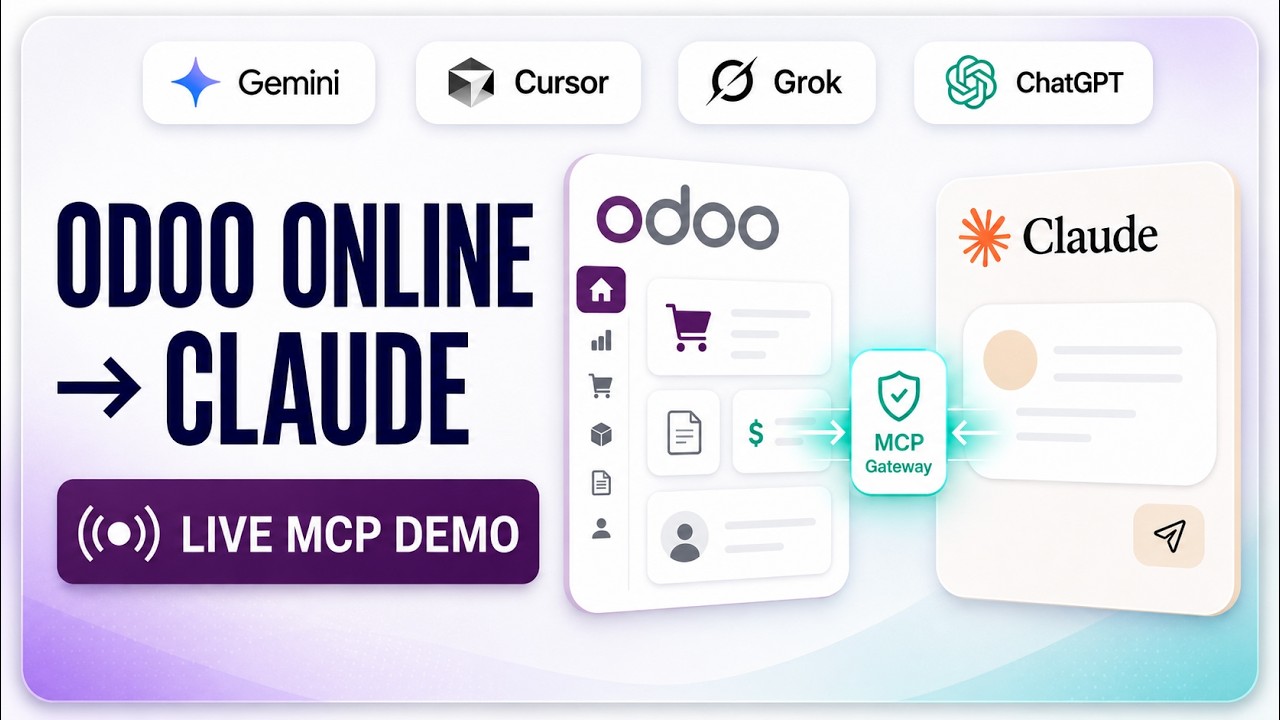
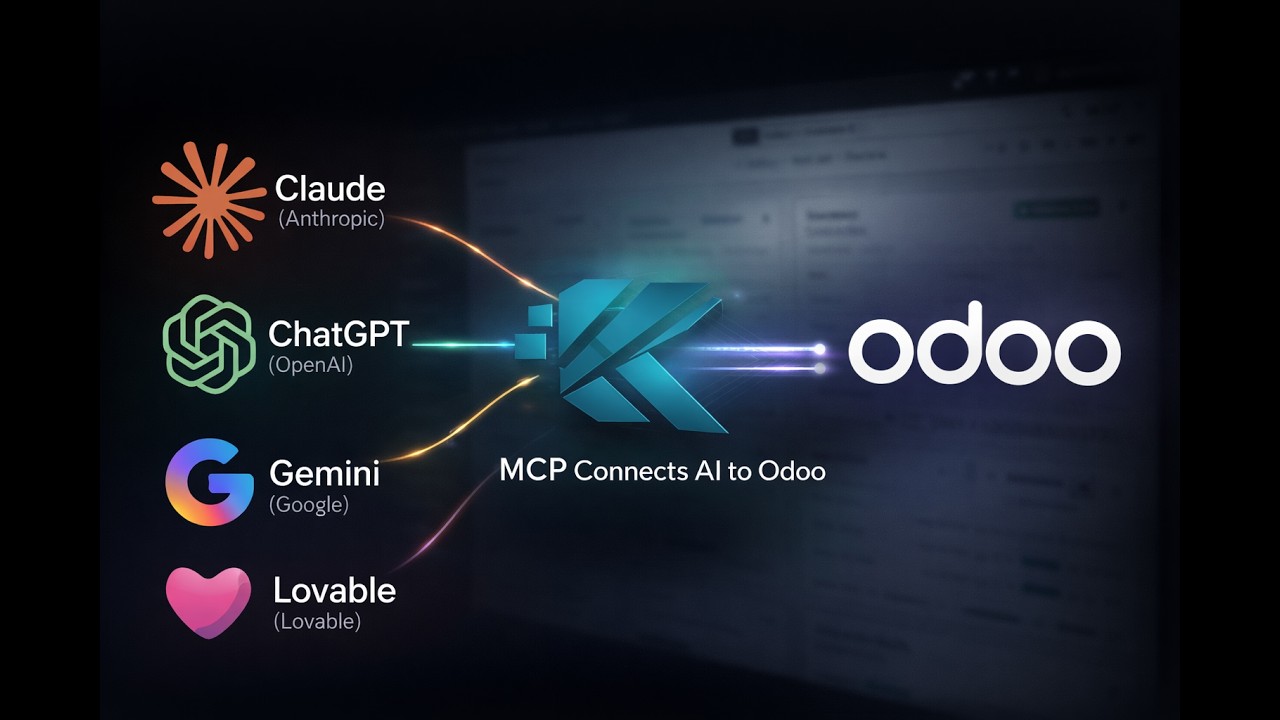
The module runs inside Odoo and the AI app talks to it over MCP, so every request passes through Odoo’s own rights and the PRO controls.
- 0:50
Write Safety: policies and approvals
A policy can allow a change, show a preview first, require a person’s approval or deny it. The approval request waits in Odoo in plain language and runs once, with the requester’s permissions.
- 1:20
Change journal and safe undo
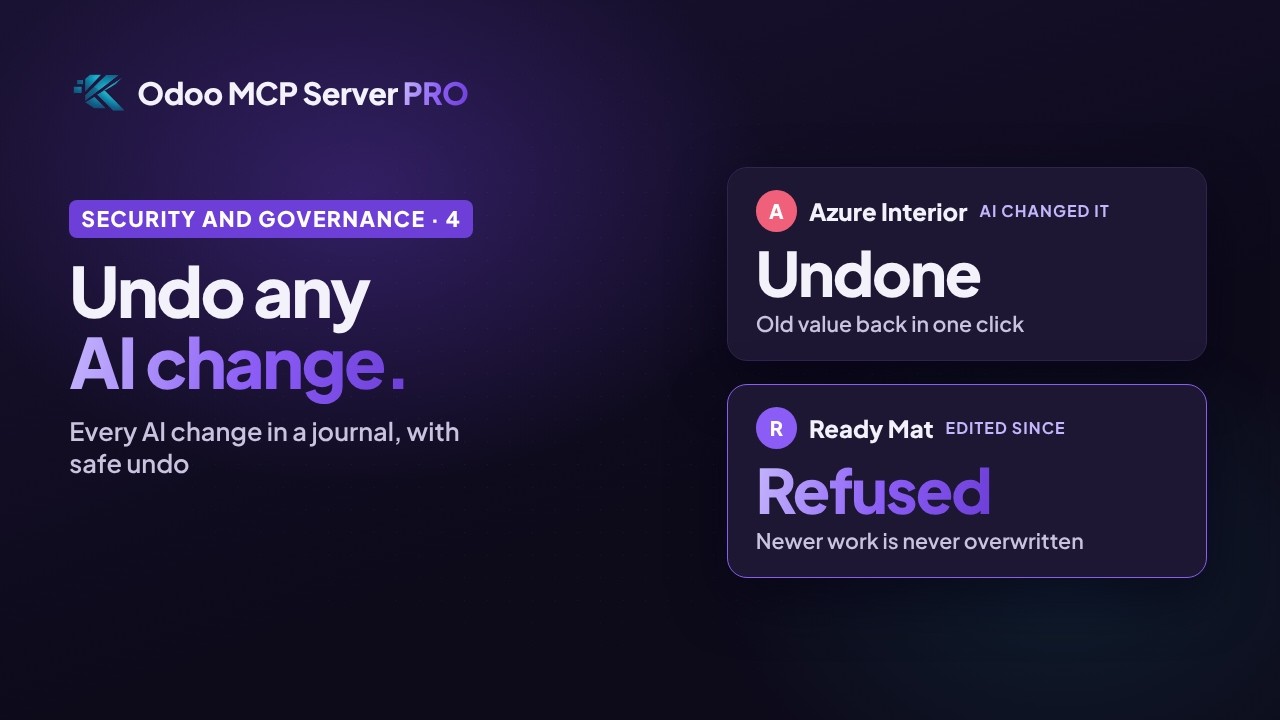
Every AI change is journaled with before and after values. Undo is one click, and it refuses when a person has edited the record since.
- 1:42
Field masking
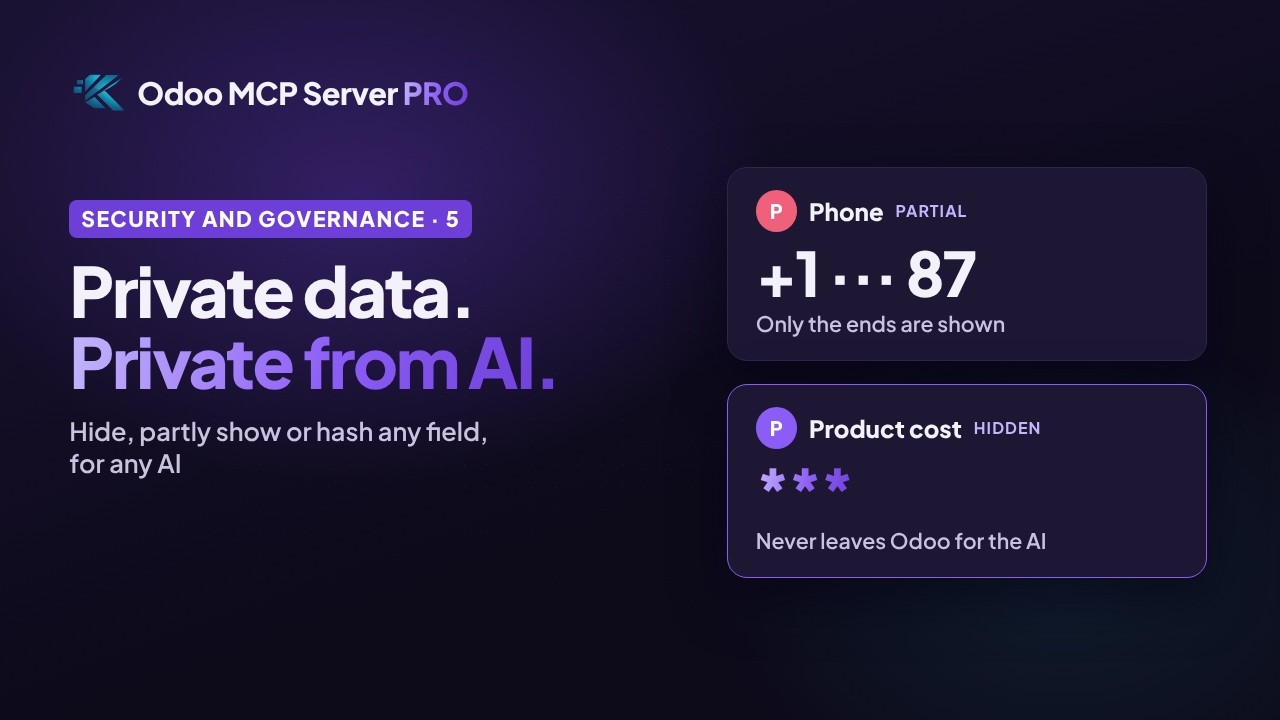
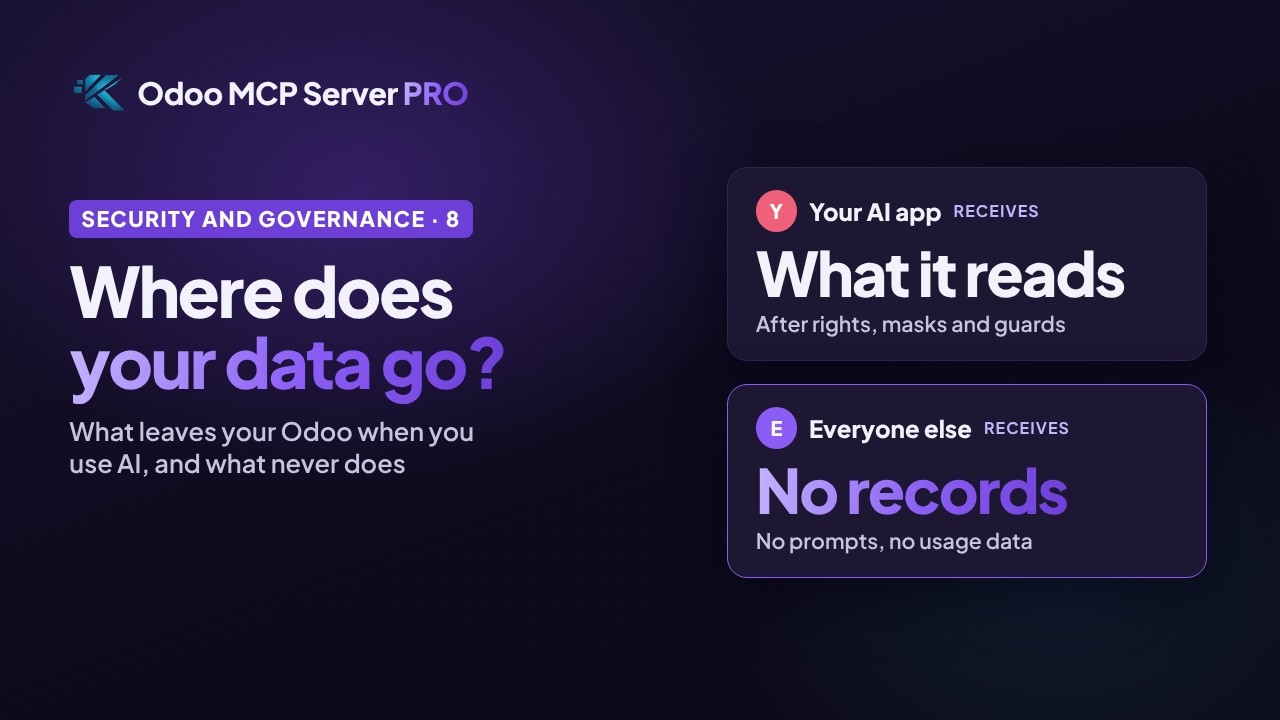
Sensitive fields can be hidden, shown partially or replaced with a hash, and answers and exports stay masked.
- 2:04
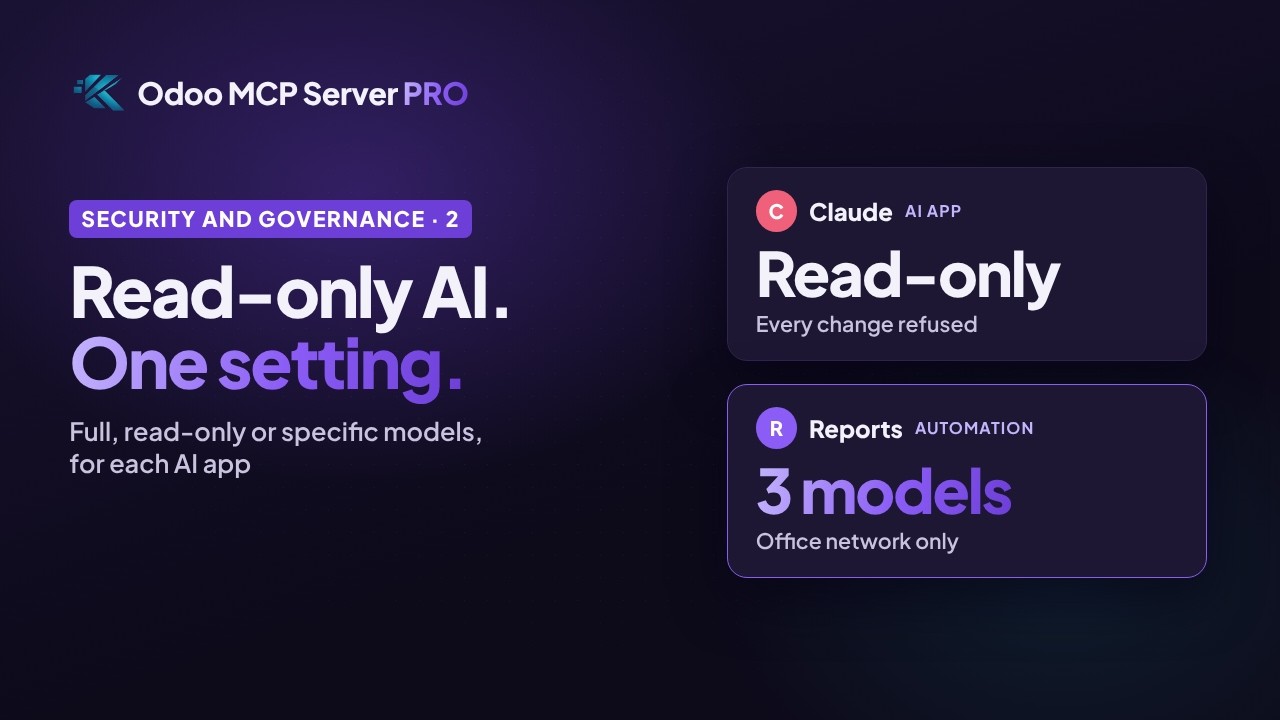
Access levels per AI connection
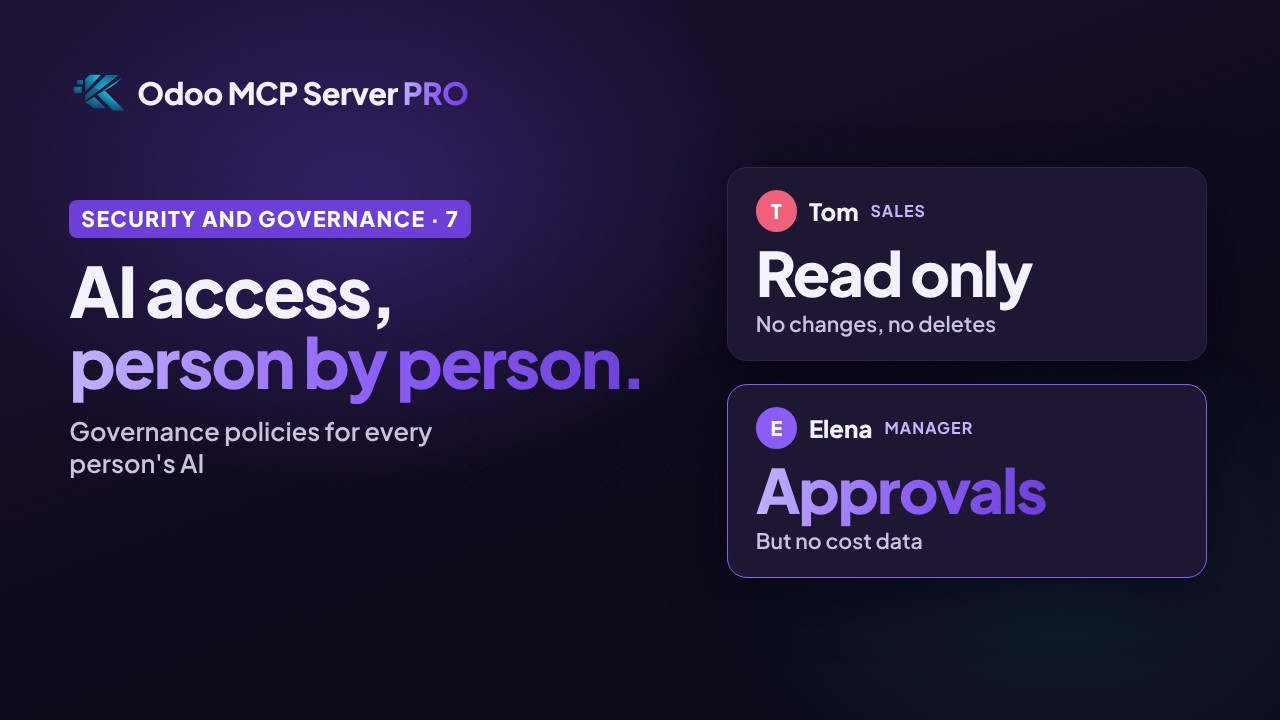
Each AI connection can be given full, read-only or model-specific access on top of the person’s Odoo rights.
- 2:26
Dashboards and Odoo modules from a sentence
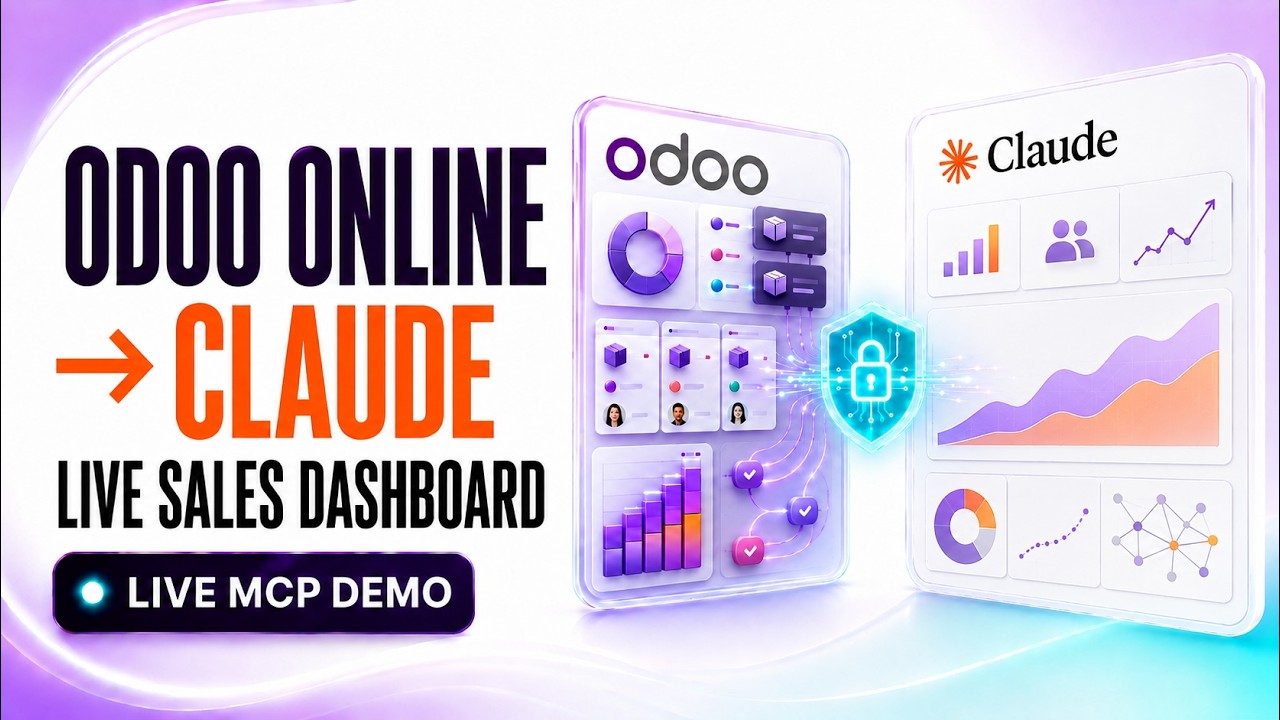
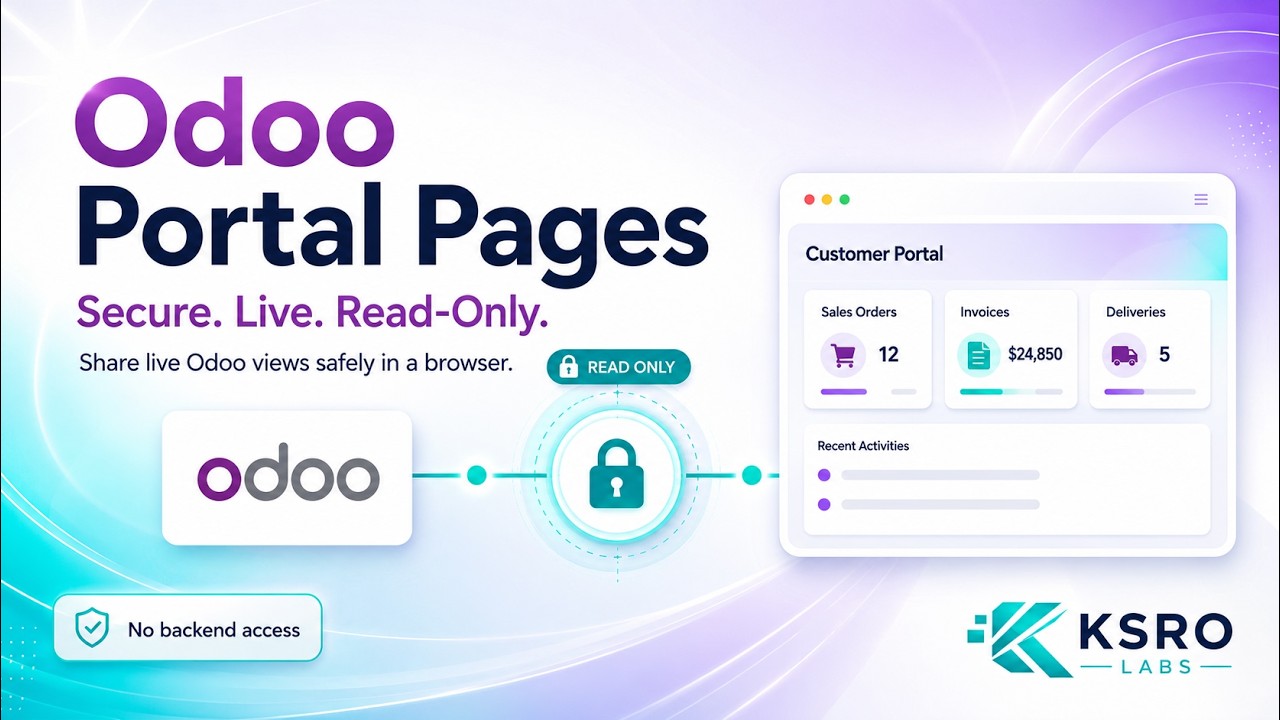
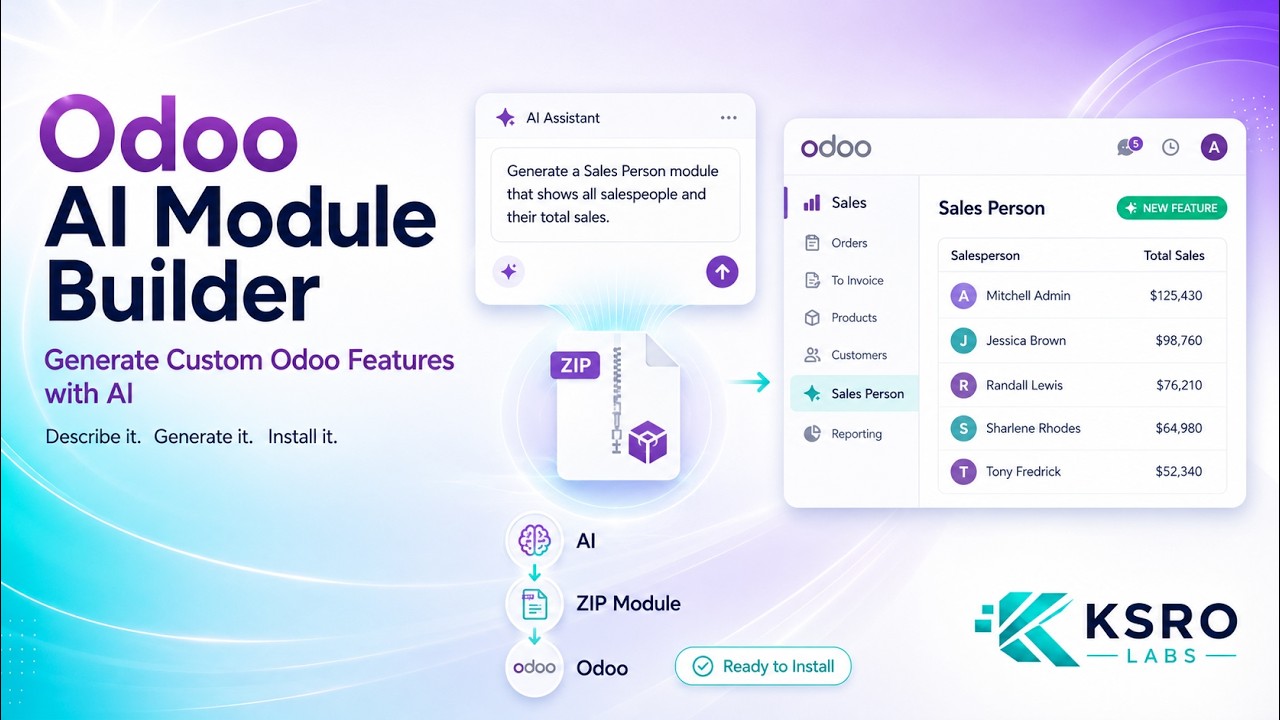
The same framework lets Claude publish live dashboard pages and build installable Odoo modules from a description.
- 2:47
MCP 2026-07-28 and speed
Protocol support for the current MCP version with older clients still served, and read latency with Write Safety enabled.
- 3:01
Typical setup vs. Odoo MCP Server PRO
A side-by-side of an ungoverned AI connection and the PRO controls.
- 3:20
Get it
Where to get the module and how to book a walkthrough.
What you can do after watching
- Write Safety policies decide per change: allow, preview first, require approval, or deny — by model, business step, team or amount
- Approved requests run exactly once, with the requester’s permissions, and the change journal makes each AI change undoable in one click
- Field masking and per-connection access levels limit what each AI app can read and do
- Speaks MCP protocol 2026-07-28 while supporting older clients; KSROlabs measured a 30.6 ms median read time with Write Safety on in its October 2026 release tests
Questions about this demo
Can an AI confirm orders or post invoices in Odoo without a person?
Only if your Write Safety policies allow it. A policy can allow a change, preview it first, require approval or deny it, matched on the model, business step, team or amount. A change that needs approval waits in Odoo until a person approves it, then runs once with the requester’s permissions.
Which Odoo version is this release for?
The video shows the Write Safety release on Odoo 19. Check the App Store listing for the version you run before buying.
More Odoo product videos
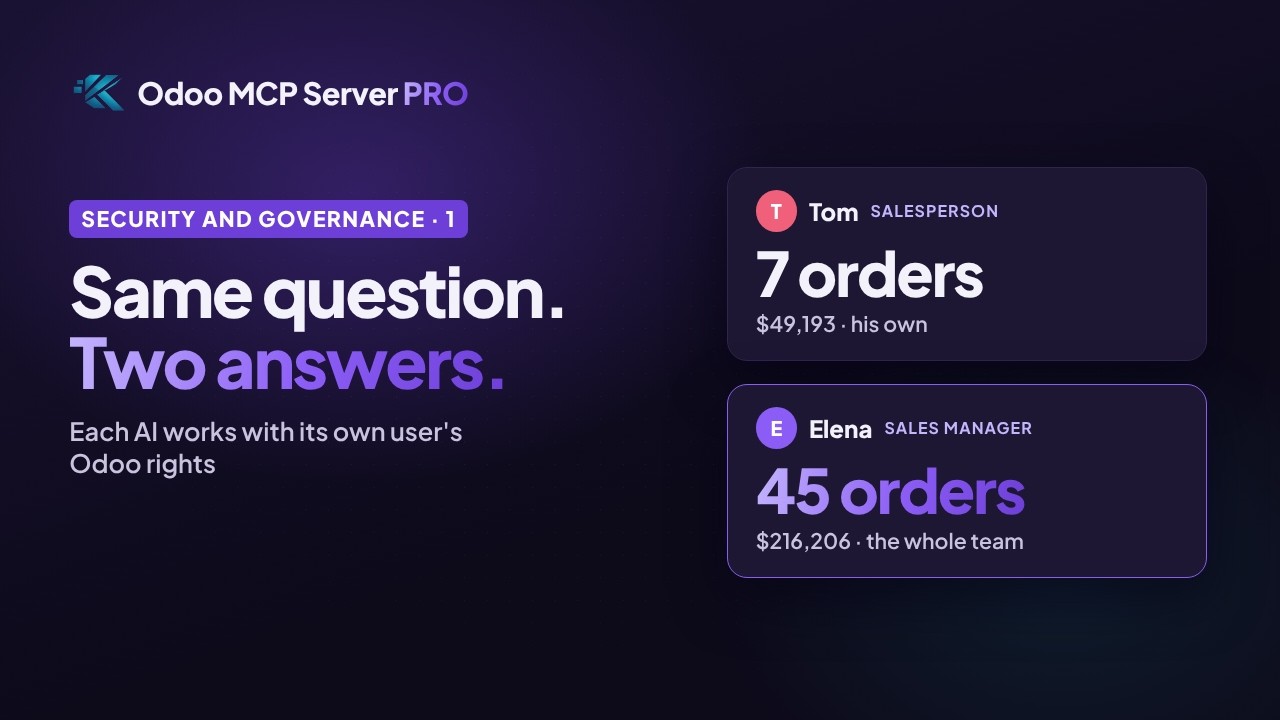
Up next: Every AI connection works with one real Odoo user’s rights. Or browse the full video library.
UAE E-InvoicingA UAE e-invoice from preflight to draft bill in OdooThe UAE E-Invoicing Base module working with the Wafeq connector: invoice preflight, provider submission, delivery tracking, evidence, receipt recovery, credit notes, incoming supplier invoices and reviewed draft bills.
Want this running on your Odoo?
Explore the product requirements and pricing, or talk to KSROlabs about setup, migration and implementation support.