
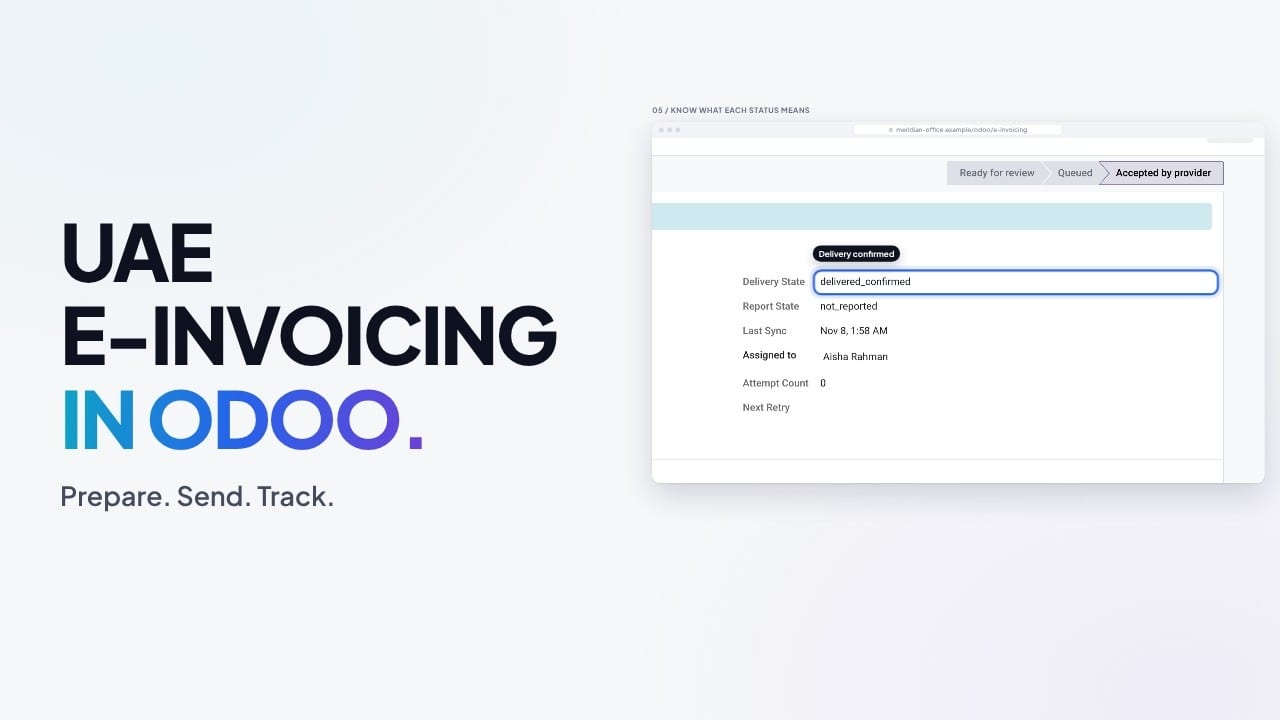
 UAE E-InvoicingA UAE e-invoice from preflight to draft bill in OdooThe UAE E-Invoicing Base module working with the Wafeq connector: invoice preflight, provider submission, delivery tracking, evidence, receipt recovery, credit notes, incoming supplier invoices and reviewed draft bills.
One AI policy per person, deny by default, live sessions
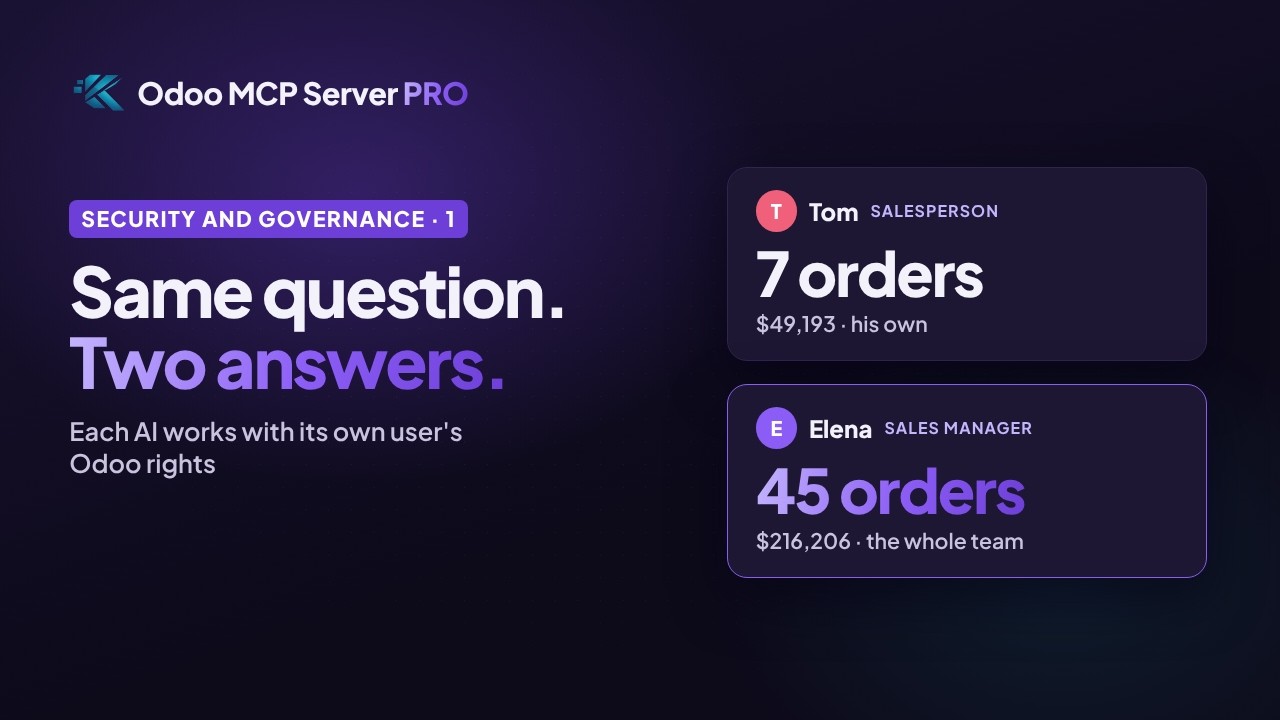
Rights per user are a start, but a finance analyst and a field salesperson should not get the same AI. Policies give each person the scope that matches their job, and Live Sessions shows what is connected right now.
What happens in this video
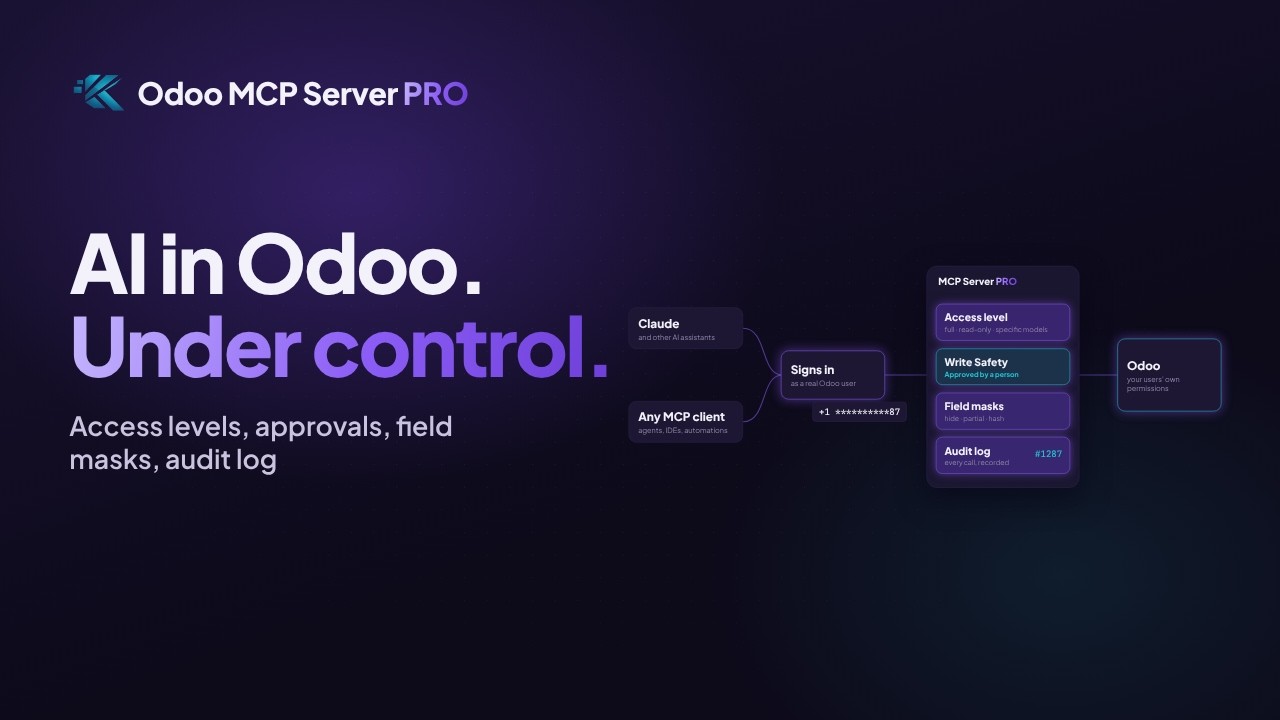
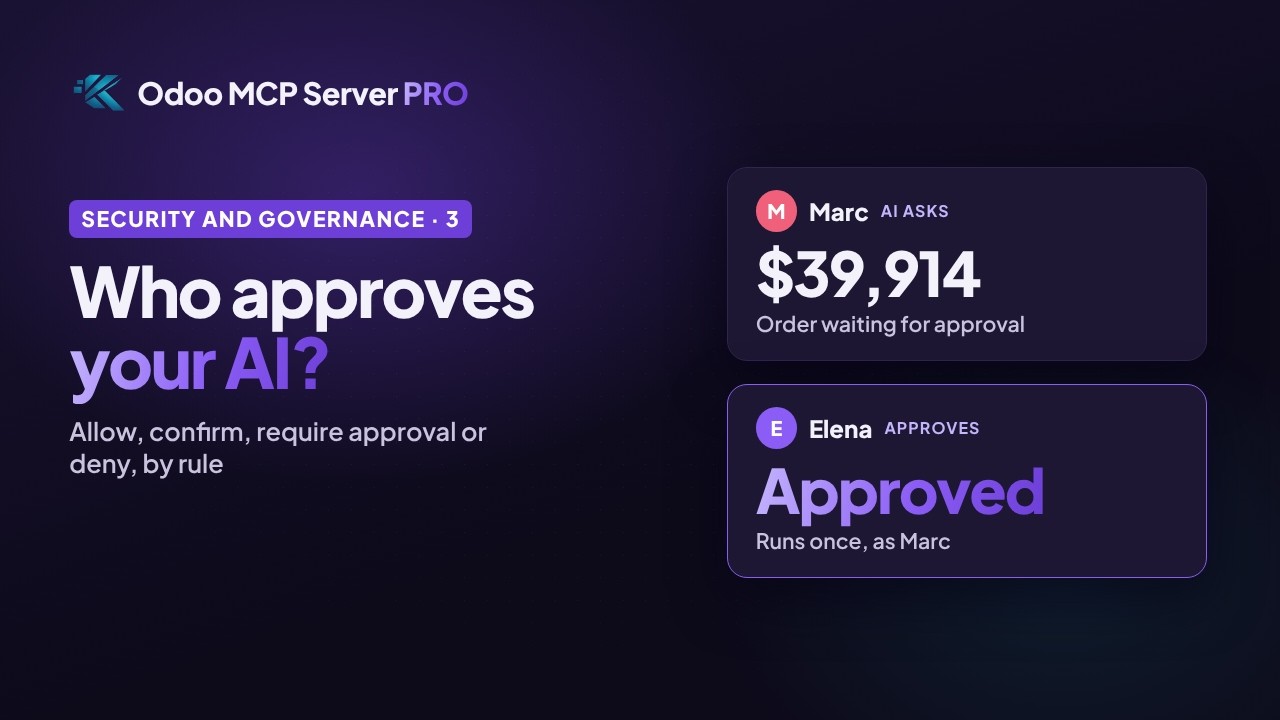
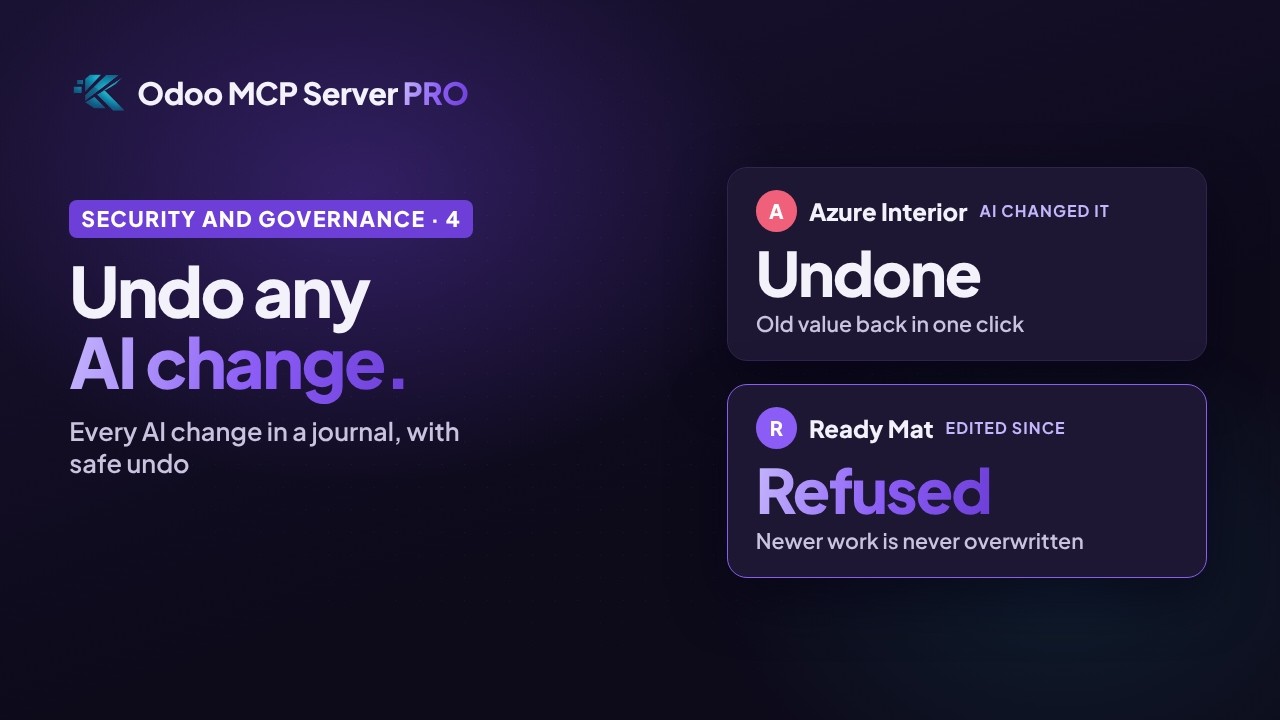
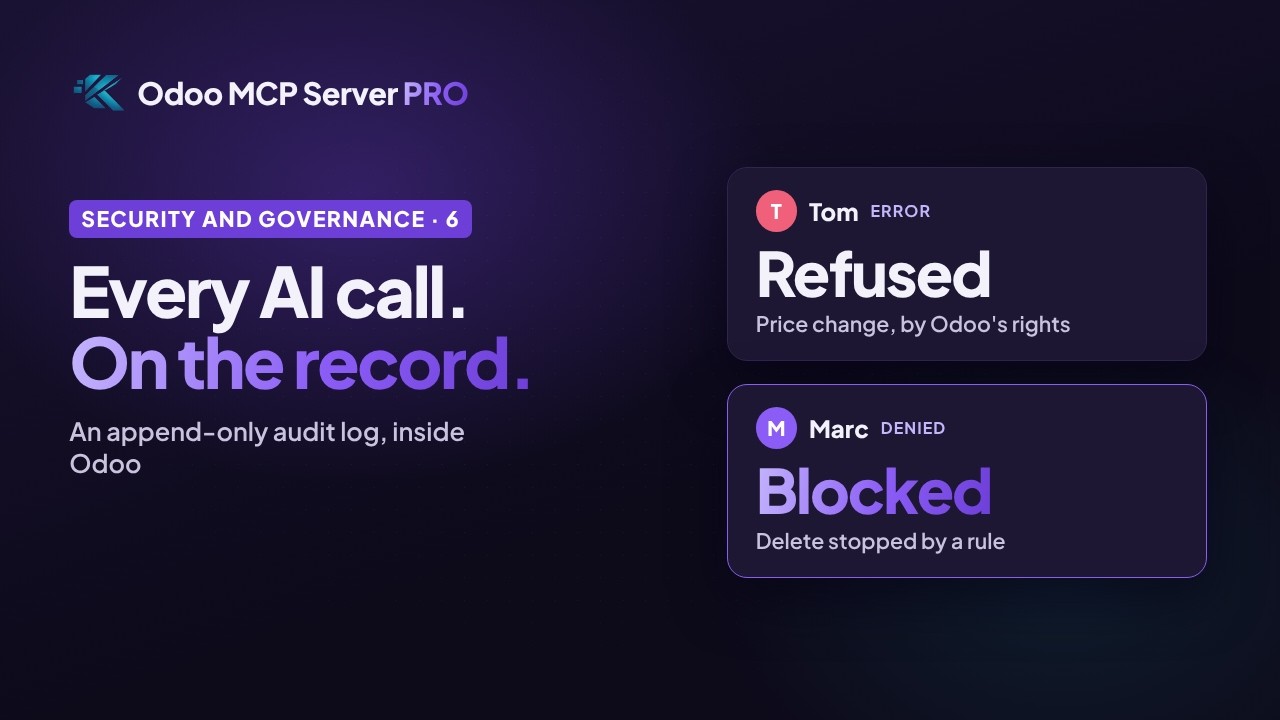
Episode 7 of the Security and governance series, covering the OAuth governance add-on for Odoo MCP Server PRO. Each person gets one policy defining business scope, tool families and data guards, for every AI app or just one. Access is denied by default, sensitive fields such as cost, salary and credentials are blocked unless an administrator makes an exception, policies can be rolled out to a whole team, sessions end when a policy changes, and Live Sessions shows who is connected through which AI app under which policy, with one-click revoke.
- 0:00
AI access for each job
Why different roles need different AI access.
- 0:23
What a policy decides
Business scope, tool families and data guards.
- 0:47
A real policy
A policy configured in Odoo.
- 1:01
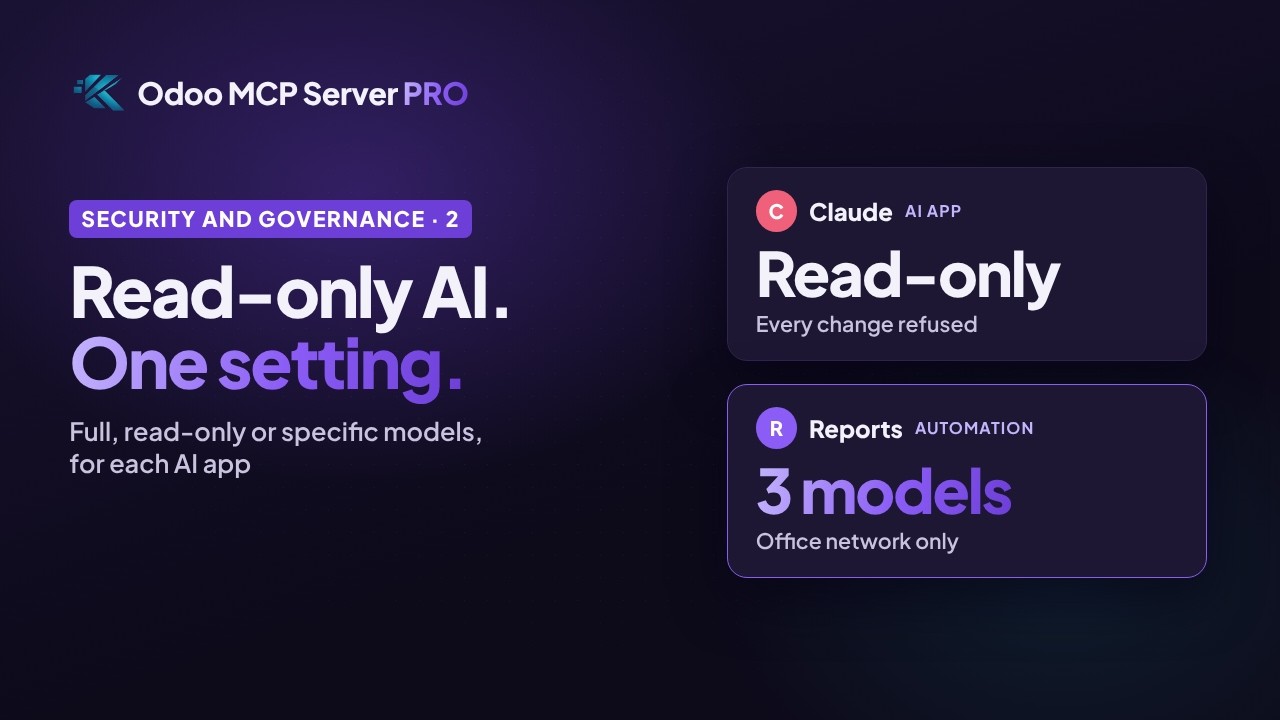
Read only means read only
A read-only policy refusing a change.
- 1:11
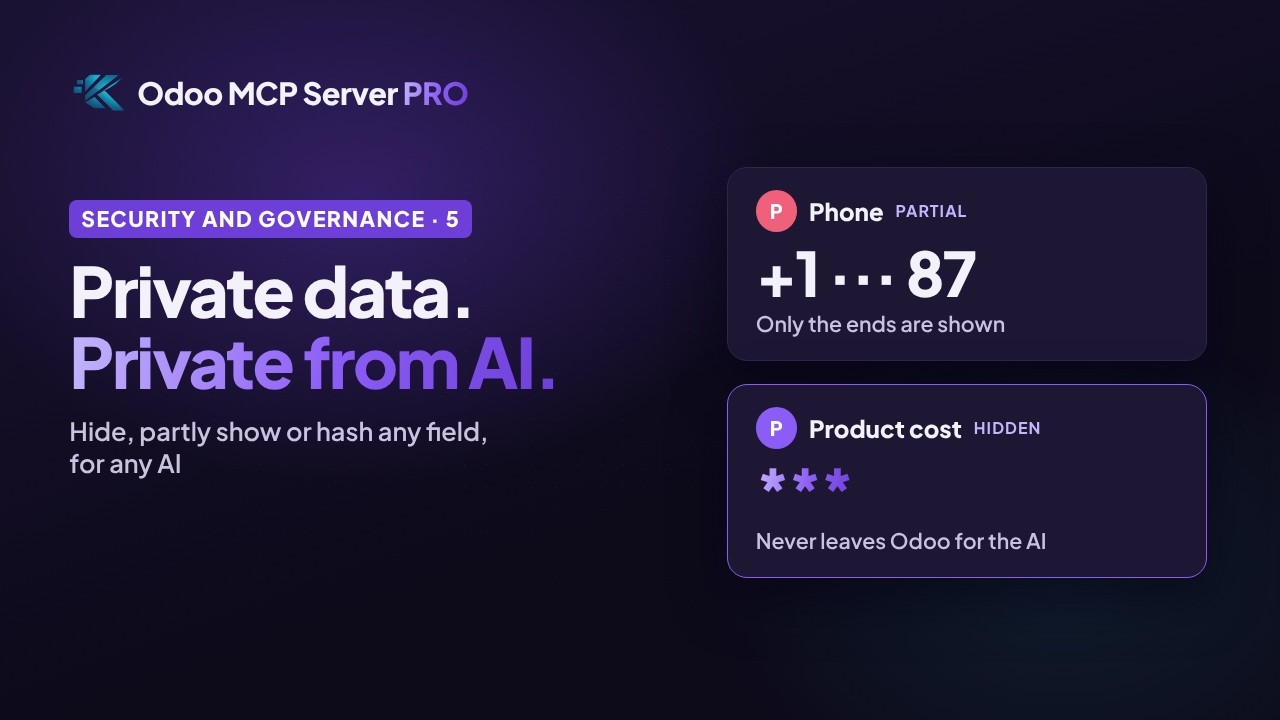
Cost stays private
Sensitive fields blocked by default.
- 1:24
Made for teams
Rolling a policy out to a team.
- 1:41
Live sessions
Who is connected, through which app and policy, with revoke.
- 1:55
Good to know
Sessions end when a policy changes.
- 2:11
Set it up
Assigning policies.
- 2:26
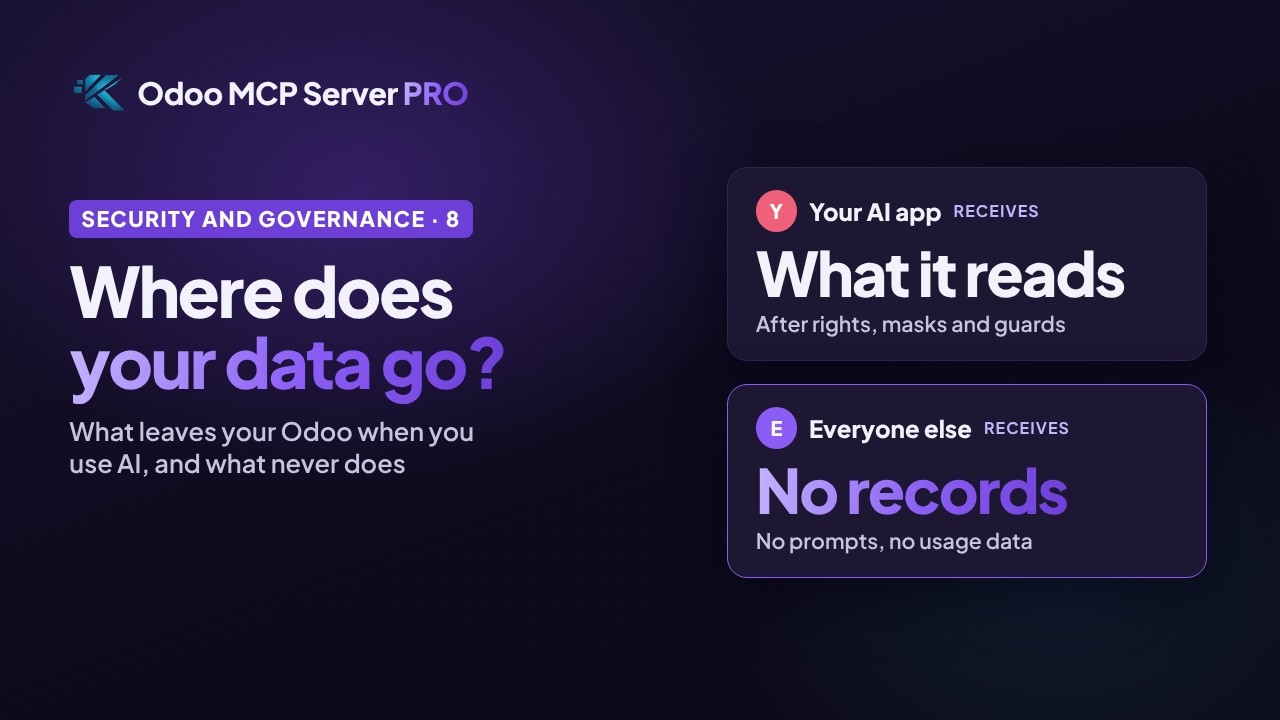
Next episode
Where your Odoo data goes.
What you can do after watching
- One policy per person: business scope, tool families and data guards, for every AI app or just one
- Deny by default: without a policy, a person’s AI cannot use Odoo
- Cost, salary and credentials are blocked unless an administrator makes an exception
- Roll a policy out to a whole team; sessions end when a policy changes
- Live Sessions shows who is connected, through which AI app and policy, with one-click revoke
Questions about this demo
How do I revoke one person’s AI access to Odoo?
With the OAuth governance add-on, Live Sessions lists who is connected, through which AI app and under which policy, and revokes a session in one click. Changing a person’s policy also ends their sessions.
More Odoo product videos
Up next: What leaves your server when Claude works with Odoo. Or browse the full video library.
UAE E-InvoicingA UAE e-invoice from preflight to draft bill in OdooThe UAE E-Invoicing Base module working with the Wafeq connector: invoice preflight, provider submission, delivery tracking, evidence, receipt recovery, credit notes, incoming supplier invoices and reviewed draft bills.
Want this running on your Odoo?
Explore the product requirements and pricing, or talk to KSROlabs about setup, migration and implementation support.